Top 10 Most Useful Everyday Tech Gadgets
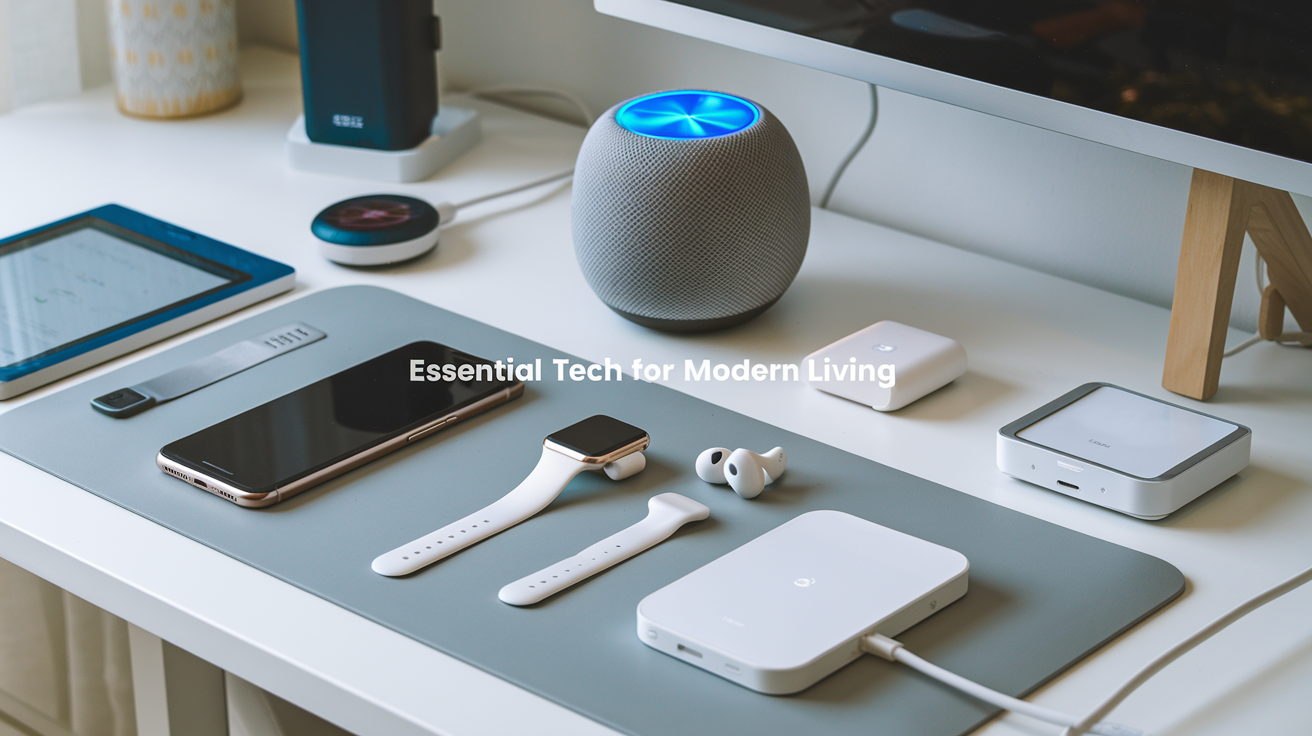
Ever wonder what tech actually makes your day better instead of just complicating it? The average person now owns 6.5 tech gadgets, but honestly, half of them probably collect dust after the initial excitement wears off.
I've tested over 100 gadgets this year alone, and I'm cutting through the noise to show you the 10 everyday tech gadgets that genuinely improve your life. No $1000 doorstops or gimmicky junk — just practical tech that delivers real value.
From kitchen tools that save you 30 minutes daily to pocket-sized problem solvers you'll wonder how you lived without, these gadgets have earned their place in my daily routine.
But which one made me actually throw away my old version after just 24 hours of testing? That surprised even me.
Smartphones: The Ultimate Modern Essential
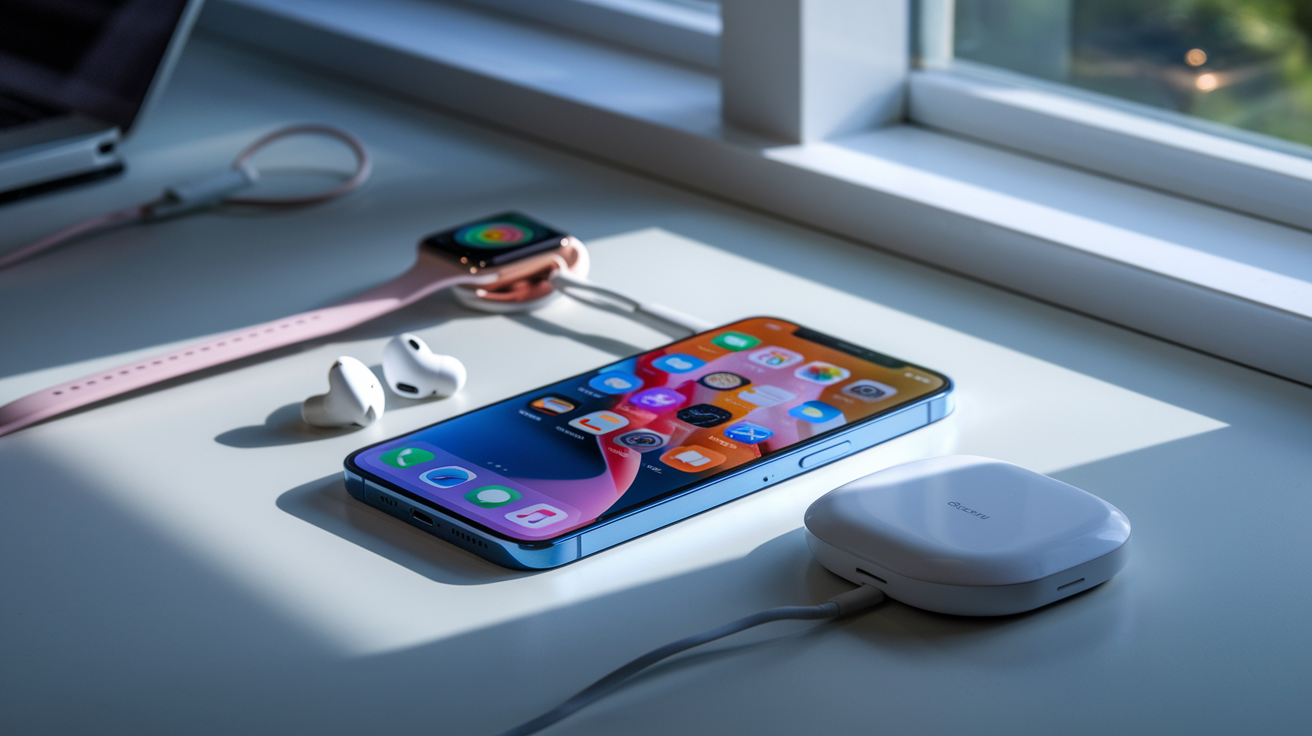
A. Multi-function devices that replace numerous gadgets
Remember when we needed a separate camera, calculator, map, flashlight, and music player? Those days are long gone. Today's smartphones have absorbed so many gadgets that our pockets and purses are actually lighter than they were 15 years ago.
The average smartphone now replaces at least 10 different physical devices:
| Replaced Device | Smartphone Feature |
|---|---|
| Digital camera | High-resolution camera system |
| Video recorder | 4K/8K video recording |
| MP3 player | Music streaming apps |
| GPS navigator | Maps with real-time navigation |
| Alarm clock | Multiple alarms with custom sounds |
| Flashlight | Built-in LED flash |
| Calculator | Standard and scientific calculators |
| Voice recorder | Audio recording apps |
| Calendar/planner | Digital calendar with notifications |
| Gaming device | Mobile games ecosystem |
Beyond these basics, smartphones now function as credit cards, home security monitors, TV remotes, fitness trackers, and even medical devices. The Swiss Army knife has nothing on your phone.
B. Top productivity features you might be overlooking
Your smartphone has hidden superpowers that most people never tap into.
Screen recording is a game-changer for explaining tech issues to your parents or capturing a process for work. Just swipe down to your control center and hit that record button.
Voice-to-text has gotten ridiculously good. I've written entire emails while walking my dog. The accuracy in 2025 is mind-blowing compared to just a few years ago.
Split-screen multitasking lets you reference information while writing a message. Drag and drop between apps saves tons of time when you're moving files around.
Focus modes automatically filter notifications based on what you're doing. Working? Only important messages get through. Sleeping? Complete silence.
Smart folders can automatically organize your photos, files, and emails without you lifting a finger. The AI does all the heavy lifting.
Custom automations are probably the most underused feature. Your phone can automatically start your favorite playlist when you connect to your car, or send a text when you arrive home.
C. Health and wellness tracking capabilities
Smartphones have quietly become health companions that previous generations could only dream about.
The latest models track your:
-
Sleep patterns (duration, quality, and stages)
-
Heart rate variability and irregular rhythms
-
Blood oxygen levels
-
Stress levels throughout the day
-
Menstrual cycles and fertility windows
-
Daily steps and activity levels
What's mind-blowing is how they use this data. Your phone now detects early signs of conditions like sleep apnea, atrial fibrillation, and even cognitive decline through typing pattern analysis.
The mental health tools are particularly impressive. Mood tracking combined with daily habit monitoring helps you see connections between your behaviors and emotional states. Feeling down? Your phone might suggest you've been sleeping poorly and haven't called friends in weeks.
Emergency detection has literally saved lives. Fall detection for older adults, car crash detection, and even panic button features provide peace of mind for vulnerable users.
All this happens with increasingly robust privacy protections. Health data stays encrypted on your device unless you explicitly share it.
D. Security features that protect your digital life
Your smartphone is probably the most secure device you own, packed with features that would make hackers cry.
Biometric authentication has evolved beyond basic fingerprints. The latest facial recognition systems work in complete darkness and can't be fooled by photos or masks. Some premium phones now include palm print scanning that's virtually impossible to spoof.
App sandboxing keeps applications from accessing data they shouldn't. When an app tries to use your camera or microphone, you get an immediate notification.
Real-time security scanning checks every download, link, and attachment before it can cause harm. Most malware gets caught before it ever runs.
Privacy dashboards give you complete visibility into which apps access what data and when. You can instantly revoke permissions that seem suspicious.
Secure enclaves store your most sensitive information like passwords and payment details in a special chip physically separated from the main processor.
Anti-theft features have become incredibly sophisticated. Remote locking, data wiping, and tracking work even when the phone is offline in many cases. Some models even capture photos of anyone who tries to unlock your phone unsuccessfully.
The best part? Most of these security features work automatically in the background, protecting you without requiring a cybersecurity degree.
Smart Home Assistants: Voice-Controlled Convenience
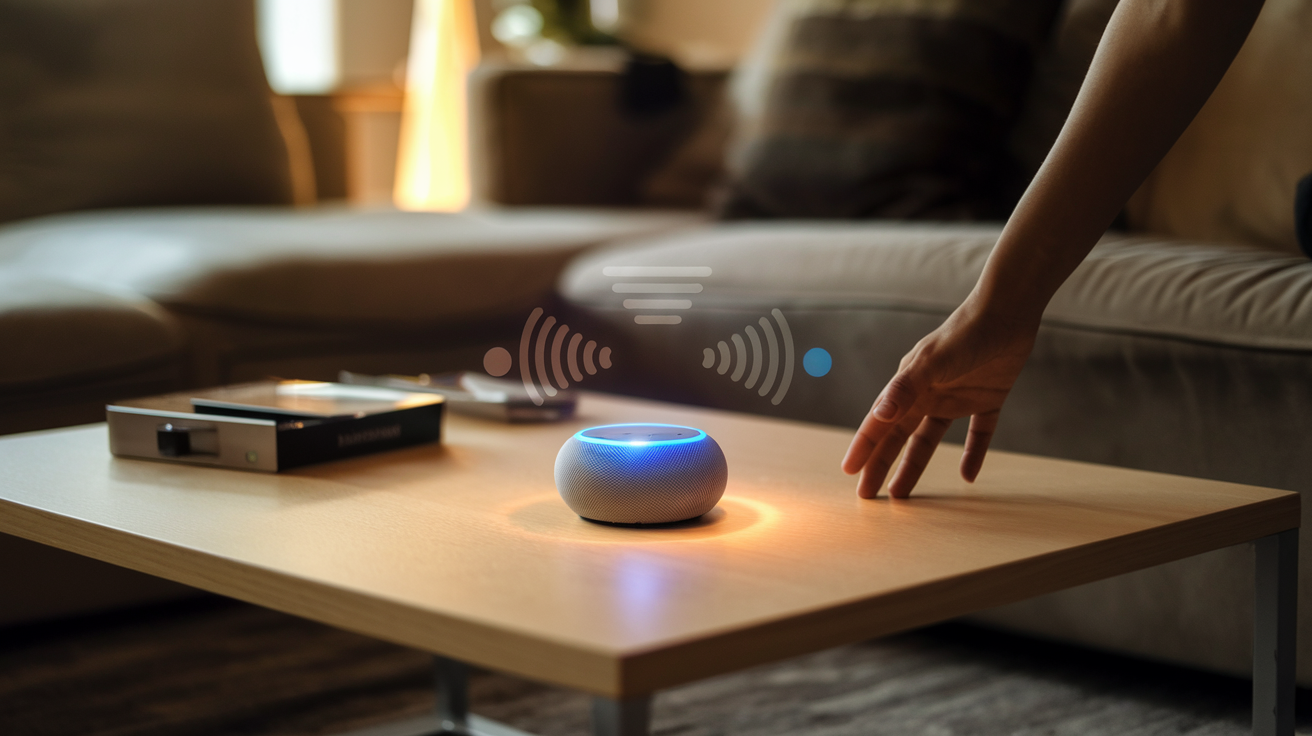
How they streamline daily routines and tasks
Gone are the days of fumbling through to-do lists or trying to remember what's left in the fridge. Smart home assistants have completely changed how we manage our daily lives.
Want to know the weather before heading out? Just ask. Need to set a timer while your hands are covered in cookie dough? Just say the word. These voice-activated helpers can manage your calendar, set reminders, and even help you plan your day while you're brushing your teeth or getting dressed.
The real magic happens when you establish routines. Say "Good morning" and watch your assistant spring into action—turning on lights, reading out your schedule, starting your coffee maker, and giving you traffic updates for your commute. All before you've even put on socks.
Integration with other home devices
Smart assistants truly shine when they talk to your other tech. They've become the central nervous system of the modern smart home.
"Turn off the living room lights." Done.
"Set the thermostat to 72 degrees." No problem.
"Lock the front door." Consider it handled.
With a smart assistant as your home's command center, you can control:
| Device Type | Common Commands |
|---|---|
| Smart lights | "Dim the bedroom to 30%" |
| Thermostats | "Make it warmer in here" |
| Door locks | "Lock up the house" |
| Security cameras | "Show me the front door" |
| Smart appliances | "Preheat the oven to 350" |
The best part? No more juggling between different apps. One voice command rules them all.
Shopping and information retrieval benefits
Smart assistants make shopping ridiculously simple. Run out of paper towels? Just tell your assistant to add them to your cart. Need to reorder your favorite coffee? Done with a quick voice command.
But they're not just shopping assistants—they're knowledge powerhouses. Ask about:
-
How many tablespoons in a quarter cup
-
When your favorite team plays next
-
The height of the Empire State Building
You'll get instant answers without reaching for your phone or opening a laptop. It's like having a research assistant who never sleeps.
For families, this means settling dinner table debates in seconds. For busy professionals, it means getting quick facts while multitasking.
Entertainment capabilities beyond music
Everyone knows smart assistants can play your favorite tunes, but they've evolved into full entertainment hubs.
They can tell jokes (even if they're eye-rollingly bad), read bedtime stories to your kids, play games, and even help you meditate. Ask for a scary story, a riddle, or a quick game of trivia when you need a mental break.
Many now support multi-room audio, letting you sync music throughout your home for impromptu dance parties. They can also control your TV, find shows, and even help you discover new content based on your preferences.
The audio quality has improved dramatically too. What started as tinny speakers have evolved into respectable sound systems that can fill a room with rich audio—perfect for podcast listening or ambient background music while you work.
Wireless Earbuds: Audio Freedom
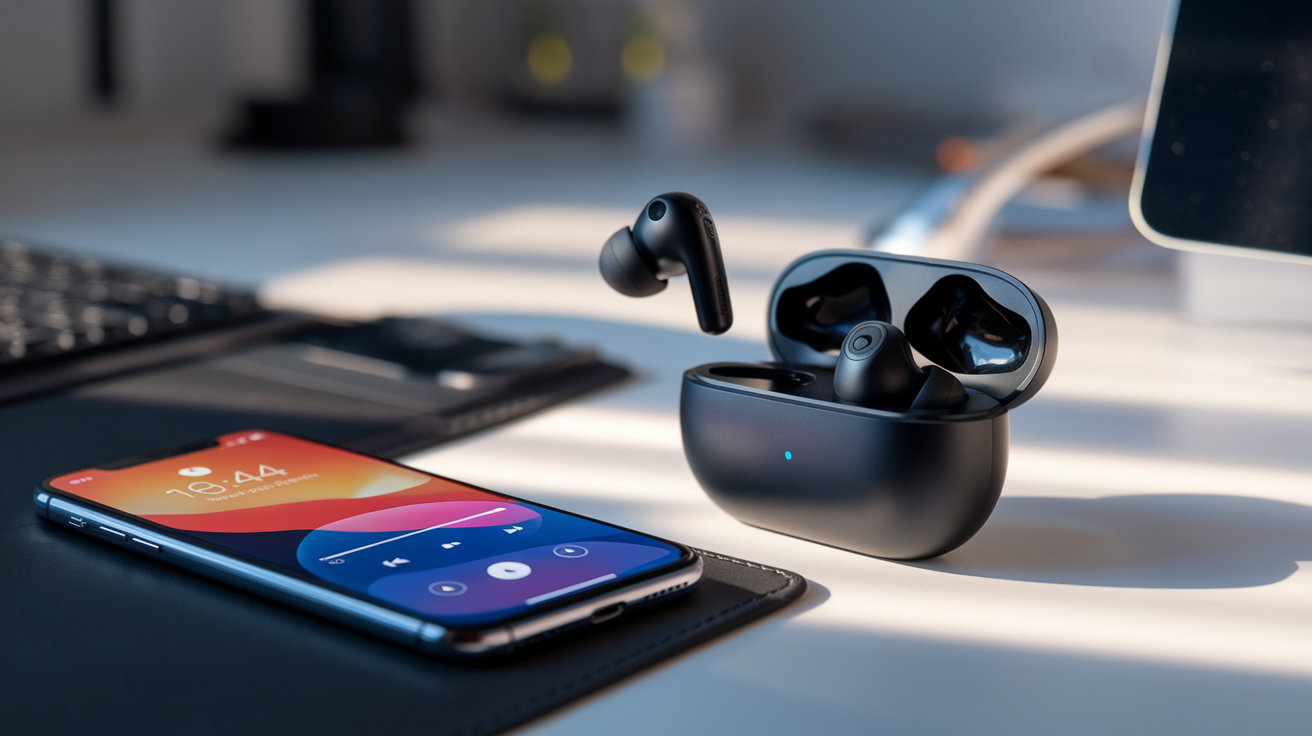
A. Productivity enhancements during commutes
Gone are the days of tangled wires and missed podcast moments during your morning rush. Wireless earbuds have completely transformed commute time into productive time.
I switched to wireless earbuds in 2024 and my train rides became mini work sessions. Catching up on industry podcasts, dictating notes for the day ahead, or joining that 8 AM call before I even reach the office – all without wrestling with cables or missing half the conversation because one earbud got yanked out.
The touch controls mean you can skip, pause, or answer calls without pulling out your phone on crowded buses. That five-second convenience adds up when you're balancing coffee and trying not to bump into strangers.
B. Exercise and active lifestyle benefits
Workout enthusiasts, wireless earbuds might be your most valuable gym partner.
These tiny powerhouses stay put during even the most intense workouts. The latest models are sweat-resistant and designed with secure fits that won't budge during your morning run or HIIT session.
Many premium earbuds now include fitness tracking capabilities too. Heart rate monitoring, step counting, and even posture feedback come packed into these mini wearables. My favorite models sync workout data directly to fitness apps, creating a seamless experience.
What really sells me is the freedom of movement. No more snagging wires on equipment or accidentally yanking your phone off the treadmill mid-sprint. That alone is worth the investment.
C. Call quality improvements for work-from-anywhere
Remote work has made call quality non-negotiable, and wireless earbuds have stepped up big time.
The latest models pack multiple microphones with sophisticated noise-filtering algorithms. Your colleagues won't hear your dog barking or the construction outside – just your voice, crystal clear. Some premium options even use bone conduction technology to capture your voice more accurately.
Most impressive is how they've mastered wind resistance. Taking calls while walking outdoors used to be a nightmare of "Can you hear me now?" repetition. Current wireless earbuds cut through wind noise amazingly well.
The ability to seamlessly transition between devices deserves mention too. Start a call on your phone while walking to your laptop, then switch to computer audio without missing a beat. This kind of flexibility is essential for the modern work-from-anywhere lifestyle.
D. Battery life innovations in recent models
Battery anxiety with wireless earbuds? That's so 2023.
The battery life race has produced some impressive winners. While early models barely lasted 3-4 hours, today's top performers deliver 8-12 hours of continuous playback per charge. And the charging cases? They're pocket-sized powerhouses providing 30+ additional hours.
Quick charging technology means five minutes in the case can give you an hour of listening time – perfect for those "just realized my earbuds are dead right before my commute" moments.
Manufacturers have also gotten smarter about power management. Intelligent wear detection pauses music when you remove an earbud, while adaptive battery modes optimize power based on your usage patterns.
Solar charging cases are the latest innovation hitting the market in 2025, using ambient light to slowly top up your earbuds throughout the day. Small feature, huge convenience.
E. Noise cancellation for better focus
The noise cancellation in today's wireless earbuds isn't just good—it's eerily effective.
Advanced models now feature multi-level noise cancellation you can adjust based on your environment. Need to hear announcements at the airport? Transparency mode lets important sounds through. Need to concentrate in a noisy coffee shop? Max cancellation creates your personal bubble of silence.
What's truly game-changing is the selective noise filtering. The AI can distinguish between a colleague saying your name and random office chatter, letting through only what matters to you.
The mental health benefits can't be overstated. Creating instant acoustic boundaries in open offices or crowded spaces reduces cognitive load and stress. For many of us who struggle with focus, good noise cancellation is less about luxury and more about functioning effectively in noisy environments.
Smartwatches: Health and Connectivity on Your Wrist
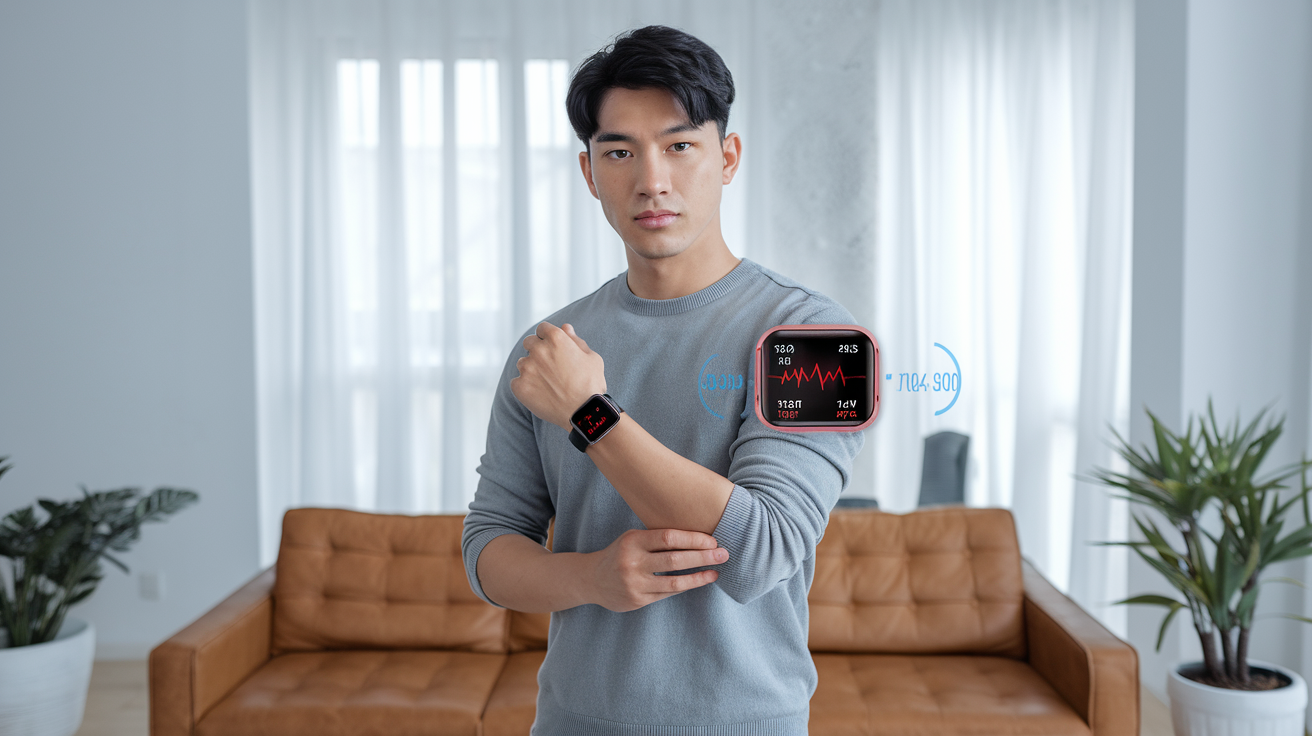
Health metrics that can improve your wellbeing
Remember when smartwatches were just fancy pedometers? Those days are long gone. Today's smartwatches pack enough health sensors to make your doctor jealous.
The latest models track your heart rate 24/7, alerting you to irregular rhythms that might otherwise go unnoticed. They monitor your blood oxygen levels while you sleep, giving you insights into potential breathing issues. Some even offer ECG functionality that can detect signs of atrial fibrillation.
Sleep tracking has gotten wildly sophisticated too. Your watch doesn't just tell you how long you slept anymore—it breaks down your sleep stages, respiratory rate, and even tracks your nighttime temperature variations.
What makes this tech genuinely useful is how it spots patterns. Your watch might notice you're more stressed on meeting days or that your sleep quality tanks when you have that extra glass of wine. Small adjustments based on these insights can lead to big health improvements.
Notification management without phone distraction
Ever felt that panic when you can't find your phone but hear it buzzing? Smartwatches fix that problem for good.
With a quick glance at your wrist, you can:
-
See who's calling without digging out your phone
-
Read messages without looking rude in meetings
-
Filter notifications so only the important stuff gets through
The best part? You can customize which apps can bug you. Let your boss's messages come through, but silence those never-ending group chats until you're ready for them.
Some watches even use AI to learn which notifications you typically respond to and prioritize those. Others let you set up custom responses you can send with a tap when you're busy.
This isn't just about convenience—it's about reclaiming your attention. Your watch becomes a bouncer for your brain, keeping out the digital noise.
Navigation and location tracking benefits
Getting lost is officially a thing of the past. Modern smartwatches don't just show maps—they gently tap your wrist to tell you when to turn left or right, so you can navigate new places without staring at your phone like a tourist.
For runners and hikers, the built-in GPS is a game-changer. You can:
-
Track your exact route without carrying your phone
-
Get pace and elevation data in real-time
-
Share your location with family for safety
-
Find your way back to the trailhead when you've wandered off path
Parents love the location tracking features that let them check where their kids are without being helicopter parents. And the SOS features on premium models can literally save lives by alerting emergency services with your exact location if you fall or have an accident.
The maps are getting smarter too. Some watches now highlight points of interest as you walk by them or suggest better routes based on current traffic conditions.
Payment convenience features
The days of fumbling for your wallet are over. Just tap your wrist and you've paid for that coffee.
Most major smartwatches now support contactless payments through services like Apple Pay, Google Pay, and Samsung Pay. Some models can store multiple cards, letting you switch between your personal and work accounts with a swipe.
The security is actually better than carrying physical cards—payment info is tokenized and requires authentication (usually your heartbeat pattern or a PIN) to use. If your watch is removed from your wrist, the payment feature automatically locks.
Beyond retail, these watches are expanding into public transit. In many major cities, you can now board buses, trains, and subways with a tap of your watch. Some hotel chains even let you use your smartwatch as your room key.
For travelers, this feature is pure gold. You can make purchases in foreign countries without worrying about currency exchange or carrying extra cash. The watch automatically converts the amount to your home currency so you know exactly what you're spending.
Portable Power Banks: Never Run Out of Juice
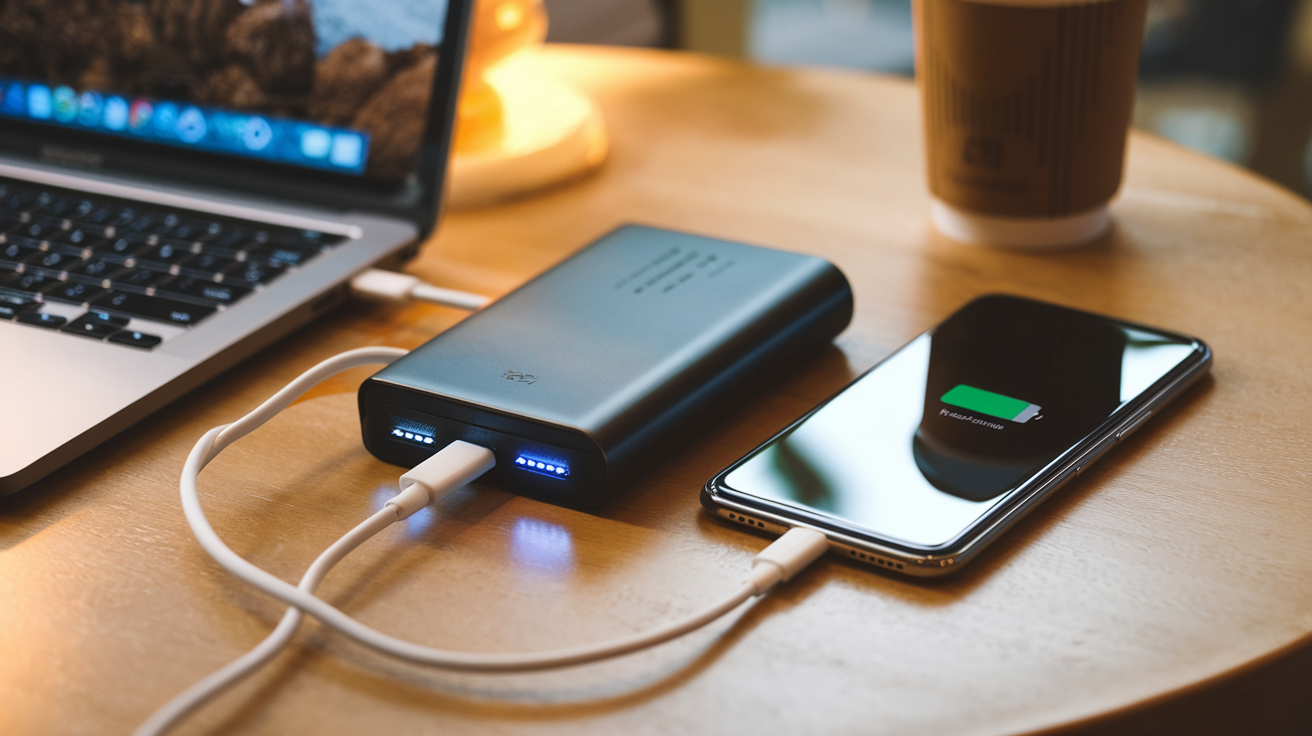
Capacity options for different needs
Ever forgotten to charge your phone before heading out? Been there. The panic sets in as your battery icon flashes red with 2% remaining. This is where power banks become lifesavers.
Power banks come in various sizes, each designed for specific needs:
-
Slim 5,000mAh models: Perfect for emergencies. They'll fully charge most phones once and fit in your pocket. Ideal for daily commuters or light users.
-
Mid-range 10,000-20,000mAh banks: The sweet spot for most people. These can charge your phone 3-5 times or handle a tablet plus phone combo. Great for weekend trips or power users.
-
Heavy-duty 25,000-50,000mAh monsters: These are serious business. They'll keep multiple devices running for days. Perfect for camping trips, festivals, or family vacations where outlets are scarce.
Here's a quick comparison:
| Capacity | Charges (Avg. Phone) | Best For | Weight |
|---|---|---|---|
| 5,000mAh | 1-2 charges | Daily use, emergencies | Lightweight (4-6 oz) |
| 10,000-20,000mAh | 3-5 charges | Weekend trips, multiple devices | Medium (8-12 oz) |
| 25,000-50,000mAh | 6-12+ charges | Travel, family use, laptops | Heavy (1+ lbs) |
Fast-charging technologies explained
The days of waiting forever for your devices to charge are over. Modern power banks pack serious charging tech that'll get you powered up in no time.
Power Delivery (PD) is the gold standard for fast charging. PD-enabled power banks can deliver up to 100W of power - enough to charge laptops, not just phones. A good 18W PD charger can give your phone about 50% battery in just 30 minutes.
Quick Charge (QC) is Qualcomm's technology that works especially well with Android devices. The latest QC 5.0 can charge compatible phones from 0 to 50% in just 5 minutes. Crazy fast!
GaN Technology is the new kid on the block. These power banks use gallium nitride instead of silicon, making them smaller, more efficient, and less prone to overheating.
Some power banks now support multiple fast-charging protocols simultaneously. This means they can detect what device you're charging and automatically provide the optimal charging speed.
Multi-device charging capabilities
The days of carrying multiple chargers are behind us. Today's power banks can juice up several gadgets at once.
Most quality power banks now feature:
-
Multiple USB-A ports: The classic connection we all know
-
USB-C ports: For newer devices and faster charging
-
Wireless charging pads: For compatible phones and earbuds
The best models can handle charging your phone, tablet, and wireless earbuds simultaneously without breaking a sweat. Some even include built-in cables (Lightning, USB-C, micro-USB) so you never forget your charging cord at home.
For Apple users, look for MagSafe-compatible power banks that snap perfectly to your iPhone 12 or newer. These magnetic connections ensure optimal wireless charging alignment.
Smart power management systems prevent overcharging and allocate power efficiently between devices. If you plug in your nearly-dead phone and your 80% charged earbuds, the bank will prioritize the phone first.
Some newer models even include AC outlets that can power small laptops or cameras. These are bulkier but eliminate the need for finding a wall outlet when traveling.
E-Readers: A Library in Your Pocket
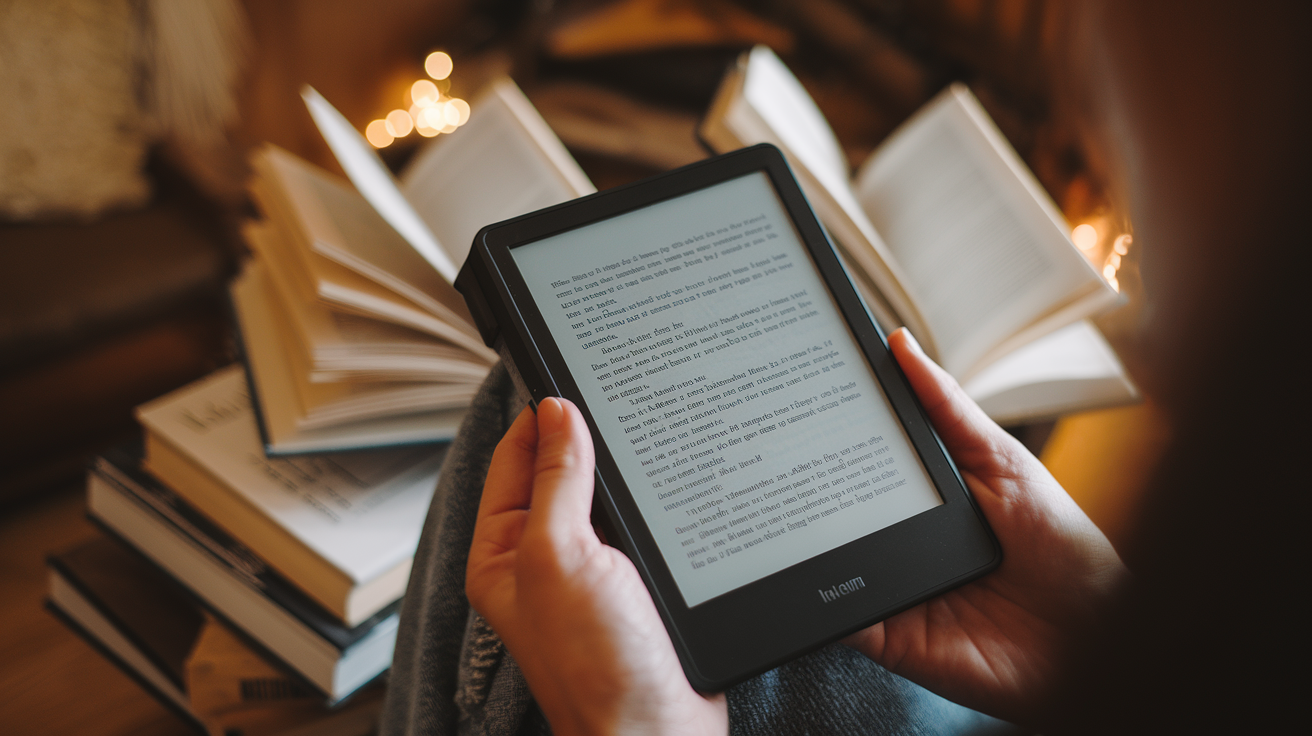
Eye strain reduction compared to phones and tablets
Remember the last time you tried reading a novel on your phone? Two chapters in and your eyes were begging for mercy.
E-readers changed the game with their e-ink technology. Unlike the harsh blue light blasting from your phone or tablet, e-readers use a paper-like display that reflects ambient light rather than emitting it directly into your eyeballs.
I switched to a Kindle three years ago after getting killer headaches from reading on my iPad. The difference was immediate. No more squinting, no more feeling like my eyes were drying out, and I could actually read in direct sunlight without cranking the brightness to maximum.
Battery life that outlasts other devices
The battery life on these things is ridiculous. While your phone gasps for a charger after a day of use, most e-readers can go weeks between charges.
My Kobo lasts about a month of daily reading. That's not a typo—a month. I've taken it on two-week vacations without even packing the charger. Try doing that with a tablet.
Storage capacity for thousands of books
Remember lugging around three or four books on vacation? Those days are over.
Even the most basic e-readers now come with 8GB of storage, which translates to about 6,000 books. The math is simple: the average novel is around 1-2MB.
I currently have 347 books on mine, and I've barely made a dent in the storage. It's like carrying a small library in your pocket that weighs less than a paperback.
Accessibility features for all readers
E-readers have quietly become one of the most inclusive tech gadgets around.
Font sizes can be adjusted instantly for those with vision impairments. Most devices now offer dyslexic-friendly fonts too. Night mode options, text-to-speech capabilities, and adjustable line spacing make reading accessible to almost everyone.
My mom, who has age-related vision changes, was ready to give up reading until I got her an e-reader. Now she's back to devouring a book a week, just with the font cranked up to a size that works for her eyes.
Bluetooth Trackers: Never Lose Your Essentials Again
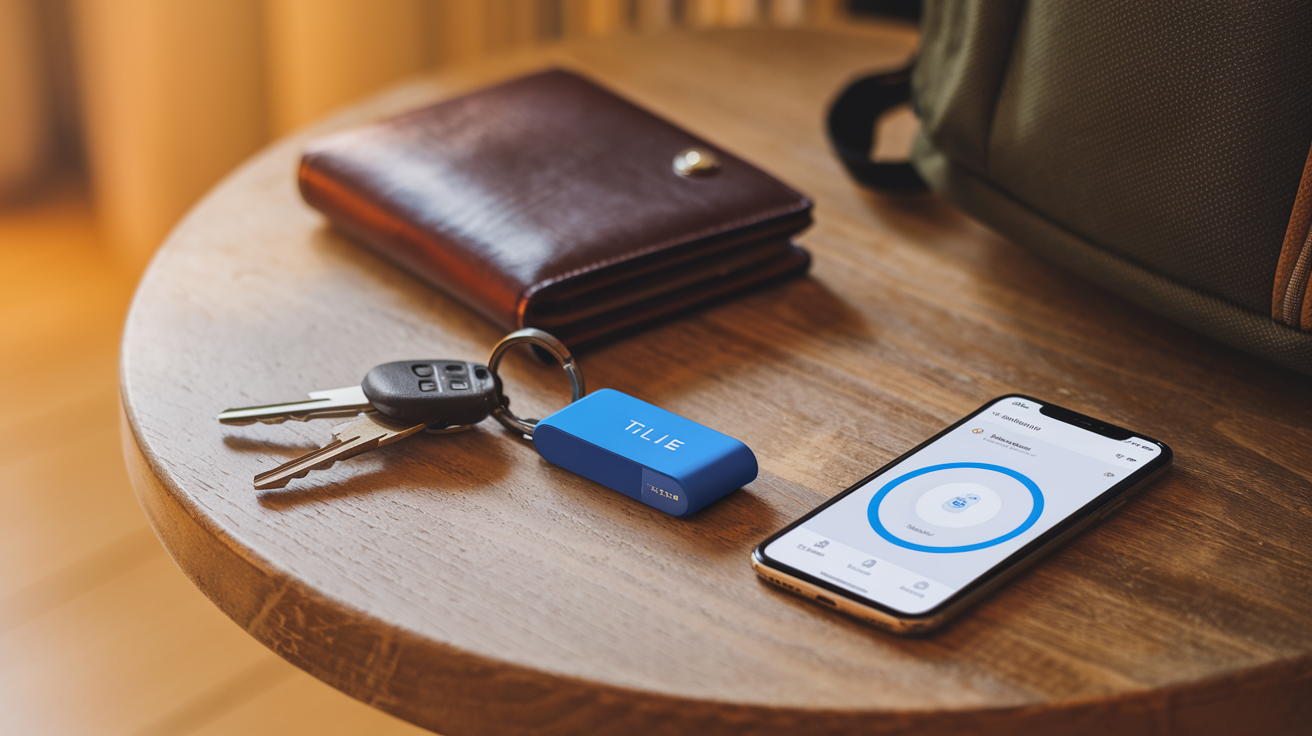
Key and wallet finding functionality
Ever had that mini heart attack when you can't find your keys or wallet right before rushing out the door? We've all been there. Bluetooth trackers are the tiny heroes that save you from those panic-filled moments.
These small devices attach to your essentials and pair with your smartphone. When your keys go AWOL, just open the tracker app and hit "find." Most trackers will start playing a loud ring, even if they're buried under sofa cushions or hiding in yesterday's pants pocket.
The best part? Many modern trackers have crowdsourced finding features. Dropped your wallet somewhere in the city? The tracker's network of users can anonymously help locate it when they pass by. No more retracing your steps or calling every place you visited.
Some premium trackers even offer "left behind" alerts. Your phone notifies you if you're walking away from your tagged item. Imagine never leaving your wallet at a restaurant again!
Phone location features
The irony of Bluetooth trackers? They're fantastic at finding your phone too.
Most trackers have a reverse-find button. Double-press it, and your paired phone rings loudly – even when it's on silent mode. This feature alone is worth the price tag.
Some advanced models can show your phone's last known location on a map. Really handy when you're trying to remember if you left it at the office or in your friend's car.
Luggage tracking while traveling
Nothing ruins a vacation faster than lost luggage. Bluetooth trackers are game-changers for travelers.
Slip one into your checked bag, and you'll know exactly when your suitcase hits the carousel. No more awkwardly hovering around the baggage claim, wondering if your stuff made it onto the plane.
If an airline does misplace your luggage, you've got proof of its location. Many travelers have successfully recovered "lost" bags by showing airline staff exactly where their tracker shows the luggage sitting.
The battery life on good trackers lasts 6-12 months, so you don't need to worry about it dying mid-trip. Some newer models even use replaceable batteries, making them practical long-term travel companions.
Wireless Charging Pads: Declutter Your Space
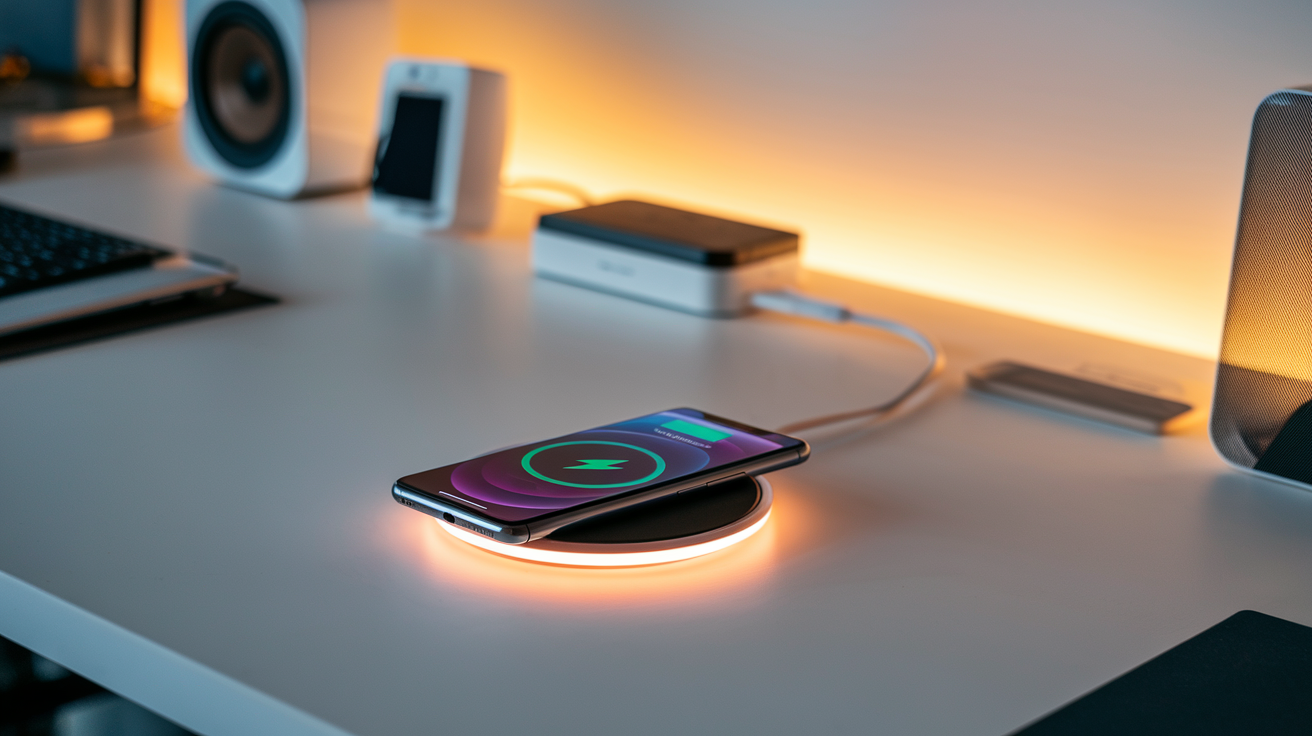
Multi-device charging solutions
Gone are the days of hunting for multiple wall outlets and untangling a mess of charging cables. Multi-device wireless charging pads are the game-changers we didn't know we needed.
The best ones on the market now let you charge your phone, earbuds, and smartwatch all at once. The MagSafe Duo and Belkin's 3-in-1 wireless charger have become nightstand staples for tech enthusiasts who own multiple Apple products.
But Android users aren't left out of the party. Samsung's Wireless Charger Trio accommodates Galaxy phones, Galaxy Buds, and Galaxy Watch simultaneously. These multi-device solutions save precious counter space and simplify your morning routine—grab and go without the unplugging ritual.
Integration with home furniture and decor
Wireless charging has evolved from clunky plastic pads to beautiful pieces that complement your home. IKEA was among the first to embed Qi charging into lamps, nightstands, and desk accessories, proving tech doesn't have to be an eyesore.
Furniture makers have caught on fast. Now you'll find coffee tables with built-in charging spots and bedside tables where you simply place your phone on a specific corner to charge.
Modern solutions like the Native Union Drop XL Wireless Charger blend Italian leather and sleek aluminum frames that actually enhance your living space rather than disrupting it.
Speed improvements in recent models
Wireless charging used to be painfully slow compared to wired options. Not anymore.
Today's advanced models deliver impressive speeds that rival traditional charging. The latest Qi2 standard has standardized magnetic alignment (similar to Apple's MagSafe), delivering more consistent power and dramatically cutting charging times.
| Charging Standard | Typical Power Output | Charging Time (0-50%) |
|---|---|---|
| Original Qi | 5W | ~90 minutes |
| Fast Qi | 7.5-10W | ~60 minutes |
| Qi2/MagSafe | 15W+ | ~30 minutes |
Some proprietary solutions like OnePlus's 50W AirVOOC can juice up compatible phones even faster, reaching charging speeds we could only dream of five years ago.
Compatibility with various devices
The beauty of today's wireless charging ecosystem is its growing universality. Most modern smartphones—whether iPhone, Samsung, Google Pixel, or other Android devices—support the Qi standard.
Beyond phones, wireless charging has expanded to:
-
Earbuds like AirPods and Galaxy Buds
-
Smartwatches (though many still use proprietary chargers)
-
Tablets (select models)
-
Smart home devices and remotes
Even laptops are joining the wireless revolution. Dell, Lenovo and HP have models that can charge wirelessly, though they require special charging pads.
Cross-compatibility between brands continues to improve, especially with the introduction of Qi2. This means your charging pad will likely work with your next phone upgrade, regardless of which brand you choose.
Smart Plugs: Control Any Device Remotely
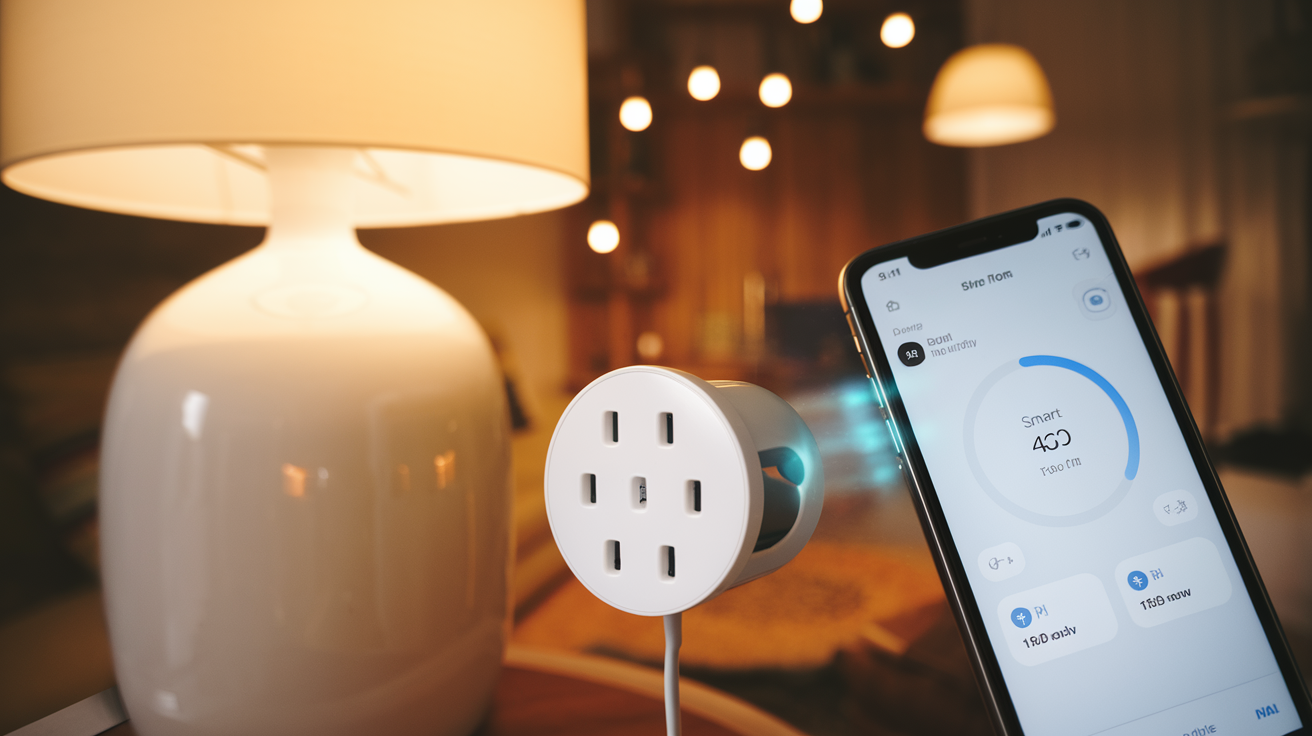
A. Energy usage monitoring and cost savings
Have you ever wondered which appliances are silently draining your wallet each month? Smart plugs don't just let you turn things on and off remotely—they're also little energy detectives.
Most smart plugs come with energy monitoring features that show you exactly how much electricity each connected device consumes. The data typically appears in an easy-to-read format in the companion app, breaking down usage by hour, day, or month.
I plugged my "energy-efficient" space heater into a smart plug last winter and nearly fell off my chair when I saw it was costing me $2.75 per day! That's over $80 a month for just one appliance.
Smart plugs help you identify these energy vampires and make informed decisions. Maybe that old mini-fridge in the garage is actually doubling your electric bill, or perhaps your gaming setup pulls surprising amounts of phantom power when "off."
B. Schedule-based automation possibilities
Smart plugs transform dumb devices into scheduling geniuses. Think beyond just turning lights on and off.
You can program your coffee maker to brew automatically at 6:30 AM on weekdays but 8:00 AM on weekends. Or set your kid's video game console to shut off at bedtime without the nightly argument.
Here are some clever scheduling ideas people actually use:
| Device | Smart Schedule |
|---|---|
| Fish tank light | 12 hours on/off cycle regardless of your schedule |
| Curling iron | Auto-off after 30 minutes for safety |
| Space heater | Turn on 20 minutes before you wake up |
| Phone charger | Only power during non-peak electricity hours |
| Christmas lights | Sunset to midnight, automatic seasonal adjustments |
C. Voice control integration
"Alexa, turn on the fan."
Nothing beats the convenience of controlling devices with just your voice. Smart plugs seamlessly integrate with voice assistants like Amazon Alexa, Google Assistant, and Apple HomeKit, turning anything plugged into them into voice-responsive tech.
This isn't just cool—it's genuinely useful. Hands full of groceries? Tell your assistant to turn on the kitchen lights. Cozy in bed but forgot to turn off the living room lamp? Just ask your voice assistant to handle it.
The real magic happens when you combine voice commands with routines. Say "Movie time" and watch as your smart plugs dim the lights, turn on the TV, and power up the popcorn maker. Or "Good morning" to trigger your coffee maker, bathroom heater, and news radio all at once.
For people with mobility issues or disabilities, this voice control transforms everyday tasks from challenging to effortless.
D. Safety features for peace of mind
Smart plugs aren't just about convenience—they're about safety too.
Ever had that heart-stopping moment when you're halfway to work and suddenly wonder if you left the iron on? With a smart plug, you can check its status instantly and turn it off remotely if needed. Panic averted.
Many smart plugs include overheat protection that automatically cuts power if a connected device gets dangerously hot. Some models even detect when a device draws unusual power patterns that might indicate malfunction.
Away mode is another brilliant safety feature. It randomly turns lights and electronics on and off throughout your home when you're away, creating the convincing impression that someone's home. Burglars typically avoid homes that appear occupied, making this simple feature an effective deterrent.
Some advanced models even send notifications if they detect potential fire hazards or electrical issues, giving you critical early warnings.
E. No-rewiring installation simplicity
The beauty of smart plugs is their incredible simplicity. No electrician. No tools. No technical knowledge required.
Just plug the smart plug into your wall outlet, plug your device into the smart plug, download the app, and you're done. The whole process takes less than five minutes.
This plug-and-play approach means you can start small with just one plug and expand your smart home setup gradually. Try one in your living room, and when you love it, add more throughout your house.
Renters, rejoice! Since smart plugs don't require any permanent modifications, you can take your smart home setup with you when you move. No need to leave behind expensive investments or worry about violating lease agreements.
The simplicity also means you can upgrade older appliances without replacing them. That perfectly functional lamp from 1995? Now it's a smart lamp. Your trusty old fan? Now it's voice-controlled. Smart plugs breathe new life into old devices, saving you money while adding convenience.
Portable Document Scanners: Paperless Efficiency
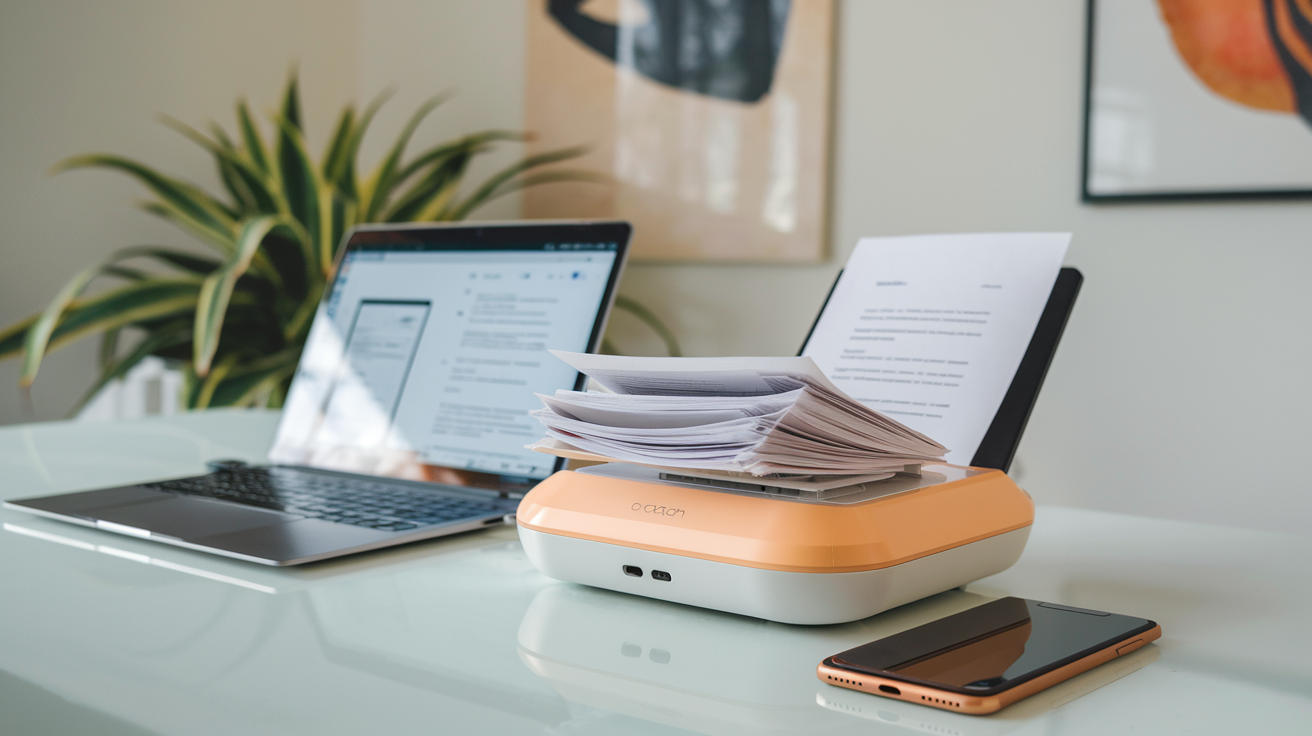
Quick digitization of important documents
Gone are the days of hauling stacks of paper around. With a portable document scanner that fits in your bag, you can transform physical papers into digital files in seconds. I recently used one to scan my tax documents while waiting for coffee – talk about a game-changer!
These pocket-sized wonders typically weigh less than a pound but pack serious performance. Most can process 10-15 pages per minute, turning that intimidating pile of papers on your desk into organized digital files faster than you can say "paperless office."
Cloud storage integration options
The real magic happens when your scanner seamlessly uploads your documents to cloud services. Most portable scanners connect directly to Dropbox, Google Drive, OneDrive, or Evernote.
Imagine this: You scan a contract at a client meeting, and before you've even left the building, the document is already backed up, accessible from any device, and shareable with your team. No more "I'll email it when I get back to the office" excuses!
OCR technology for searchable documents
Ever frantically searched through paper files looking for that one document with that specific detail? With Optical Character Recognition (OCR), your scanned documents become fully searchable.
OCR transforms image-based scans into text you can search, copy, and edit. So when you need to find that contract clause from 2023 about delivery terms, you just type a few keywords and boom – there it is.
Receipt organization for expense tracking
If you've ever dumped a shoebox of crumpled receipts on your accountant's desk, this feature will change your life. Portable scanners make expense tracking painless.
Many models have dedicated receipt modes that automatically extract date, merchant, and amount information. Some even integrate with expense management software like Expensify or QuickBooks.
One user saved over 5 hours a month on expense reports after adopting a portable scanner. The time savings alone makes these gadgets worth every penny.

Today's tech gadgets have evolved from luxury items to essential tools that streamline our daily lives. From smartphones that connect us to the world to smart home assistants that simplify household management, these innovations have fundamentally changed how we live, work, and interact. Wireless earbuds provide soundtrack freedom, while smartwatches keep us healthy and connected. Power banks, e-readers, Bluetooth trackers, wireless charging pads, smart plugs, and portable scanners round out the ecosystem of devices that eliminate common frustrations and enhance productivity.
As we navigate an increasingly digital world, thoughtfully choosing the right tech tools can dramatically improve your quality of life. Consider which of these gadgets would address your specific pain points or enhance your daily routine. Remember that the best technology doesn't just add another device to your collection—it seamlessly integrates into your lifestyle, saving you time, reducing stress, and creating space for what truly matters. Which of these everyday essentials will you add to your tech arsenal next?



0 Comments