Best Tech Accessories for Your Laptop Setup
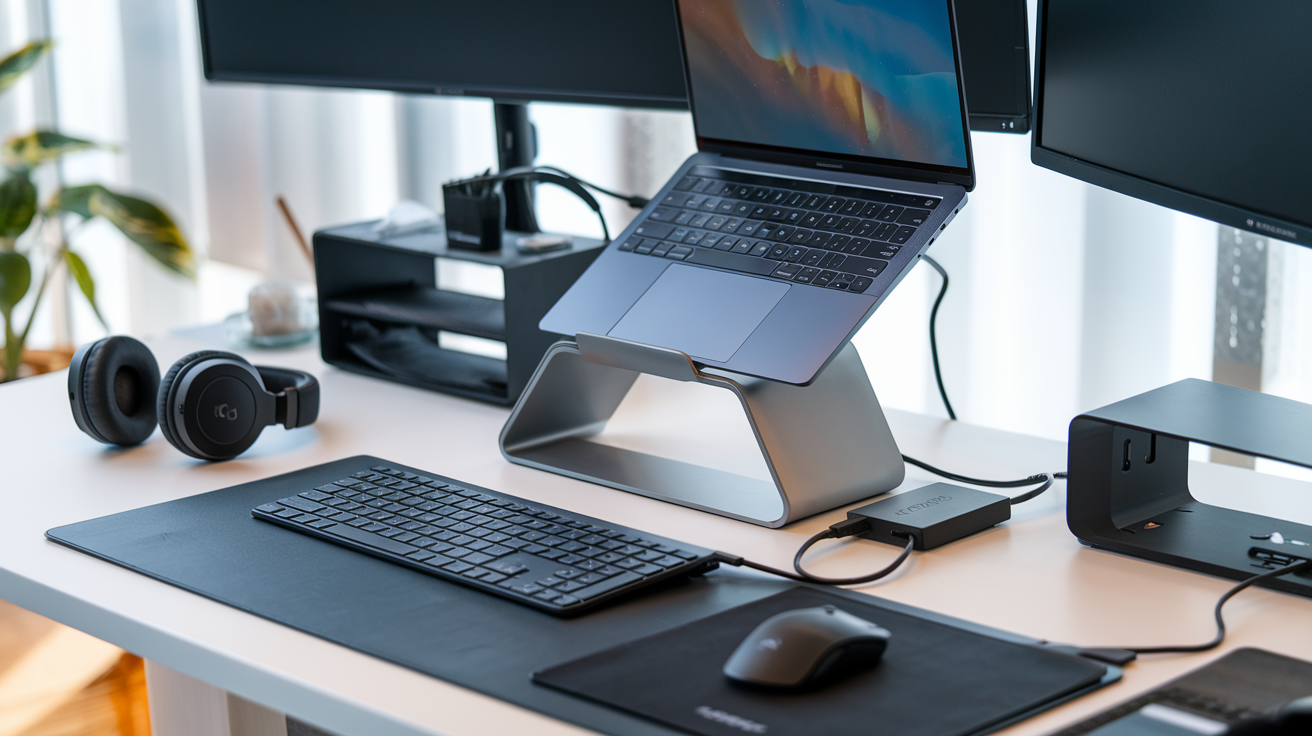
Ever stared at your laptop for hours and felt your neck scream in rebellion? You're not alone. A shocking 76% of remote workers report experiencing physical pain from poorly optimized workspaces.
I'm about to save your back, boost your productivity, and transform that kitchen table setup into something your coworkers will secretly screenshot during Zoom calls.
The right laptop accessories aren't just fancy add-ons – they're the difference between ending your day feeling accomplished or feeling like you've been hit by a digital truck. From ergonomic essentials to productivity powerhouses, these tech accessories for your laptop setup will revolutionize how you work.
But before we dive into the must-haves, let's talk about the one accessory most people buy that actually makes things worse...
Essential Productivity Accessories
Multi-port USB-C Hubs: Expand Your Connectivity
Ever tried juggling three different dongles just to connect your basic peripherals? Been there, done that, got the t-shirt with "Dongle Life" printed on it.
Modern laptops (especially those ultra-slim MacBooks) come with fewer ports than a desert has water. A good multi-port USB-C hub is practically mandatory these days.
The best hubs in mid-2025 offer a mix of:
-
HDMI outputs (4K@60Hz is now standard)
-
USB-A ports for legacy devices
-
SD card readers
-
Ethernet connections
-
Pass-through charging
Don't cheap out here. A $20 hub might seem tempting, but nothing ruins productivity faster than unreliable connections or fried ports. Brands like Anker, CalDigit, and Satechi make hubs that won't let you down mid-presentation.
External Monitors: Boost Your Screen Real Estate
Single-monitor setups are so 2020. Your productivity skyrockets when you can spread out your workspace.
The monitor market has dramatically shifted this year, with mini-LED and OLED options becoming more affordable. For productivity, consider:
-
Size: 27" is the sweet spot for most desks
-
Resolution: 4K is worth it for text clarity
-
Panel type: IPS for color accuracy, VA for deeper blacks
-
Refresh rate: 60Hz is fine for work, but 144Hz feels buttery smooth
-
Connectivity: Make sure it works with your laptop (DisplayPort, HDMI, USB-C)
Ultrawide monitors (21:9 aspect ratio) are game-changers for multitasking. Split the screen between your document and research, or code and preview window.
Ergonomic Keyboards: Type Faster and More Comfortably
Your fingers hit thousands of keys daily. Treat them right.
Mechanical keyboards have gone mainstream for good reason. They reduce typing fatigue and increase accuracy. The key is finding the right switch type:
-
Linear (Red): Smooth keystrokes, quieter
-
Tactile (Brown): Slight bump for feedback, moderate noise
-
Clicky (Blue): Pronounced bump and click, loud (office enemies beware)
Ergonomic designs with split layouts, like the Logitech Ergo K860 or the Microsoft Sculpt, position your hands at natural angles to prevent wrist strain.
Hot keyboards for 2025 feature:
-
Hot-swappable switches
-
Customizable layers
-
Wireless connectivity with multi-device pairing
-
PBT keycaps that resist shine
-
Programmable macros for common tasks
Precision Mice and Trackpads: Navigate with Ease
The right mouse feels like an extension of your hand. For productivity, prioritize comfort over gaming features.
Ergonomic mice with thumb rests and natural hand positions prevent repetitive strain injuries during long work sessions. Logitech's MX Master series remains the gold standard, with customizable buttons and app-specific profiles.
If you're a MacBook user, an external Magic Trackpad brings those fluid gestures to your desktop setup. Windows users should check out Microsoft's Precision Trackpad options, which have dramatically improved.
Vertical mice are gaining popularity for their natural handshake position. They look weird but feel amazing after a day of use.
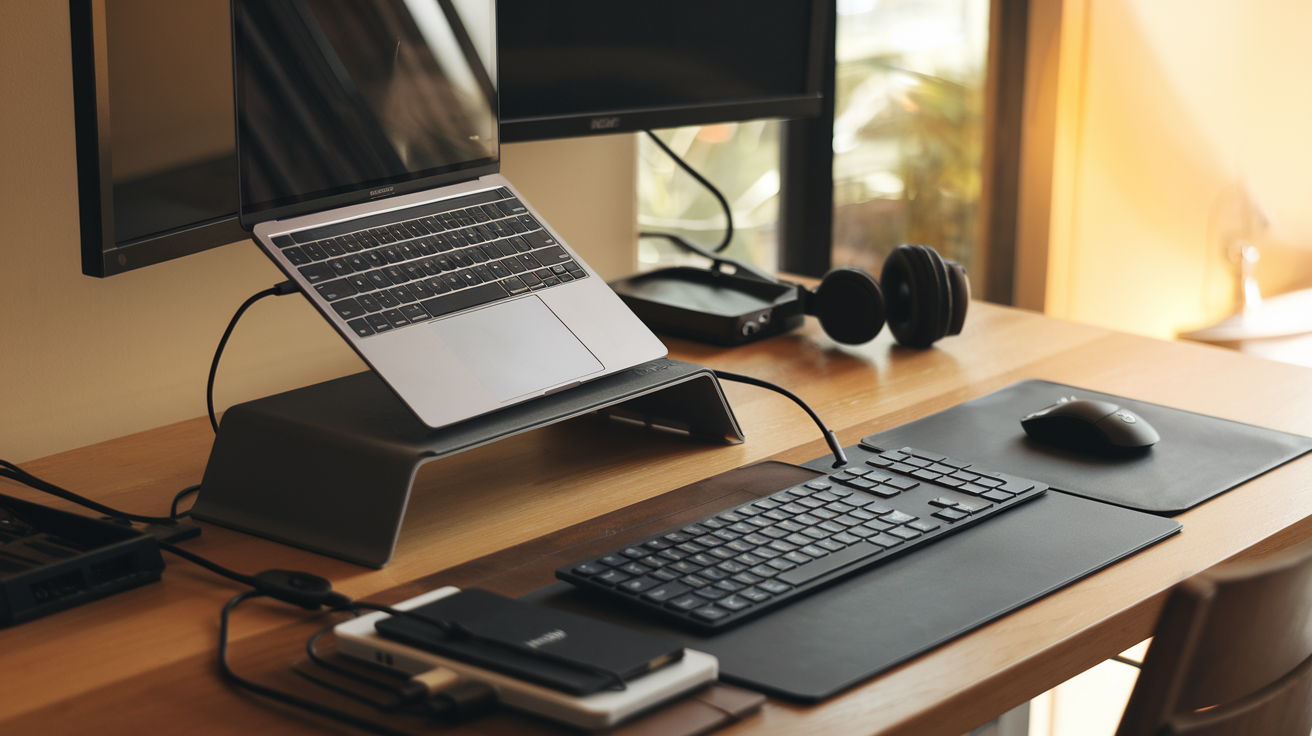
Laptop Stands: Improve Posture and Prevent Overheating
Hunching over a laptop is terrible for your neck and back. A good stand brings the screen to eye level, instantly improving your posture.
The best stands in 2025 offer:
-
Adjustable height and angle
-
Heat dissipation (aluminum builds work best)
-
Foldability for travel
-
Cable management solutions
-
Stability with heavier laptops
Some even come with built-in USB hubs or wireless chargers.
Your laptop will thank you too—elevating it improves airflow and prevents overheating, especially during processor-intensive tasks like video editing or running VMs.
Storage and Data Management Solutions
External SSDs: Lightning-Fast Portable Storage
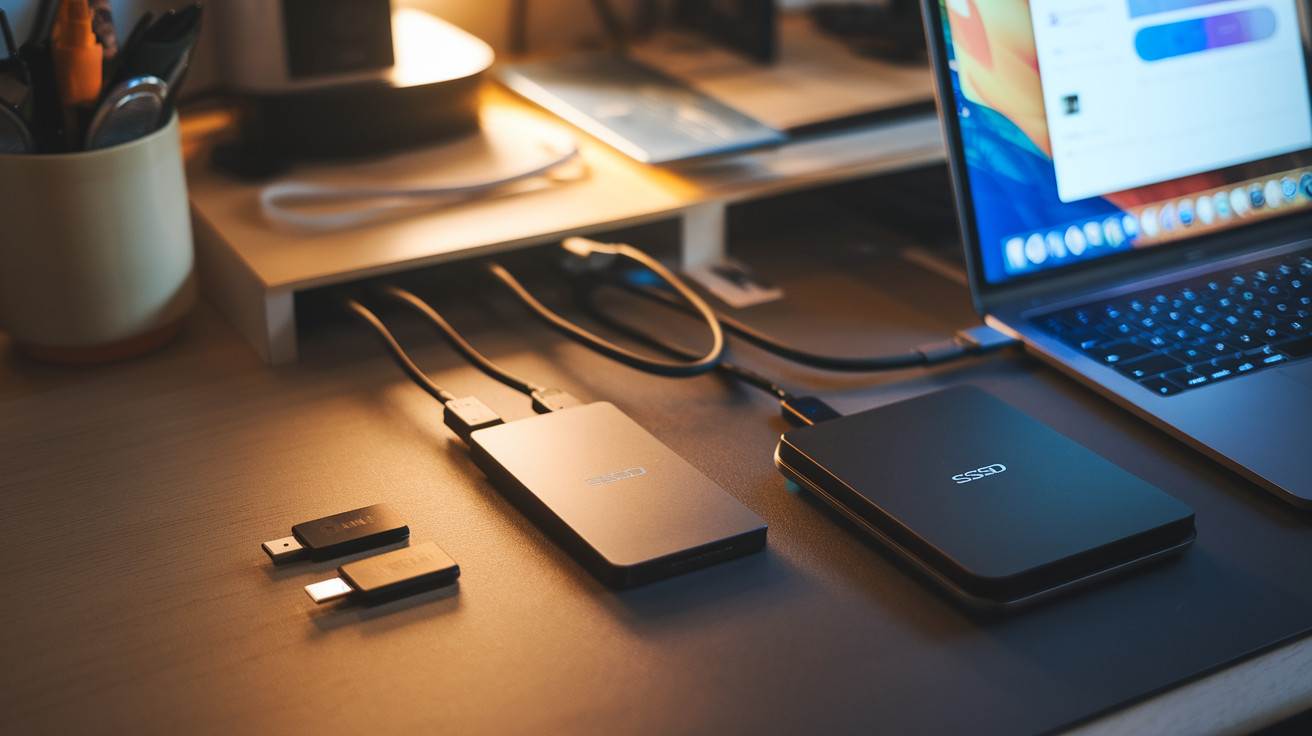
Ever been stuck waiting for files to transfer? Yeah, those days are over. External SSDs have completely revolutionized how we store and move data. Unlike their clunky HDD ancestors, modern SSDs are tiny powerhouses that fit in your pocket but pack ridiculous speed.
The Samsung T7 and SanDisk Extreme Pro are crushing it right now - we're talking transfer speeds up to 1,050MB/s. That's an entire 4K movie in seconds, not minutes.
What makes these must-haves for your laptop setup? Three things:
-
They're practically indestructible (most can survive a 6-foot drop)
-
No moving parts means they work silently
-
They draw minimal power, so your laptop battery stays stronger longer
The price gap between SSDs and HDDs has shrunk dramatically since 2023. You're looking at about $100 for a 1TB portable SSD today - totally worth every penny for the performance upgrade.
Cloud Storage Devices: Access Your Files Anywhere
The cloud got physical, and it's awesome. Personal cloud devices like the Western Digital My Cloud Home and Synology DiskStation have transformed how we handle data in 2025.
These little boxes connect to your home network and create your own private cloud. No monthly fees. No data limits. Just your stuff, accessible anywhere.
The magic happens when you pair them with your laptop setup. Work on a project at home, then seamlessly continue on the go. Your files sync automatically in the background.
What most people don't realize is these devices also work as automatic backup solutions. They're constantly saving versions of your work, so when disaster strikes (and it always does), you're covered.
Many now come with AI-powered organization that automatically sorts your photos, videos, and documents into searchable categories. Think Google Photos, but private and completely under your control.
Memory Card Readers: Transfer Data Effortlessly
Memory card readers might seem old school, but they've gotten serious upgrades. The multi-format card readers hitting the market now are essential laptop companions for photographers, videographers, or anyone using multiple devices.
The latest models support every format imaginable - SD, microSD, CF Express, XQD - and connect via USB-C with transfer speeds up to 10Gbps. That's critical when you're moving those massive 8K video files from your camera.
Most impressive are the new hybrid readers that double as portable hubs. The Anker PowerExpand+ and Kingston Workflow Station don't just read cards - they add extra USB ports, HDMI outputs, and even Ethernet connections to your laptop.
For photographers especially, grabbing a good card reader means the difference between smooth workflow and constant frustration. The days of hunting for that specific proprietary cable are over.
The best part? These readers are tiny now - about the size of a USB stick - so tossing one in your laptop bag is a no-brainer.
Audio and Visual Enhancements
Noise-Cancelling Headphones: Focus in Any Environment
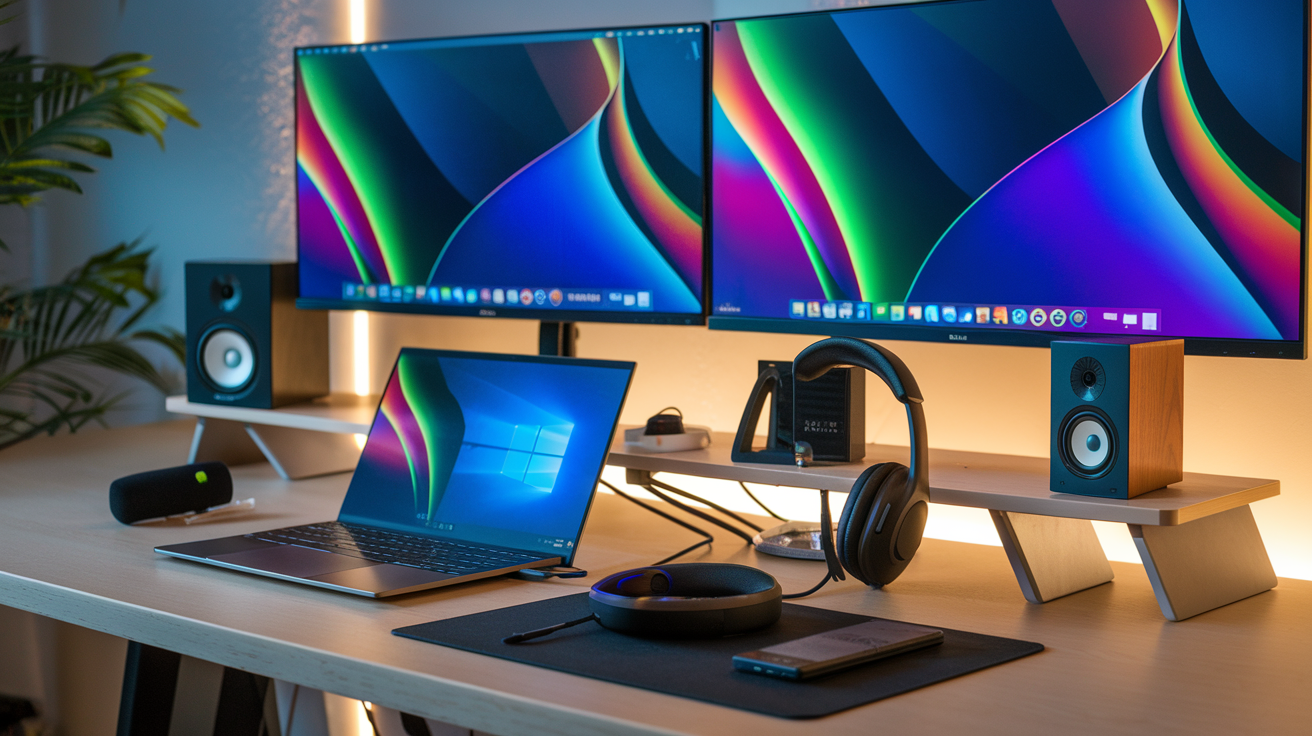
Picture this: you're trying to work on an important project, but the coffee shop is buzzing, your roommate is watching TV, or construction workers are drilling outside your window. Game over for productivity, right? Not with noise-cancelling headphones.
These magical devices have transformed my workday more than any other accessory. The best ones from Sony, Bose, and Apple don't just block noise—they create a personal bubble of calm wherever you go.
What separates the good from the great? Battery life and comfort. Nobody wants their headphones dying mid-Zoom or squeezing their head like a vise. The Sony WH-1000XM5 offers an impressive 30 hours of battery life, while the Bose QuietComfort Ultra provides pillowy ear cups you can wear all day.
Bonus points if you find ones with transparency mode—perfect for when someone needs your attention without having to wave frantically in your face.
HD Webcams: Look Professional in Virtual Meetings
Your laptop's built-in webcam makes you look like you're broadcasting from a potato. Harsh but true.
An HD webcam is that rare purchase that immediately makes people treat you more seriously in virtual meetings. The difference between grainy, shadowy video and crisp, well-lit footage can change how colleagues perceive your professionalism.
The Logitech C920 has been the gold standard for years, but newer models like the Elgato Facecam and Razer Kiyo Pro offer features specifically designed for today's remote workers:
-
Auto-focus that actually works
-
Light correction for those awkward backlit situations
-
Wide-angle options to show more than just your forehead
Many now include privacy covers too—because nobody needs an accidental glimpse of you scratching your nose before a meeting officially starts.
Microphones: Crystal-Clear Voice Capture
Nothing screams "amateur hour" like garbled audio during presentations. While your laptop's built-in mic might survive basic conversations, it picks up every keystroke, dog bark, and stomach growl within a ten-foot radius.
External microphones create that radio-host quality that makes people actually want to listen to you. USB condenser mics like the Blue Yeti have democratized professional audio—plug in, select as your input device, and suddenly you sound like you're recording a podcast.
For something more discreet, lavalier mics clip to your shirt and provide excellent audio without the visual distraction. The Rode SmartLav+ works with both laptops and smartphones.
The real game-changer? Directional microphones that only capture your voice while ignoring background noise. The technology has improved dramatically in 2025, with AI-powered noise suppression becoming standard in higher-end models.
Portable Speakers: Upgrade Your Audio Experience
Laptop speakers are notoriously terrible. They're tiny, tinny, and pointed in exactly the wrong direction (unless you enjoy sound bouncing off your desk).
Portable Bluetooth speakers have come a long way from the crackling, bass-less bricks of yesteryear. Today's models deliver surprisingly powerful sound in packages small enough to toss in your bag.
The JBL Flip 6 remains a crowd favorite for its balance of size and sound quality. For something truly pocket-sized, the Bose SoundLink Micro packs impressive audio into a speaker smaller than your phone.
Battery life is the key spec here—look for 10+ hours to get through a workday without recharging. Many newer models also feature USB-C charging, so you can use the same cable as your laptop.
Water resistance is another feature worth considering, especially if you work outdoors or are prone to coffee spills. Most quality speakers now offer at least IPX4 rating, protecting against splashes from any direction.
Power and Charging Accessories
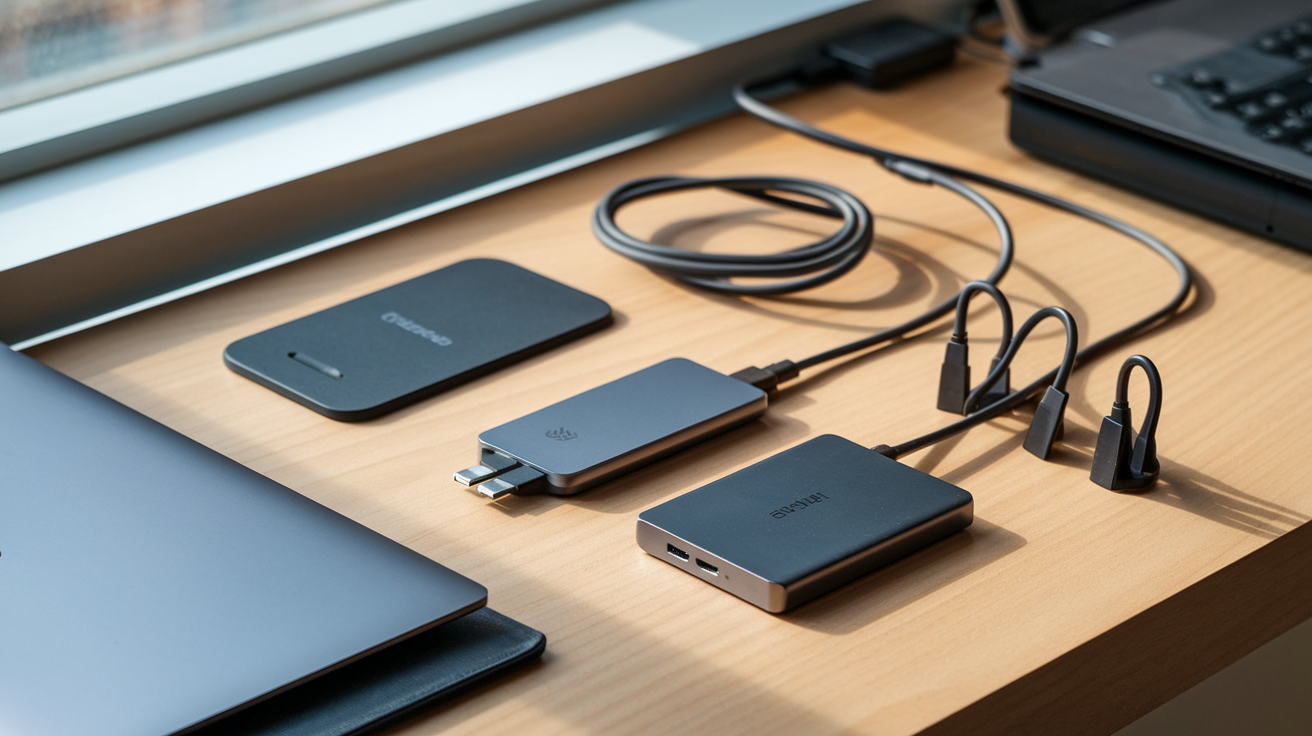
A. Power Banks: Never Run Out of Battery on the Go
Power banks have become essential companions for laptop users who work remotely. The latest models pack impressive power in sleek designs. Look for options with at least 20,000mAh capacity if you want enough juice to fully charge your laptop.
The difference between a good and great power bank? Fast charging capabilities and multiple ports. Premium models now offer 100W USB-C PD output – enough to charge even power-hungry laptops like the MacBook Pro.
Some standout features in 2025's best power banks:
-
Pass-through charging (use while recharging)
-
Digital displays showing exact power levels
-
Aircraft-grade aluminum bodies for durability
-
Multiple charging protocols (QC, PD, etc.)
Most power banks now include built-in safety features like temperature control and short-circuit protection. Don't cheap out here – a quality power bank is worth the investment.
B. GaN Chargers: Faster Charging in Smaller Packages
GaN (Gallium Nitride) chargers are game-changers. They're significantly smaller than traditional silicon chargers but deliver way more power. I've replaced my entire collection of bulky chargers with a single multi-port GaN charger that handles everything.
The latest GaN chargers offer:
-
Up to 240W output from a device the size of a deck of cards
-
Multiple USB-C and USB-A ports
-
Dynamic power allocation between devices
-
Foldable prongs for travel
What makes them special? GaN semiconductors generate less heat, allowing manufacturers to create smaller chargers without sacrificing power or safety. They're also more energy-efficient, saving you money long-term.
When choosing a GaN charger, check that it supports the specific charging protocols your devices need. Most premium options now handle everything from USB PD to Quick Charge.
C. Wireless Charging Pads: Clutter-Free Power Solutions
Wireless charging has finally gotten good enough for serious use. The newest Qi2 standard delivers faster charging speeds and better alignment.
Modern wireless charging pads come in various forms:
-
Single-device pads for your smartphone
-
Multi-device stations for phone, earbuds, and smartwatch
-
Built-in solutions that integrate into desk surfaces
-
Magnetic options compatible with MagSafe devices
I'm particularly impressed with charging pads that double as desk organizers or phone stands. Some even include ambient lighting or serve as notification indicators.
The key advantage? Less cable clutter and the convenience of just setting your device down. No more hunting for the right cable or dealing with frayed connections.
D. Surge Protectors: Safeguard Your Equipment
A quality surge protector is non-negotiable for protecting your expensive tech setup. The cost of replacing fried equipment far outweighs the investment in proper protection.
Modern surge protectors have evolved beyond the basic power strip. Today's options include:
-
USB-C and USB-A charging ports
-
Smart connectivity features
-
Energy monitoring displays
-
Scheduled power cycling
-
Cable management systems
When shopping for surge protectors, pay attention to the joule rating – higher numbers mean better protection. Anything below 1,000 joules won't cut it for serious protection.
Don't forget about response time and clamping voltage too. The best models react in nanoseconds and have low clamping voltages to protect sensitive electronics from even minor power fluctuations.
Some newer models even include battery backup features, giving you precious minutes to save work and properly shut down during power outages.
Protection and Mobility Gear
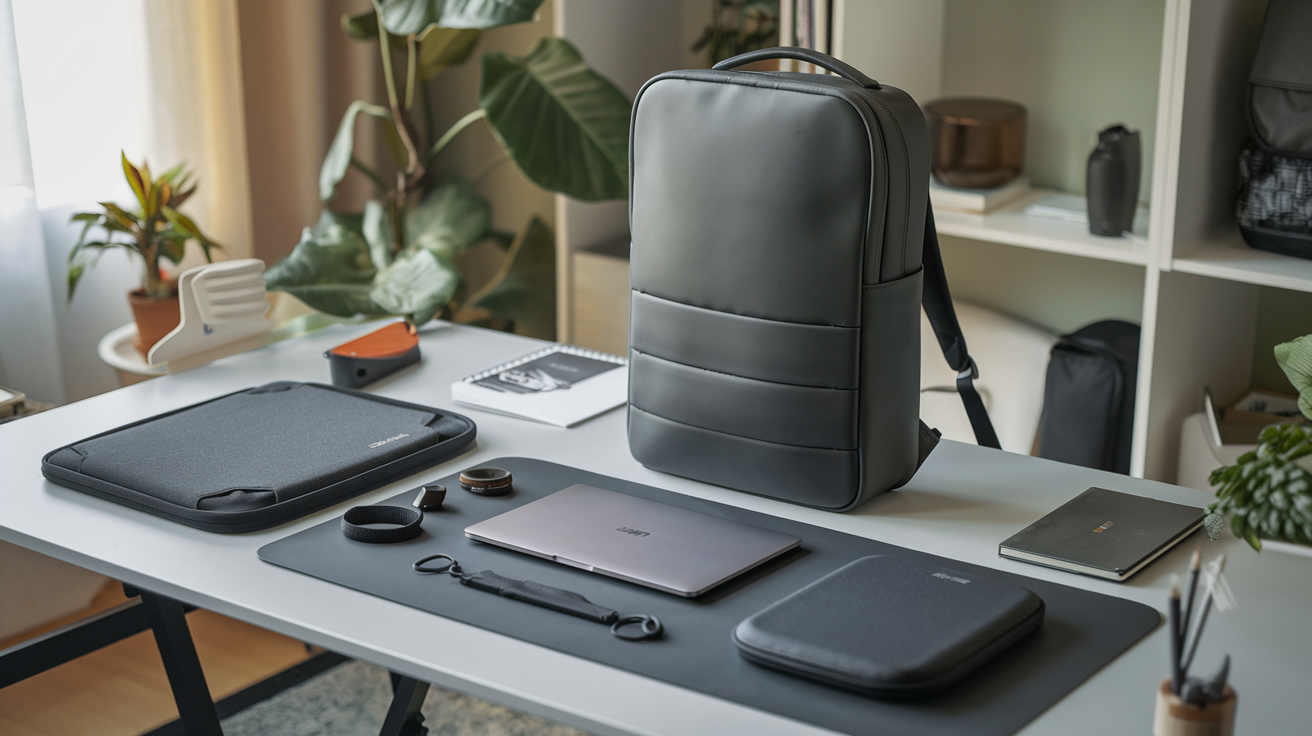
Premium Laptop Bags: Stylish Protection for Commuters
Working from coffee shops or traveling between offices? Your laptop deserves better than being stuffed into any old backpack. Premium laptop bags combine protection with style that won't make you look like you're still using your college backpack.
Brands like Peak Design and Bellroy offer sleek options with padded compartments that absorb shock while you're rushing to catch the train. The best bags include water-resistant materials and dedicated pockets for your charger, mouse, and other accessories – no more digging around blindly at the bottom of your bag!
What separates good bags from great ones? Organization. Look for:
-
Easily accessible outer pockets for items you need quickly
-
Cable management systems to prevent tangled messes
-
Cushioned laptop sleeves that fit your exact model
-
RFID-blocking pockets for security-conscious travelers
Hardshell Cases: Shield Your Device from Damage
Drop your laptop lately? Those dents and scratches hurt to look at. Hardshell cases are your laptop's armor against life's accidents.
Most snap-on shells add minimal bulk while protecting against scratches, minor drops, and spills. Brands like Speck and Incase make cases with ventilation cutouts that prevent overheating – because a protected laptop isn't much good if it's too hot to function.
For MacBook users, look for cases with bottom feet that maintain airflow. For Windows laptops, make sure the case doesn't block essential ports or vents.
The coolest thing about hardshells? They've become a canvas for personal expression. From minimalist transparent designs to vibrant patterns, your protective case can showcase your personality while keeping your tech safe.
Privacy Screens: Keep Your Work Confidential
Ever feel like someone's peeking at your screen in a coffee shop or on a flight? That's because they probably are.
Privacy screens use microlouver technology to narrow the viewing angle of your display. To you, looking straight-on, everything appears normal. But to side viewers? Just a dark screen. Magic.
These filters attach easily with adhesive strips or slide-on frames, and many are removable when you're working in private spaces. The best ones maintain screen clarity while blocking side views – though be aware they typically reduce brightness by 10-15%.
Beyond nosy neighbors, privacy screens protect against:
-
Corporate espionage in public spaces
-
Identity theft when banking online
-
Confidential client information exposure
-
Unwanted conversation starters about your work
Laptop Locks: Physical Security for Public Spaces
Digital security gets all the attention, but what about when someone just grabs your laptop and runs? Laptop locks are your physical defense system.
Kensington locks (named after the most popular brand) connect to the small security slot built into most laptops. The cable loops around an immovable object – like a heavy table – making quick theft nearly impossible.
Modern options include combination locks (no keys to lose) and retractable cables for easier transport. Some even come with alarms that trigger if the cable is cut.
Sure, determined thieves with tools could eventually break these locks. But they're not trying to make your laptop theft-proof – just not worth the trouble compared to unlocked devices nearby.
Waterproof Covers: Protection from Spills and Weather
Coffee and keyboards don't mix. But accidents happen – especially when you're juggling multiple tasks.
Silicone keyboard covers create a waterproof barrier that prevents liquid damage while still allowing normal typing. They're also great for keeping dust and crumbs from working their way between keys.
For more comprehensive protection, full laptop skins cover vulnerable areas like ports and seams. These thin, form-fitting covers don't replace a proper case but provide an extra layer of protection against light rain or spills.
When choosing waterproof protection, look for:
-
Precision-cut designs for your specific laptop model
-
Washable materials that don't hold odors
-
Transparent options that don't hide keyboard backlighting
-
Ultra-thin designs that don't interfere with closing your laptop
The best protection strategy combines multiple layers – use a hardshell case for drops, a keyboard cover for spills, and a quality bag for transport.
Connectivity and Networking Boosters
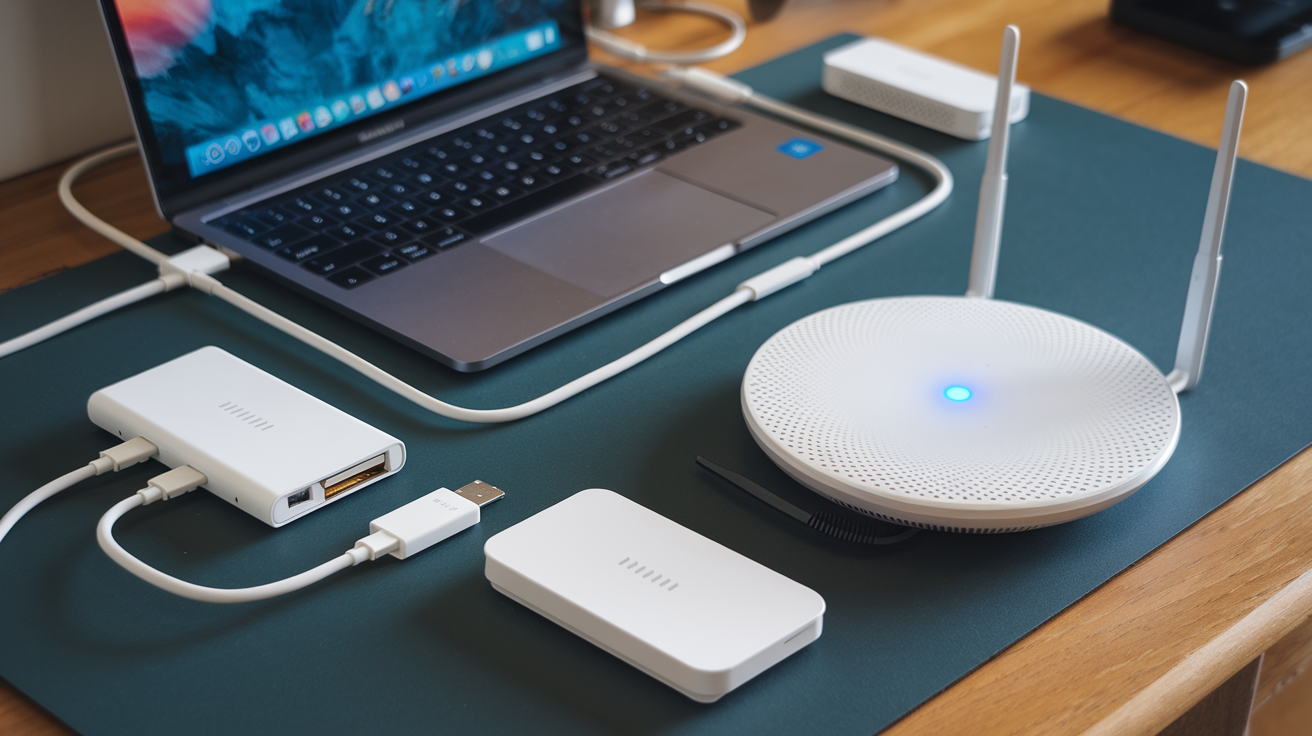
Portable WiFi Routers: Reliable Internet Anywhere
Ever been stuck in a hotel with terrible WiFi that barely loads a webpage? Been there. A portable WiFi router is the tech superhero you didn't know you needed. These pocket-sized lifesavers create private, secure networks wherever you go.
The latest models like the TP-Link M7650 can support up to 32 devices simultaneously—perfect for those workation trips with colleagues. Most portable routers now offer 5G compatibility, giving you speeds that rival (or sometimes exceed) your home network.
What makes them essential? Beyond the obvious connectivity perks, they protect you from sketchy public WiFi. No more worrying about hackers at the coffee shop!
| Router Model | Battery Life | Max Devices | Price Range |
|---|---|---|---|
| GL.iNet Slate | 13 hours | 20 | $50-70 |
| Netgear Nighthawk M5 | 9 hours | 32 | $350-400 |
| HooToo TripMate | 10 hours | 15 | $40-60 |
Network Adapters: Upgrade Your Connection Speeds
Your laptop's built-in networking capabilities often don't tell the full story. Most manufacturers cut corners here, assuming you'll just use whatever's available.
Network adapters change the game completely. USB-C to Ethernet adapters deliver consistent, wired performance when WiFi gets congested. For the wireless crowd, external WiFi 6E adapters unlock speeds up to 9.6 Gbps—that's almost 3x faster than the previous generation.
My go-to recommendation? The TP-Link Archer TX3000E PCIe adapter. It transformed my five-year-old laptop into a networking beast. Installation takes literally 10 minutes, even for tech novices.
Gaming enthusiasts particularly benefit from these upgrades. That frustrating lag during crucial moments? Gone. Video editors can transfer massive files in seconds rather than minutes.
Bluetooth Transmitters: Connect to Any Audio Device
Remember when you couldn't use your favorite headphones with certain devices? Bluetooth transmitters solve that problem elegantly.
These tiny dongles plug into any 3.5mm audio jack, instantly adding Bluetooth functionality to older devices. Suddenly, your vintage stereo system, airplane entertainment system, or gym equipment can stream directly to your wireless earbuds.
The best part? Multi-point connectivity. Premium transmitters like the Avantree Oasis Plus can connect to two sets of headphones simultaneously—perfect for sharing audio during flights or watching movies with a partner without disturbing others.
Battery life has improved dramatically too. The latest models offer 20+ hours of continuous transmission on a single charge. Most support aptX HD and LDAC codecs, ensuring you don't sacrifice audio quality for convenience.
Comfort and Health Accessories
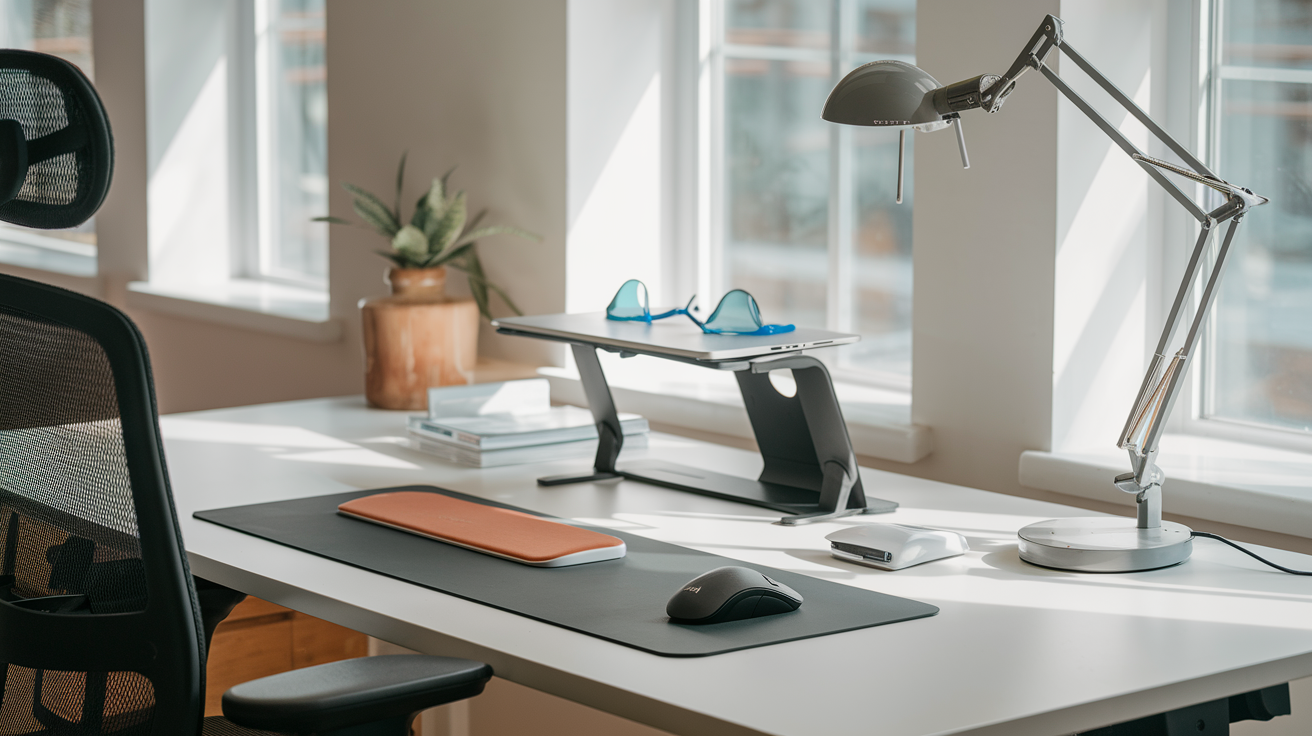
Blue Light Blocking Glasses: Reduce Eye Strain
Staring at your laptop screen all day is a recipe for tired, dry eyes. Trust me, I've been there. Blue light blocking glasses are a game-changer for anyone spending hours in front of their computer. These special glasses filter out the harmful blue light that screens emit, which can mess with your sleep cycle and cause serious eye strain.
The best part? They're super affordable these days. You can grab a decent pair for under $30, and they come in countless stylish frames. I switched to blue light glasses last year, and my end-of-day headaches have practically disappeared.
Don't just grab any pair though. Look for ones that block 30-60% of blue light without distorting colors too much. Some cheap options give everything a yellow tint that'll drive you crazy after an hour.
Wrist Rests: Prevent Carpal Tunnel Syndrome
Your wrists deserve better than resting on the hard edge of your desk all day. That's where wrist rests come in – those squishy little supports that sit in front of your keyboard and mouse.
Memory foam options provide the perfect balance between support and comfort. The gel-filled ones stay cooler during long work sessions, which is nice when you're grinding through a project on deadline.
The trick is finding the right height. Too high and you'll bend your wrists upward (terrible for your tendons). Too low and they're basically useless. The perfect wrist rest keeps your hands in a neutral position parallel to your desk.
Your future self will thank you for this $15-20 investment that helps prevent carpal tunnel syndrome. That's way cheaper than physical therapy, folks.
Anti-Fatigue Mats: Stand Comfortably at Your Desk
Standing desks are all the rage, but standing on a hard floor all day is brutal on your feet, knees, and back. Anti-fatigue mats are the unsung heroes of the standing desk revolution.
These cushioned mats provide just enough give to keep your joints happy while engaging your muscles more than you would while sitting. The best ones have contoured surfaces with different zones to shift your feet throughout the day.
I recommend getting one at least 3/4" thick with beveled edges (so you don't trip). The sweet spot for size is around 24" x 36" – giving you room to move without taking over your floor space.
Cable Management Solutions: Organize Your Workspace
Nothing ruins a sleek laptop setup faster than a tangled mess of cables. Beyond just looking messy, cable clutter creates dust traps and makes it frustrating to find the right cord when you need it.
Simple cable clips that stick to your desk are perfect for keeping charging cables within reach instead of falling behind your desk every time you unplug. For more permanent setups, cable sleeves bundle everything together in one tidy tube.
My personal favorite? Cable boxes that hide power strips and excess cord length. They're like little storage containers for your cable chaos, and they instantly make your workspace look 10x more professional.
The best part about cable management is how affordable it is. For under $25, you can completely transform your workspace from "college dorm room" to "professional who has their life together."

Taking Your Laptop Experience to the Next Level
The perfect laptop setup goes far beyond the computer itself. From essential productivity accessories like ergonomic keyboards and precision mice to comprehensive storage solutions that keep your data safe and accessible, each addition serves a specific purpose. Audio and visual enhancements elevate your calls and content consumption, while reliable power accessories ensure you're never left with a dead battery. With proper protection gear, enhanced connectivity options, and ergonomic accessories that prioritize your physical wellbeing, you can transform any space into an efficient workstation.
As you build your ideal laptop ecosystem, remember to prioritize accessories that address your specific needs rather than chasing the latest trends. Start with the fundamentals—proper power management, essential peripherals, and adequate protection—before expanding to more specialized gear. The right combination of tech accessories won't just improve your laptop's functionality; it will enhance your overall productivity, comfort, and digital experience for years to come.



0 Comments