Best Game Streaming Gear for Creators
Get the Right Game Streaming Gear to Take Your Content to the Next Level
Content creators and aspiring streamers need the best streaming equipment for creators to build an audience and compete in today's crowded gaming landscape. Bad audio makes viewers click away instantly, poor lighting creates unprofessional streams, and laggy gameplay kills engagement before it starts.
This gaming streaming setup guide covers the essential gear that separates successful streamers from bedroom hobbyists. We'll break down professional streaming equipment across key categories: cameras that deliver crisp video quality, microphones that capture clear commentary, and lighting systems that make you look polished on screen.
You'll also discover which capture cards for streaming work with every gaming platform and learn about streaming software that simplifies your workflow. Each recommendation focuses on gear that actually impacts viewer retention and channel growth.
Essential Cameras for Professional Stream Quality
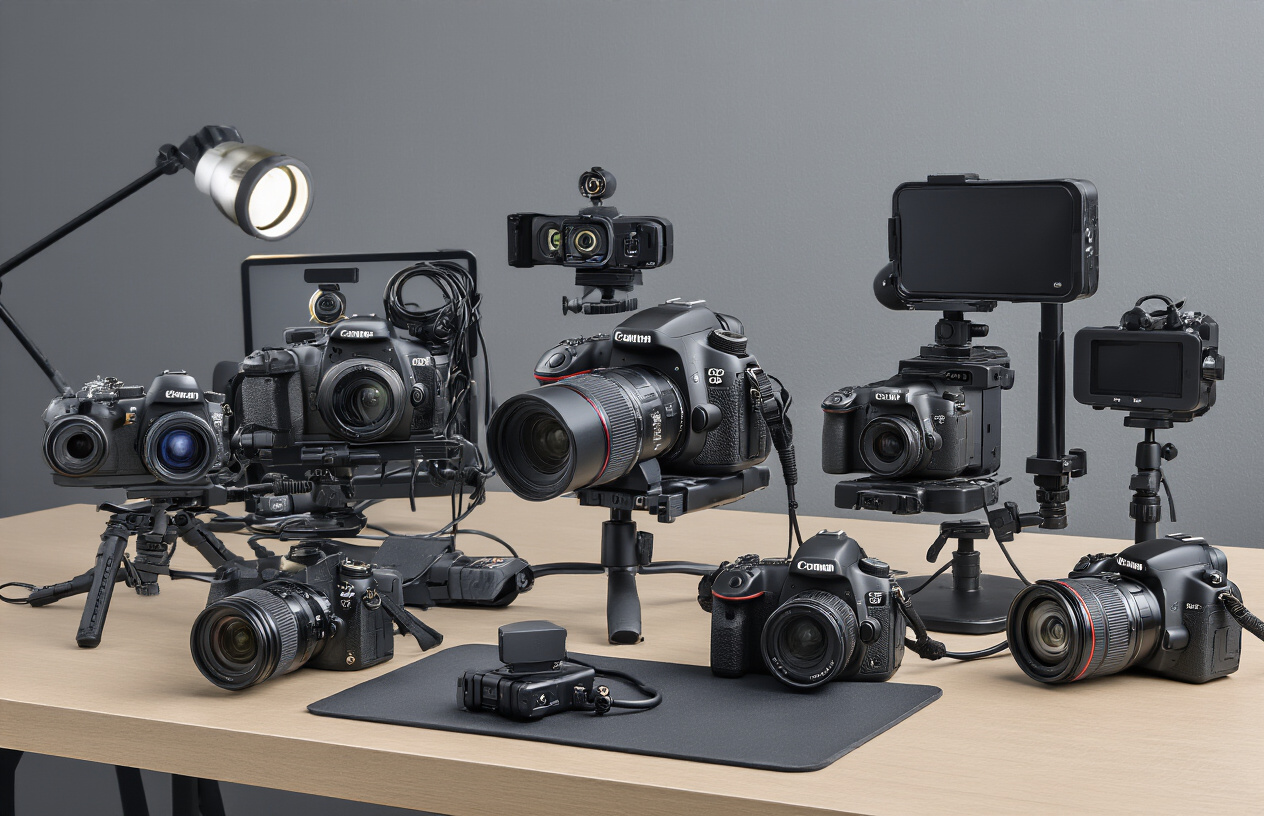
High-Definition Webcams That Deliver Crystal Clear Video
The backbone of any quality streaming setup starts with a reliable webcam that captures sharp, professional-looking footage. The Logitech C922x Pro Stream stands out as a top choice for streaming cameras, delivering 1080p video at 30fps or 720p at 60fps. This dual-frame rate capability gives streamers flexibility to prioritize either crisp resolution or smooth motion depending on their content style.
For creators seeking premium webcam performance, the Razer Kiyo Pro offers exceptional low-light performance with its larger sensor and adaptive lighting technology. The camera automatically adjusts exposure settings, making it perfect for gaming streaming setups where room lighting might vary throughout long sessions.
The Elgato Facecam takes a different approach by focusing purely on image quality without built-in features like autofocus or auto-exposure. This manual control appeals to experienced streamers who want precise control over their visual presentation. Its uncompressed video output ensures the cleanest possible signal for professional streaming equipment.
| Webcam Model | Resolution | Frame Rate | Key Features | Price Range |
|---|---|---|---|---|
| Logitech C922x Pro | 1080p/720p | 30fps/60fps | Auto-focus, built-in stereo mics | $70-90 |
| Razer Kiyo Pro | 1080p | 60fps | HDR, adaptive light sensor | $150-200 |
| Elgato Facecam | 1080p | 60fps | Uncompressed, manual controls | $150-180 |
DSLR and Mirrorless Camera Setup for Cinematic Streaming
Professional streamers looking to elevate their production value often turn to DSLR and mirrorless cameras for that cinematic edge. The Canon EOS M50 Mark II offers an excellent entry point into mirrorless streaming with its flip-out LCD screen and clean HDMI output. Its Dual Pixel autofocus keeps you sharp even during animated gaming moments.
Sony's Alpha a6400 brings superior autofocus tracking and excellent low-light performance to streaming setups. The real-time eye detection ensures you stay perfectly focused during intense gaming sessions, while the camera's compact form factor fits easily into smaller streaming spaces.
Setting up DSLR cameras for streaming requires additional equipment beyond the camera body. A capture card becomes essential to convert the HDMI signal for streaming software compatibility. The Elgato Cam Link 4K seamlessly bridges this gap, allowing direct camera integration into OBS or other streaming platforms.
Key considerations for DSLR streaming setups include:
-
Dummy battery or AC adapter to prevent mid-stream power failures
-
Wide-aperture lens for better background separation and low-light performance
-
Clean HDMI output capability to avoid on-screen display elements
-
Overheating management during extended streaming sessions
Action Cameras for Dynamic Gaming Angles
Action cameras open up creative possibilities for game streaming gear setups that traditional webcams can't match. The GoPro HERO11 Black excels at capturing overhead shots for board games, tabletop gaming, or showcasing gaming peripherals with its ultra-wide field of view and image stabilization.
The DJI Action 2's magnetic mounting system provides incredible flexibility for positioning. Streamers can easily attach it to monitor arms, gaming chairs, or desk accessories to capture unique perspectives during gameplay. Its compact cube design makes it virtually invisible in most streaming setups.
For creators focusing on mobile gaming or handheld consoles, the Insta360 GO 3 offers hands-free recording with voice commands and gesture controls. This tiny camera can capture B-roll footage or provide alternative angles without interrupting the gaming experience.
Popular action camera streaming applications include:
-
Hand-cam shots for keyboard and mouse gameplay
-
Over-shoulder angles for console gaming
-
Desk overview shots showing the entire gaming setup
-
Reaction capture from different room positions
Budget-Friendly Options That Don't Compromise Quality
Building a professional streaming setup doesn't require breaking the bank. The Logitech C920s HD Pro remains a solid choice for budget-conscious streamers, offering 1080p quality at an affordable price point. While it lacks some premium features, its reliable performance and wide software compatibility make it a smart investment for beginners.
The OBSBOT Tiny 2 brings AI-powered features typically found in expensive cameras to a more accessible price range. Its auto-tracking capability keeps streamers in frame without manual adjustment, while gesture controls allow for hands-free operation during gaming sessions.
For extreme budget builds, smartphone cameras can serve as temporary solutions using apps like DroidCam or EpocCam. Many modern phones capture better video quality than entry-level webcams, making them viable options while saving for dedicated streaming cameras.
Smart shopping strategies for affordable streaming equipment:
-
Refurbished cameras from reputable sellers offer significant savings
-
Previous generation models often provide 80% of current performance at 50% of the cost
-
Bundle deals that include mounting hardware and accessories
-
Open-box returns from major retailers with full warranties intact
These budget options prove that professional-quality streaming doesn't require premium pricing, allowing creators to allocate resources to other essential components of their game streaming gear setup.
Audio Equipment That Keeps Viewers Engaged
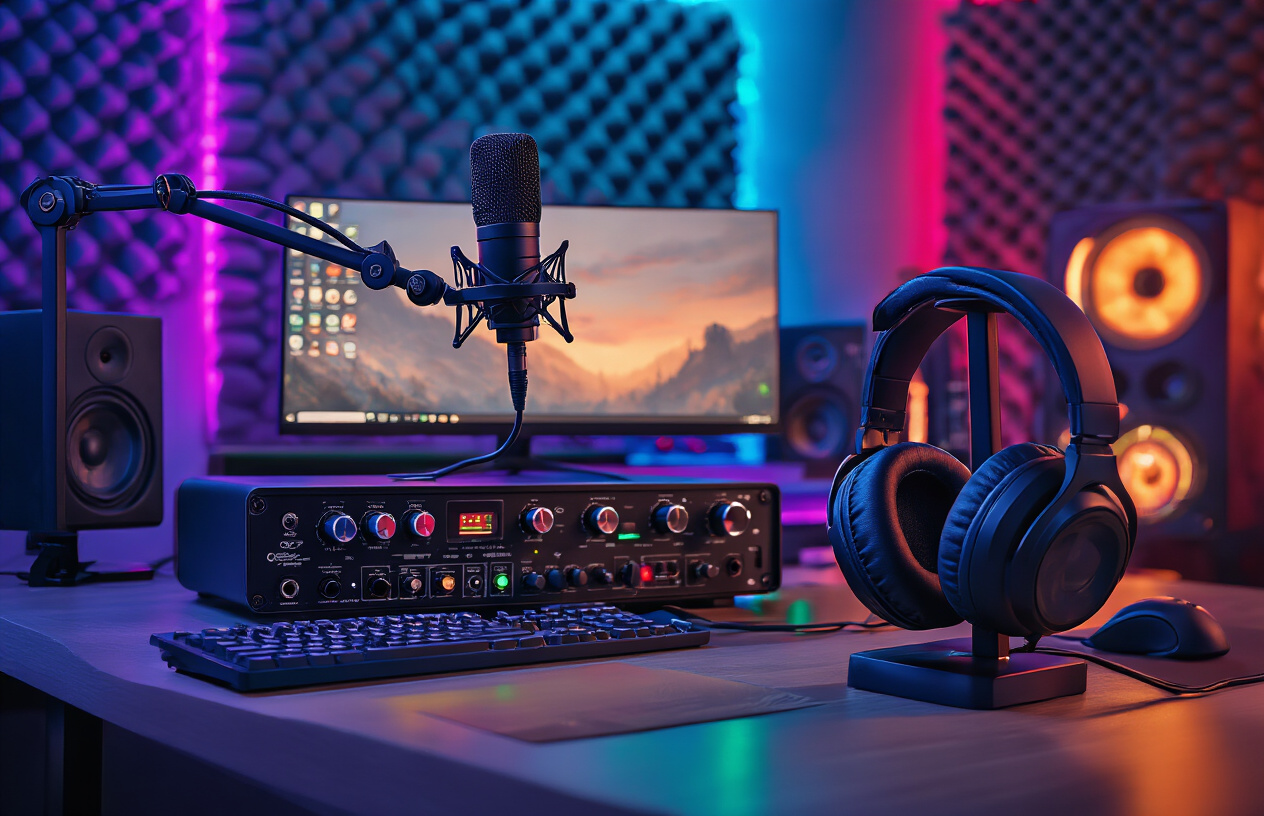
Professional Microphones for Broadcast-Quality Sound
Clear audio can make or break your streaming career. Viewers will tolerate lower video quality, but poor audio drives them away faster than anything else. Professional streaming microphones are the foundation of quality game streaming gear, and choosing the right one dramatically improves your content's production value.
The Blue Yeti X stands out as the go-to choice for most streamers. Its condenser design captures rich, detailed audio while offering multiple pickup patterns for different streaming scenarios. The cardioid mode works perfectly for solo streaming, while bidirectional mode handles co-op sessions with friends.
For creators wanting broadcast-quality sound, the Shure SM7B delivers studio-grade performance. This dynamic microphone excels at rejecting background noise and requires close positioning, giving you that intimate radio host sound. Pair it with a boom arm for optimal positioning and reduced handling noise.
Budget-conscious streamers should consider the Audio-Technica ATR2100x-USB. This hybrid microphone offers both USB and XLR connectivity, letting you upgrade your setup gradually while maintaining excellent audio quality from day one.
| Microphone | Price Range | Best For | Key Features |
|---|---|---|---|
| Blue Yeti X | $150-170 | Beginners to Intermediate | USB plug-and-play, multiple patterns |
| Shure SM7B | $400-450 | Professional streamers | Broadcast quality, noise rejection |
| ATR2100x-USB | $60-80 | Budget builds | Dual connectivity, great value |
Audio Interfaces That Eliminate Background Noise
Audio interfaces bridge the gap between professional microphones and your streaming setup. These devices convert analog audio signals to digital, providing superior sound quality compared to direct USB connections. The best streaming equipment for creators includes a dedicated audio interface for maximum control over your audio chain.
The Focusrite Scarlett Solo offers single-input recording perfect for solo streamers. Its clean preamps deliver professional sound quality without breaking the bank. The included software package provides everything needed to start streaming immediately.
Streamers using XLR microphones benefit greatly from the GoXLR. This streaming-specific interface combines audio routing, real-time voice effects, and physical faders for controlling game audio, chat, and music independently. The noise gate and compressor features keep your voice clear while eliminating unwanted background sounds.
For multi-microphone setups or podcast-style streams, the Zoom PodTrak P4 handles four microphones simultaneously. Each channel includes dedicated noise reduction and sound pads for adding jingles or sound effects during gameplay.
Headphones and Monitors for Real-Time Audio Control
Monitoring your audio output ensures professional-quality streams every time. Quality headphones let you catch audio issues before viewers notice them, while studio monitors provide accurate sound reproduction for content creation beyond streaming.
The Sony MDR-7506 headphones remain the industry standard for professional monitoring. Their flat frequency response reveals exactly how your audio sounds without coloration. The closed-back design prevents audio bleed into your microphone while maintaining comfort during long streaming sessions.
Audio-Technica ATH-M50x headphones offer excellent sound isolation and detailed audio reproduction. The detachable cable system means replacements are easy when cables inevitably fail, and the folding design saves desk space when not in use.
For streamers preferring speakers, the JBL LSR305 studio monitors deliver accurate sound reproduction. These active monitors connect directly to your audio interface and provide the detailed monitoring needed for professional streaming gear setups.
Gaming headsets like the SteelSeries Arctis Pro combine high-quality drivers with built-in microphones, though dedicated microphones typically provide superior audio quality. Consider gaming headsets as backup options or for casual streaming sessions.
Real-time audio monitoring prevents embarrassing moments like forgetting to unmute your microphone or having game audio levels drown out your commentary. Professional streamers always monitor their audio output to maintain consistent, engaging content that keeps viewers coming back for more.
Lighting Solutions That Make You Look Like a Pro
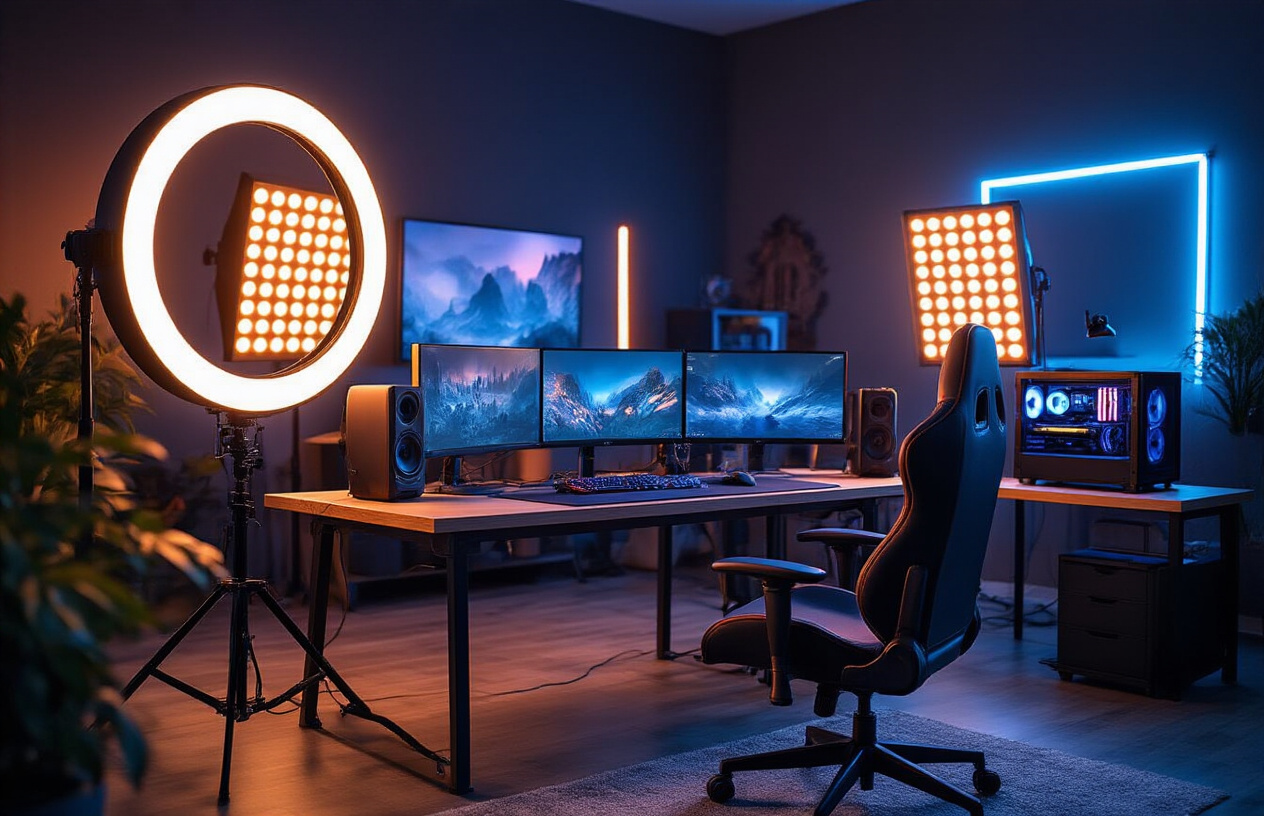
Ring Lights for Even Facial Illumination
Ring lights have become the gold standard for streaming lights among content creators, and there's a good reason why. These circular LED arrays create perfectly even illumination across your face, eliminating harsh shadows that can make you look unprofessional on camera. The signature catch light they create in your eyes adds a polished, engaging look that keeps viewers focused on you.
Most quality ring lights offer adjustable color temperature, letting you switch between warm (3200K) and cool (5600K) lighting to match your room's ambient light or create the mood you want. Look for models with at least 18 inches in diameter – smaller rings won't provide adequate coverage for your entire face and shoulders. Popular options like the Neewer 18-inch LED Ring Light or the more premium Godox LR180 offer smartphone mounts and camera compatibility, making them perfect for multi-platform streaming.
The best ring lights for game streaming gear setups include dimming controls and memory functions to save your preferred settings. Position your ring light directly behind your camera or slightly above eye level to achieve that professional broadcaster look without any unflattering upward shadows.
Panel Lights for Professional Studio Setup
Panel lights transform amateur streaming setups into professional broadcasting environments. Unlike ring lights, panels give you more control over light direction and intensity, making them essential streaming equipment for creators who want cinema-quality results.
Key light panels serve as your primary illumination source, while fill panels soften shadows on the opposite side of your face. Popular choices include the Elgato Key Light series, which integrates seamlessly with streaming software through WiFi control, or the more budget-friendly Neewer LED panels that still deliver professional results.
Consider these factors when choosing panel lights:
-
Output Power: Look for panels with at least 1000 lumens for adequate brightness
-
Color Accuracy: CRI ratings above 95 ensure true-to-life skin tones
-
Mounting Options: Desk clamps, light stands, or ceiling mounts for flexible positioning
-
Wireless Control: Smart panels that integrate with your streaming software
Two-panel setups work perfectly for most streamers, but adding a third panel as a background light can separate you from your gaming setup and create depth in your shot.
RGB Lighting for Customizable Gaming Ambiance
RGB lighting isn't just about looking cool – it's about creating an immersive brand experience that matches your gaming content. These programmable lights sync with your games, react to donations, or simply maintain consistent brand colors throughout your stream.
Philips Hue Play bars remain the premium choice for professional streaming equipment, offering millions of color combinations and seamless integration with streaming software like OBS and XSplit. For budget-conscious creators, Govee and LIFX strips provide similar functionality at half the price.
Smart RGB setups can:
-
Match your game's color palette automatically
-
Flash specific colors for new followers or donations
-
Create animated backgrounds that complement your content
-
Maintain consistent brand colors across all streams
Position RGB accent lights behind your monitor or around your streaming area's perimeter. Avoid placing them directly on your face – they should enhance your environment, not overpower your primary lighting setup.
Affordable Lighting Kits for Beginners
Starting your streaming journey doesn't require breaking the bank on professional lighting gear. Several complete kits under $100 provide everything needed for dramatic improvement over basic webcam lighting.
The Neewer 2-Pack LED Video Light kit includes two adjustable panels, light stands, and carrying case for around $80. UBeesize's selfie ring light with tripod offers an even more budget-friendly entry point at $30-40, perfect for streamers just testing the waters.
Budget lighting essentials include:
| Item | Price Range | Key Features |
|---|---|---|
| Basic Ring Light | $25-50 | Phone mount, basic dimming |
| LED Panel Pair | $60-100 | Adjustable stands, color temperature |
| RGB Strip Kit | $30-60 | App control, multiple effects |
Even affordable streaming lights make massive differences in video quality. Start with one good primary light source, then expand your setup as your channel grows. Many successful streamers began with simple desk lamps and gradually upgraded to professional equipment as their audience and income increased.
Remember that consistent, even lighting matters more than expensive gear. A $40 ring light used correctly will outperform a $400 panel positioned poorly.
Capture Cards That Handle Any Gaming Platform
Internal Capture Cards for Maximum Performance
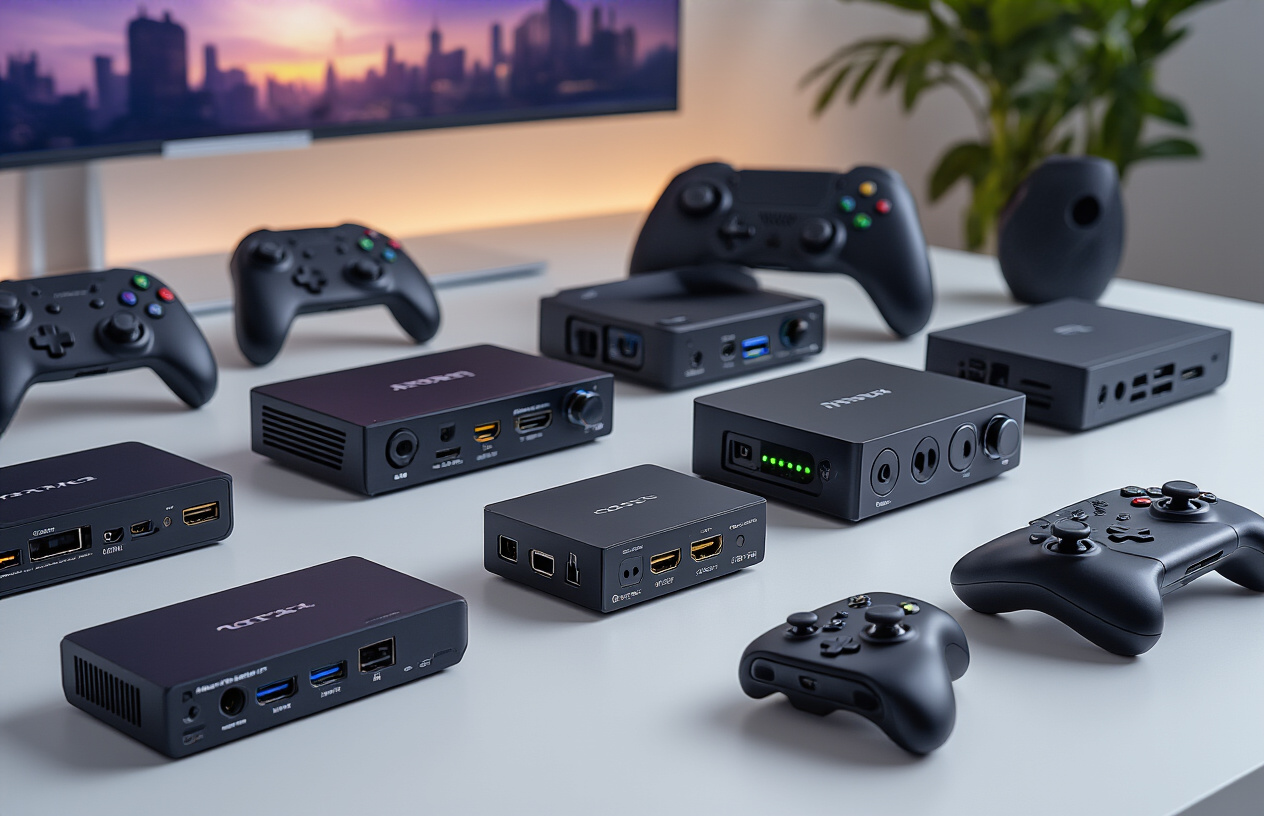
Internal capture cards plug directly into your motherboard's PCIe slots, delivering unmatched performance for serious streamers. The Elgato 4K60 Pro MK.2 stands as the gold standard, offering zero-latency passthrough and hardware-based H.264 encoding that barely touches your CPU. This means you can run demanding games while streaming without performance drops.
The AVerMedia Live Gamer 4K provides another excellent option with its dedicated encoding chip. Both cards handle 4K recording at 60fps while maintaining pristine 1080p streaming quality. Installation requires opening your PC case, but the performance gains make it worthwhile for dedicated streaming setups.
Internal cards shine when streaming console games to PC. You'll get crystal-clear footage without the compression artifacts that plague cheaper solutions. The direct PCIe connection eliminates USB bandwidth limitations, ensuring stable streams even during intense gaming sessions.
External Capture Cards for Multi-System Streaming
External capture cards offer incredible flexibility for creators juggling multiple gaming platforms. The Elgato HD60 S+ connects via USB 3.0 and works seamlessly across PC, PlayStation, Xbox, and Nintendo Switch. You can quickly switch between systems without rewiring your entire setup.
The Stream Deck-integrated workflow becomes possible with external cards. Record gameplay on one system while monitoring chat and controls on another. The AVerMedia Live Gamer Portable 2 Plus adds built-in recording capabilities, letting you capture footage independently of your streaming PC.
External solutions excel for mobile streamers and creators who frequently travel to events. The plug-and-play nature means you can set up professional streaming anywhere with stable power and internet. Many external capture cards for streaming also support simultaneous recording and streaming, giving you backup footage for highlight reels.
4K Capture Solutions for Next-Gen Gaming
Next-generation consoles demand capture cards that can handle 4K HDR gaming without compromise. The Elgato 4K60 Pro MK.2 supports full 4K60 HDR passthrough while capturing 4K30 or downscaling to 1080p60 for streaming. This preserves the visual fidelity that makes modern games stunning.
Professional streaming equipment now needs to support variable refresh rates and advanced color spaces. The AVerMedia Live Gamer BOLT handles Dolby Vision and supports refresh rates up to 144Hz. Your viewers might watch at 1080p, but you're future-proofing your content creation workflow.
Consider your internet upload speeds when choosing 4K solutions. Most platforms still prefer 1080p streams, but recording in 4K gives you flexibility for YouTube uploads and future content repurposing. The hardware investment pays dividends as streaming platforms gradually adopt higher resolution standards.
4K capture cards typically require USB 3.1 Gen 2 or Thunderbolt 3 connections for external models. Budget around $300-500 for reliable 4K capture solutions that won't bottleneck your creative potential.
Streaming Software and Control Solutions
OBS Studio Optimization for Smooth Broadcasting
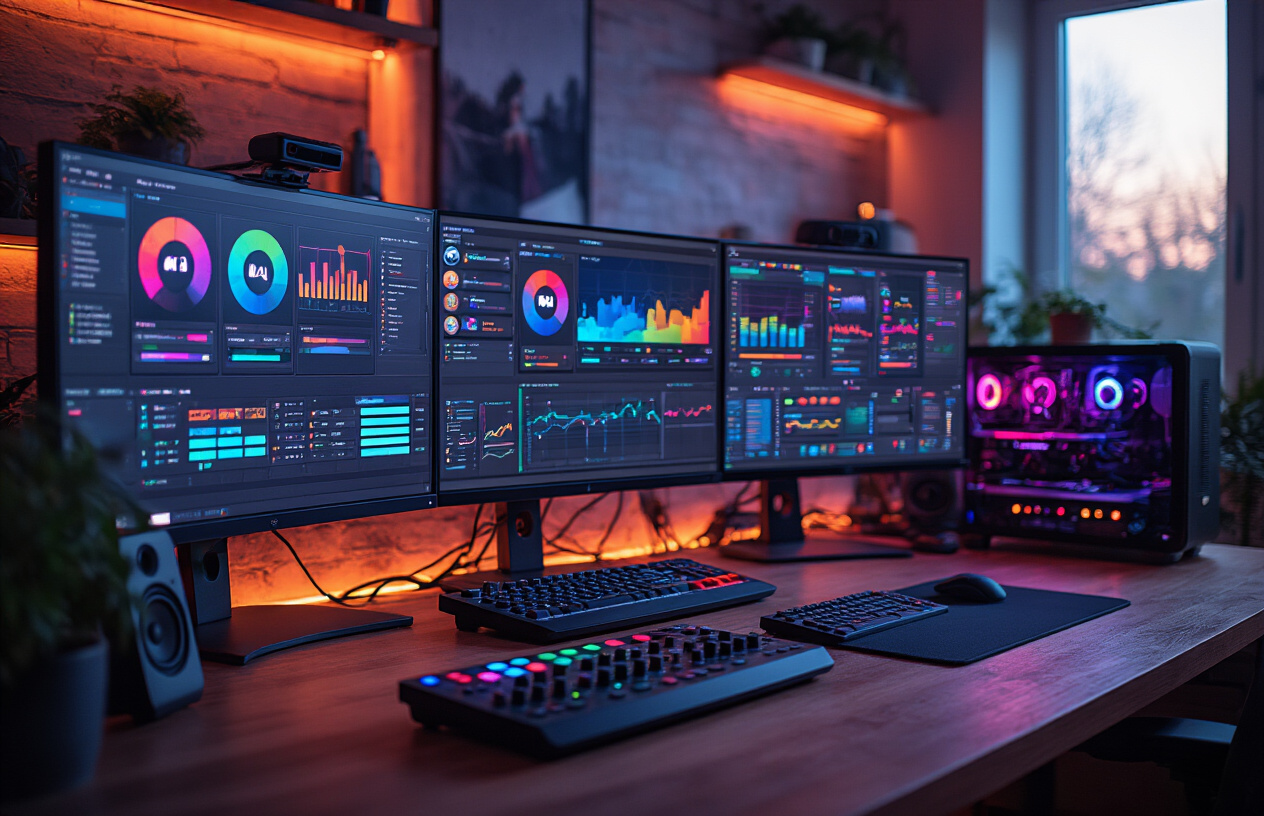
OBS Studio remains the gold standard for streaming software, offering creators complete control over their broadcast without breaking the bank. Getting the most from this powerful streaming software requires understanding its core settings and optimization techniques.
Start with proper bitrate configuration based on your internet upload speed. Test your connection using tools like speedtest.net, then set your bitrate to roughly 80% of your upload speed. For 1080p60 streaming, aim for 6000 kbps bitrate with a fast encoder preset. The x264 encoder works well for most gaming streaming setups, though NVENC provides excellent quality with lower CPU usage if you have a compatible graphics card.
Scene organization makes the difference between amateur and professional streams. Create separate scenes for different gaming platforms, waiting screens, and chat interaction moments. Use filters like chroma key for clean backgrounds and audio filters to eliminate background noise automatically.
Output settings deserve special attention for game streaming gear optimization. Set your base resolution to match your monitor, but consider downscaling your output to 1080p for better stream stability. Frame rate consistency matters more than peak performance - stick to 60fps only if your system can maintain it consistently.
Stream Deck Controllers for Seamless Scene Switching
Stream Deck controllers transform chaotic streaming sessions into polished productions. These physical control panels eliminate the need to tab out of games or fumble through software menus during live broadcasts.
The Elgato Stream Deck offers multiple button configurations, from the compact 6-key version perfect for beginners to the 32-key XL model for advanced creators. Each customizable button can trigger complex actions: scene switches, audio adjustments, social media posts, or even launching specific applications.
Popular Stream Deck actions include instant mute toggles, subscriber alert triggers, and quick transitions between gaming and chatting scenes. Advanced users create multi-action sequences that simultaneously adjust lighting, switch cameras, and update stream titles with a single button press.
Alternative controllers like the Razer Stream Controller provide similar functionality with different ergonomics. Consider your streaming style when choosing - frequent scene switchers benefit from larger button arrays, while minimalist streamers might prefer compact designs that fit smaller desk spaces.
Multi-Camera Software for Advanced Production
Professional game streaming setups often incorporate multiple camera angles to create dynamic viewing experiences. Multi-camera streaming software enables smooth transitions between different perspectives without technical interruptions.
Wirecast and XSplit offer robust multi-camera solutions with advanced features like automatic switching based on audio levels or manual director-style control. These platforms handle multiple video inputs simultaneously while maintaining consistent quality across all sources.
OBS Studio supports multi-camera setups through scene collections and source management, though it requires more manual configuration. Create different scenes for each camera angle, then use hotkeys or Stream Deck integration for quick switching during gameplay.
Popular multi-camera configurations include face cam, overhead desk view for hardware showcases, and secondary gameplay capture for tutorial content. Green screen integration works exceptionally well in multi-camera setups, allowing creators to overlay themselves onto gameplay footage seamlessly.
Chat Management Tools for Better Viewer Interaction
Active chat engagement separates successful streamers from those struggling to build communities. Dedicated chat management tools help creators monitor, moderate, and respond to viewer messages effectively during intense gaming sessions.
Streamlabs provides comprehensive chat integration with customizable alerts, follower notifications, and automated moderation features. Built-in spam filters catch common problematic messages automatically, while VIP systems allow trusted community members special privileges.
Chatbot integration adds interactive elements that keep viewers engaged during slower gameplay moments. Popular bots like Nightbot or Streamlabs Chatbot offer mini-games, song requests, and custom commands that respond to viewer inputs automatically.
Multi-platform chat aggregation tools become essential for creators streaming simultaneously to Twitch, YouTube, and other platforms. These solutions combine all incoming messages into unified interfaces, preventing important interactions from getting lost across different services.
Performance Monitoring Software for Technical Excellence
Technical problems kill stream momentum faster than any content issue. Performance monitoring software helps creators identify and resolve problems before viewers notice quality degradation.
OBS Studio includes built-in performance metrics showing CPU usage, dropped frames, and network stability. Watch for consistent frame drops or encoding overload warnings that indicate hardware limitations requiring adjustment.
Third-party monitoring tools like HWiNFO64 provide detailed system performance data including GPU usage, temperatures, and memory consumption. Running these alongside streaming software helps identify bottlenecks in your gaming streaming setup.
Network monitoring becomes crucial for stable broadcasts. Tools like Wireshark help diagnose connection issues, while simpler solutions like NetSpeedMonitor provide real-time bandwidth usage information. Consistent upload speeds matter more than peak performance for streaming stability.
Temperature monitoring prevents hardware throttling that causes dropped frames or system crashes during extended streaming sessions. MSI Afterburner or similar tools provide real-time temperature data with customizable alerts when components approach dangerous levels.

Game streaming success comes down to having the right tools in your toolkit. A solid camera captures your reactions, quality audio keeps viewers from clicking away, and proper lighting makes you look professional even in your bedroom setup. Don't forget about reliable capture cards that can handle whatever console or PC game you're throwing at them, plus streaming software that gives you full control over your broadcast.
Ready to take your streaming game to the next level? Start with one piece of gear at a time rather than buying everything at once. Your audience will notice the difference when you invest in quality equipment, and that investment will pay off as your channel grows. The gear doesn't make the streamer, but the right setup definitely helps you shine.



0 Comments