Nintendo Switch Accessories You’ll Love
The Nintendo Switch's portability makes it amazing, but the right accessories can transform your gaming experience from good to incredible. This guide is perfect for Switch owners who want to maximize their console's potential and gamers considering which Nintendo Switch accessories are worth the investment.
We'll explore essential gaming accessories for enhanced performance, including controllers and grips that give you a competitive edge. You'll discover portable power solutions that keep your Switch charged during long gaming sessions away from home. We'll also cover comfort upgrades like ergonomic grips and quality headphones that make marathon gaming sessions more enjoyable, plus smart storage solutions that keep your growing game collection organized.
From budget-friendly must-haves to premium upgrades, these best Nintendo Switch accessories will help you get the most out of your console at home and on the road.
Essential Gaming Accessories for Enhanced Performance
Pro Controller for Precision Gaming
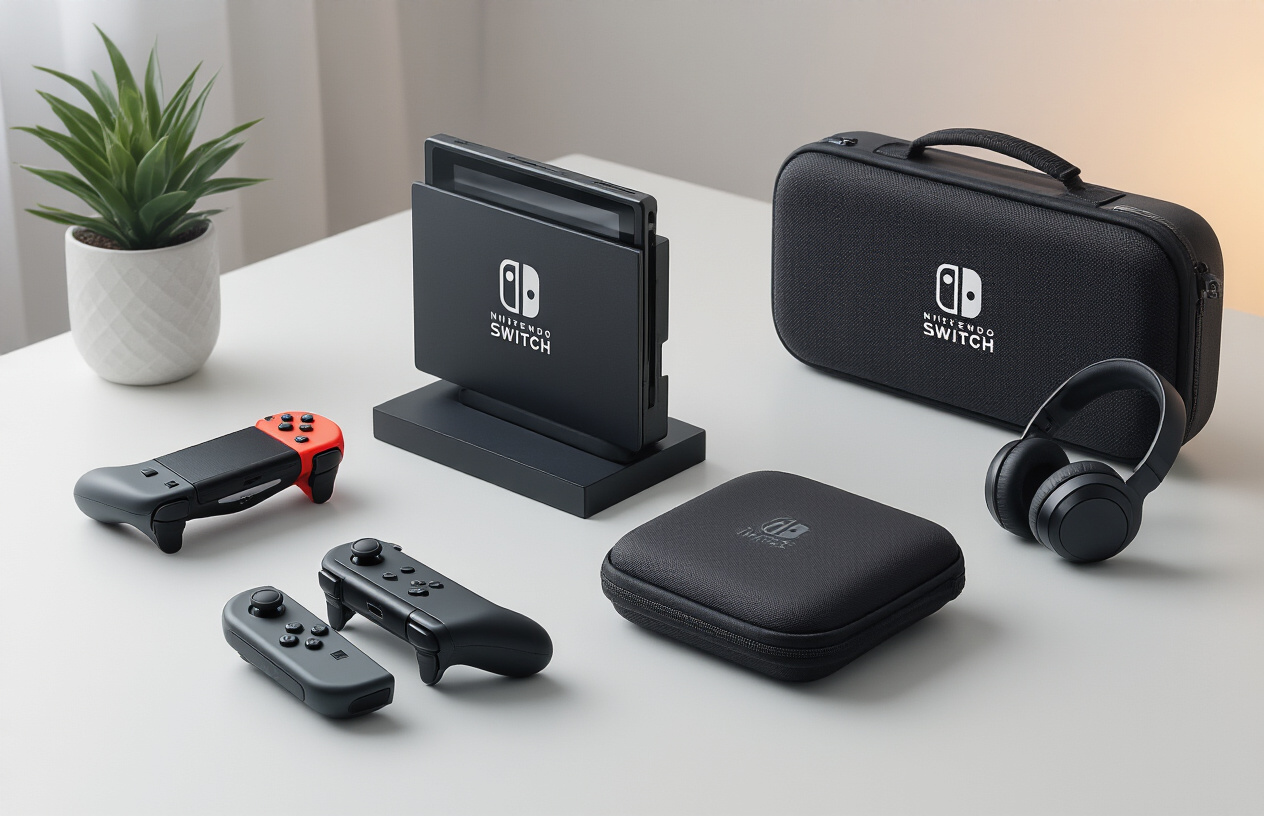
The Nintendo Switch Pro Controller stands as the gold standard among Nintendo Switch controllers for serious gamers who demand precision and comfort. While the Joy-Con controllers work fine for casual gaming, the Pro Controller's full-sized design and enhanced button layout transform your gaming experience completely.
The controller features traditional analog sticks positioned for optimal thumb placement, eliminating the cramped feeling you might experience during extended gaming sessions. The D-pad offers tactile clicks that respond perfectly for fighting games and retro titles, while the larger face buttons provide satisfying feedback for every press. The built-in HD rumble technology delivers nuanced vibrations that add depth to gameplay, making you feel every explosion, impact, and subtle environmental effect.
Battery life reaches approximately 40 hours on a single charge, meaning you'll rarely find yourself tethered to a charging cable. The wireless connection remains stable even when sitting across the room from your docked console, and the controller pairs instantly when you press the home button.
Professional gamers and competitive players particularly appreciate the Pro Controller's customizable button mapping through the Nintendo Switch's system settings. This feature allows you to reassign buttons to match your preferred control scheme for specific games or accommodate any physical limitations.
Gaming Headset for Immersive Audio
Audio quality can make or break your gaming experience, and investing in quality Nintendo Switch headphones elevates every gaming session. The Switch's built-in speakers work fine for casual play, but they can't compete with a dedicated headset when it comes to directional audio cues, bass response, and overall immersion.
Gaming headsets designed for the Switch typically connect through the 3.5mm headphone jack on the console or Pro Controller. This direct connection ensures zero audio delay, which proves crucial for rhythm games, competitive shooters, and any title where audio timing matters. Many headsets also include in-line volume controls and microphone mute buttons for quick adjustments without navigating system menus.
Consider headsets with over-ear designs for maximum comfort during marathon gaming sessions. The padding around your ears creates a seal that blocks external noise while preventing audio leakage that might disturb others nearby. Adjustable headbands accommodate different head sizes and reduce pressure points that can cause discomfort over time.
For multiplayer gaming, look for headsets with detachable or flip-up microphones. These allow clear communication with teammates while giving you the option to remove or stow the microphone when playing single-player games. Some premium models include noise cancellation technology that filters out background sounds, ensuring your voice comes through clearly even in noisy environments.
Screen Protector for Display Safety
The Nintendo Switch's 6.2-inch capacitive touchscreen represents one of the console's most vulnerable components. Without proper protection, daily use can result in scratches, smudges, and potentially costly damage that affects both functionality and resale value.
Tempered glass screen protectors offer superior protection compared to plastic alternatives. These protectors typically measure 0.3mm thick and provide 9H hardness rating, meaning they can withstand significant impacts without transferring damage to the underlying screen. The installation process requires careful alignment, but most quality protectors include alignment guides and dust removal stickers to ensure bubble-free application.
Anti-glare screen protectors reduce reflections and fingerprint visibility, making outdoor gaming more comfortable and keeping your screen looking cleaner between cleaning sessions. These protectors use a matte finish that slightly diffuses light while maintaining touch sensitivity and display clarity.
The investment pays for itself quickly when you consider screen replacement costs. Nintendo charges approximately $100 for out-of-warranty screen repairs, making a $10-15 screen protector an obvious choice for protection. Quality protectors maintain the original touch response and don't interfere with the Switch's automatic brightness adjustment or color accuracy.
MicroSD Card for Expanded Storage
The Nintendo Switch's internal 32GB storage fills up rapidly with today's game sizes, making a high-capacity microSD card essential for building a substantial digital game library. Popular titles like The Witcher 3 require 32GB alone, while smaller indie games typically need 1-5GB each.
Choose microSD cards with Class 10 or UHS-1 ratings to ensure fast loading times and smooth gameplay. Cards with read speeds of 60-100 MB/s provide optimal performance for the Switch's storage requirements. Slower cards can cause longer loading screens and potentially affect game performance during asset streaming.
Storage capacity options range from 64GB to 1TB, with 256GB cards offering the sweet spot between price and capacity for most users. This size accommodates 15-20 major games plus numerous indie titles without requiring constant game management or deletion.
| Capacity | Approximate Game Storage | Price Range |
|---|---|---|
| 128GB | 8-10 major games | $15-25 |
| 256GB | 15-20 major games | $25-40 |
| 512GB | 30-35 major games | $50-80 |
Installation takes seconds - simply power down your Switch, insert the microSD card into the slot behind the kickstand, and power back on. The system automatically recognizes the additional storage and begins using it for new downloads while keeping save data on internal storage for faster access.
Portable Power Solutions for On-the-Go Gaming
Portable Battery Pack for Extended Play Sessions
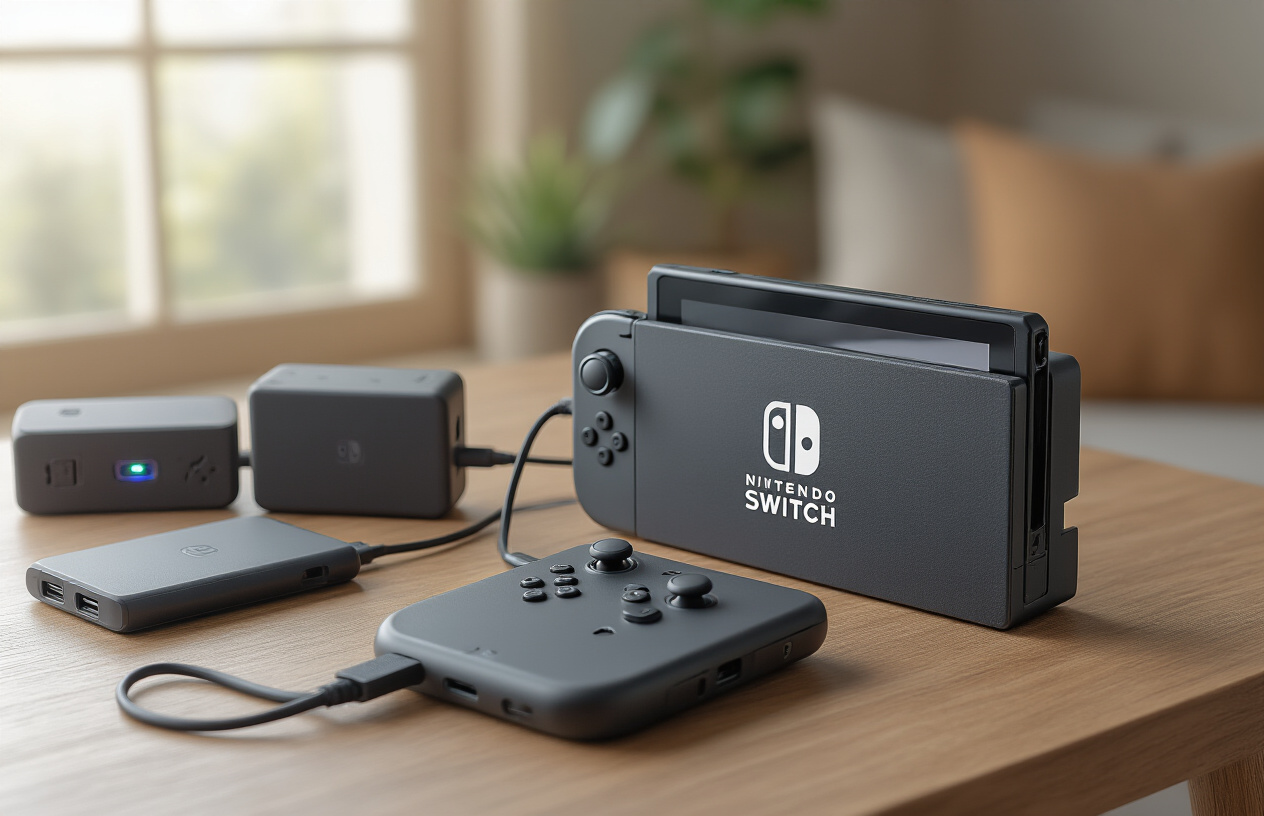
Gaming sessions don't have to end when your Nintendo Switch battery dies. A quality Switch portable charger transforms your gaming experience by delivering hours of additional playtime wherever you are. The Anker PowerCore series stands out as a top choice, offering 20,000mAh capacity that can charge your Switch multiple times over. These battery packs feature USB-C Power Delivery technology, ensuring fast charging speeds that match or exceed the original Nintendo charger.
When selecting a portable battery pack, look for models with at least 18W output through USB-C. This power level maintains your Switch's battery level even during intensive gaming sessions. Many gamers prefer battery packs with pass-through charging capability, allowing you to charge both the battery pack and your Switch simultaneously when connected to wall power.
The RAVPower 26800mAh PD Portable Charger offers exceptional value with three output ports, letting you charge multiple devices alongside your Switch. Its airline-approved design makes it perfect for long flights or train rides. Some battery packs even feature built-in kickstands, eliminating the need for separate Switch stands during tabletop gaming.
Car Charger for Road Trip Gaming
Road trips become infinitely more entertaining with a reliable car charger for your Switch. Unlike standard phone chargers, Nintendo Switch car chargers require specific power specifications to charge effectively while gaming. Look for chargers providing at least 39W through USB-C PD (Power Delivery) to ensure your console charges even during graphically demanding games.
The AINOPE 63W Car Charger delivers dual USB-C ports with intelligent power distribution, making it ideal for families with multiple Switch consoles. Its compact design won't obstruct other dashboard controls, while the LED indicator shows charging status at a glance. Premium car chargers include built-in safety features like overvoltage protection, short circuit prevention, and temperature control to protect your expensive gaming console.
Consider car chargers with retractable cables to minimize dashboard clutter. The coiled cable design prevents tangling while providing enough length for backseat gaming. Some models feature additional USB-A ports for charging smartphones or other devices simultaneously, making them versatile travel companions for tech-heavy families.
Charging Dock for Multiple Joy-Con Controllers
Managing multiple Joy-Con controllers becomes effortless with a dedicated charging dock. The PowerA Joy-Con Charging Dock accommodates four Joy-Con controllers simultaneously, ensuring all your Nintendo Switch controllers stay powered for multiplayer gaming sessions. These docks typically require only one wall outlet while providing organized storage for your controller collection.
Most charging docks feature LED indicators showing individual controller charging status. Red lights indicate charging in progress, while blue or green lights confirm full charge completion. This visual feedback prevents overcharging and helps you grab fully charged controllers quickly before gaming sessions begin.
The compact footprint of quality charging docks makes them perfect for entertainment centers or bedroom setups. Some models include cable management features to keep your gaming area tidy. Look for docks with non-slip bases and precise controller alignment guides to ensure secure connections every time. The investment pays off quickly for households with multiple players who frequently drain Joy-Con batteries during extended gaming marathons.
Comfort and Ergonomics Upgrades
Grip Cases for Better Handheld Control
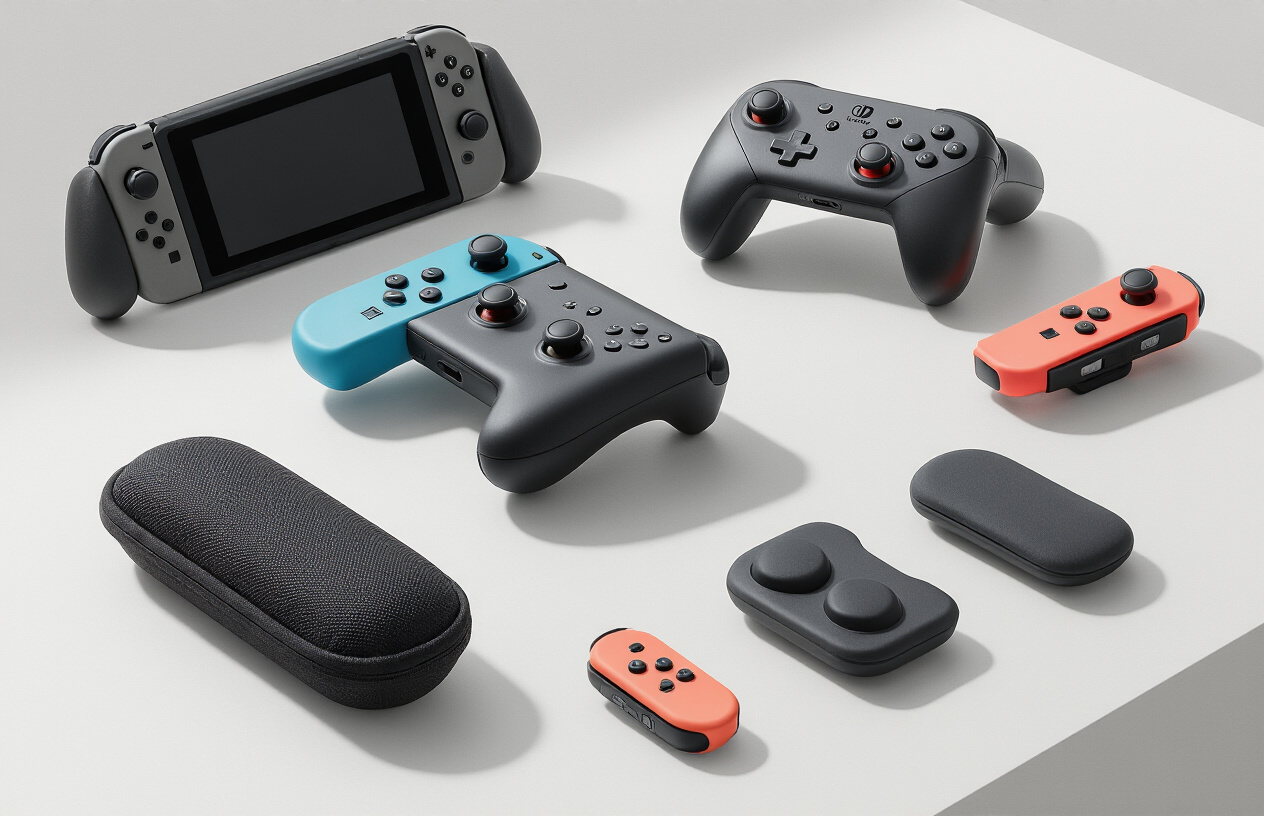
Gaming for hours on the Nintendo Switch can leave your hands cramping and uncomfortable. Switch ergonomic grips transform your device into a more comfortable gaming machine by adding bulk where you need it most. The Satisfye ZenGrip Pro stands out as a top choice, featuring an asymmetrical design that naturally positions your hands for extended play sessions. The textured surface prevents slipping during intense gaming moments, while the ergonomic curves reduce strain on your wrists and fingers.
The Hori Split Pad Pro offers another excellent option with full-sized grips that make handheld mode feel more like using a traditional controller. These grips include programmable buttons and improved shoulder triggers, giving you better control over your favorite games. For budget-conscious gamers, the Fixture S1 grip case provides solid comfort improvements at a fraction of the cost.
Adjustable Stand for Tabletop Gaming
The Switch's built-in kickstand feels flimsy and offers limited positioning options. A quality adjustable stand opens up new possibilities for tabletop gaming. The Lamicall adjustable stand features multiple angle positions, letting you find the perfect viewing angle for different game types. Racing games benefit from a lower angle, while puzzle games work better with a more upright position.
Compact Multi-Angle Stand offers portability without sacrificing stability. Its foldable design takes up minimal space in your carrying case while providing rock-solid support during gameplay. The stand works equally well for watching Netflix or YouTube videos between gaming sessions.
Thumb Grips for Enhanced Joystick Control
Precision matters in competitive games, and stock Joy-Con thumbsticks don't always deliver the accuracy you need. Nintendo Switch controllers benefit significantly from quality thumb grips that improve your control and reduce wear on the original sticks.
Skull & Co. thumb grips come in different heights and textures to match your gaming style. Shorter grips work well for platformers and casual games, while taller grips give you finer control in first-person shooters and racing games. The textured surface prevents your thumbs from sliding during sweaty gaming sessions.
| Grip Type | Best For | Material | Durability |
|---|---|---|---|
| Concave | FPS Games | Rubber | High |
| Convex | Racing | Silicone | Medium |
| Textured | All Games | TPU | High |
Carrying Case for Safe Transport
Protecting your Switch investment requires a reliable Nintendo Switch carrying case. The official Nintendo case provides basic protection with game card storage slots, but third-party options often offer better value and features.
The Tomtoc carrying case includes a hard shell exterior with soft interior padding. Internal mesh pockets hold charging cables, extra Joy-Cons, and accessories organized. The case fits the Switch with or without a grip case attached, making it perfect for gamers who use comfort accessories.
For minimalist travelers, the Satisfye carrying case works specifically with their grip systems. The slim profile takes up less space in your backpack while still providing excellent protection. Multiple color options let you personalize your setup.
Ergonomic Joy-Con Attachments
Joy-Con controllers work great for motion controls but can feel cramped during traditional gameplay. Ergonomic attachments solve this problem by adding bulk and better button placement. The Fixture S1 Joy-Con grips snap onto individual controllers, making them feel like miniature gamepads.
HORI's Joy-Con grips feature textured surfaces and extended triggers for better control. These attachments work particularly well for games that require precise input, like Super Mario Odyssey or The Legend of Zelda series. The added weight helps prevent accidental button presses during intense gaming moments.
Comfort accessories transform your Switch from a portable console into a truly enjoyable gaming experience that doesn't sacrifice your comfort for convenience.
Audio and Visual Enhancement Accessories
Bluetooth Audio Transmitter for Wireless Headphones
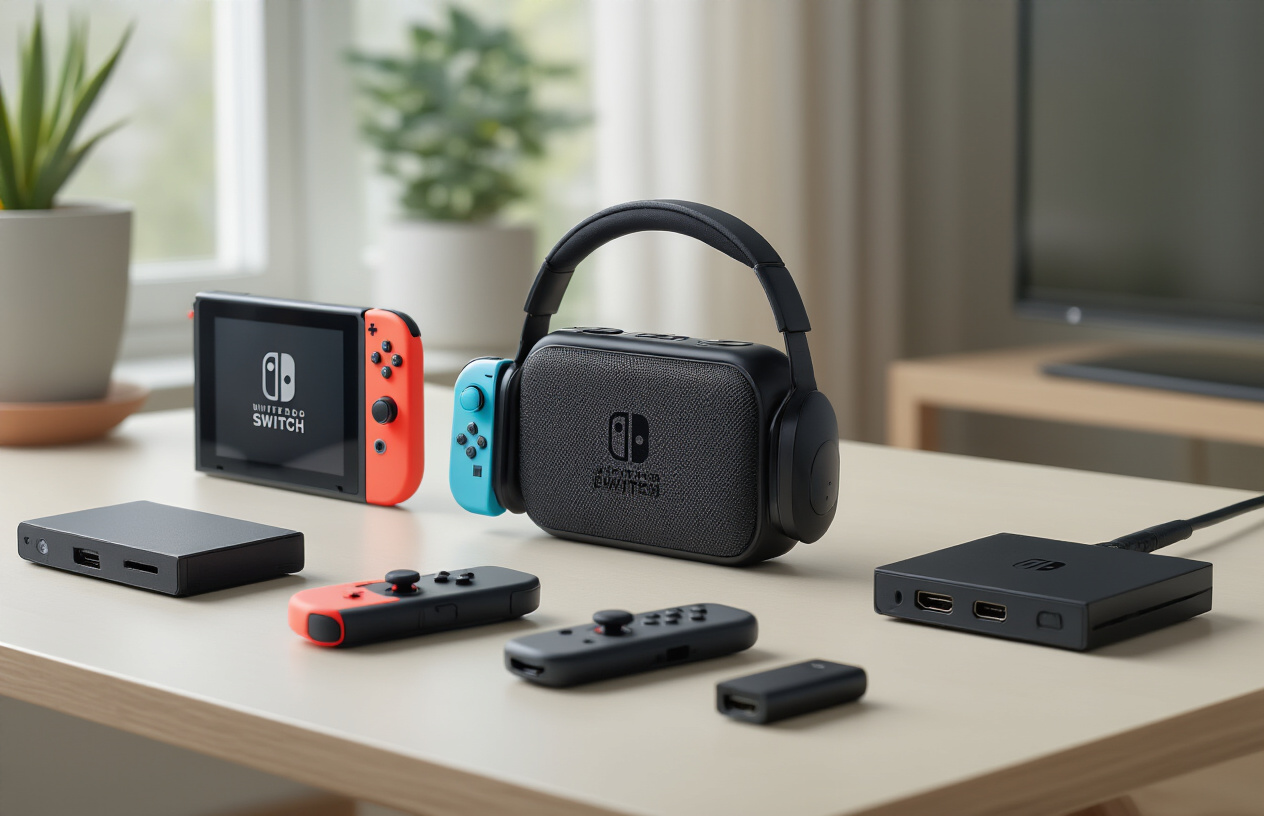
The Nintendo Switch's lack of native Bluetooth audio support feels like a glaring oversight for a modern gaming device. A Bluetooth audio transmitter bridges this gap perfectly, plugging directly into your Switch's USB-C port or headphone jack to enable wireless connectivity with your favorite Nintendo Switch headphones. The Genki ShadowCast and Creative BT-W3 stand out as top choices, offering low-latency transmission that keeps audio perfectly synced with on-screen action.
These compact dongles support multiple codec formats including aptX Low Latency, which reduces audio delay to virtually imperceptible levels. Most transmitters can pair with two devices simultaneously, making them perfect for couples who want to share gaming sessions without disturbing others. Battery life typically ranges from 8-12 hours on higher-end models, matching your Switch's playtime capacity.
Installation couldn't be simpler - just plug and play. The transmitters automatically detect when headphones are connected and seamlessly switch between wired and wireless modes. This transforms your handheld gaming experience, especially during late-night sessions or commutes where wired headphones become cumbersome.
HDMI Cable Upgrade for Better TV Connection
Your Switch deserves better than the basic HDMI cable included in the box. Premium HDMI cables designed specifically for gaming can significantly improve your docked gaming experience. High-speed HDMI 2.1 cables support enhanced color depth and reduced input lag, making fast-paced games more responsive and visually stunning.
Look for cables with gold-plated connectors and braided shielding to prevent signal interference. Brands like Cable Matters and AmazonBasics offer excellent options under $15 that outperform the stock cable. These upgraded cables support HDR10 content and maintain stable 1080p output even with longer cable runs up to 15 feet.
The visual difference becomes most apparent in games with rich color palettes like The Legend of Zelda: Breath of the Wild or Super Mario Odyssey. Colors appear more vibrant, blacks look deeper, and overall image quality feels sharper. Gaming enthusiasts particularly notice improvements in competitive titles where every frame matters.
Blue Light Blocking Screen Filter
Extended gaming sessions can strain your eyes, especially during those marathon weekend sessions. Blue light blocking screen filters reduce eye fatigue while maintaining visual clarity. These thin, removable films attach directly to your Switch's screen using static cling or gentle adhesive strips.
Quality filters block 30-50% of blue light wavelengths while preserving color accuracy. The Ocushield and EyeJust filters are popular choices that don't interfere with touch sensitivity or screen brightness. They're particularly beneficial for gamers who play late at night or suffer from digital eye strain.
Installation takes just minutes and the filters can be removed without leaving residue. Many users report falling asleep more easily after gaming sessions and experiencing less eye dryness during extended play. The filters also provide an additional layer of scratch protection for your screen.
Organization and Storage Solutions
Game Card Storage Case for Physical Games
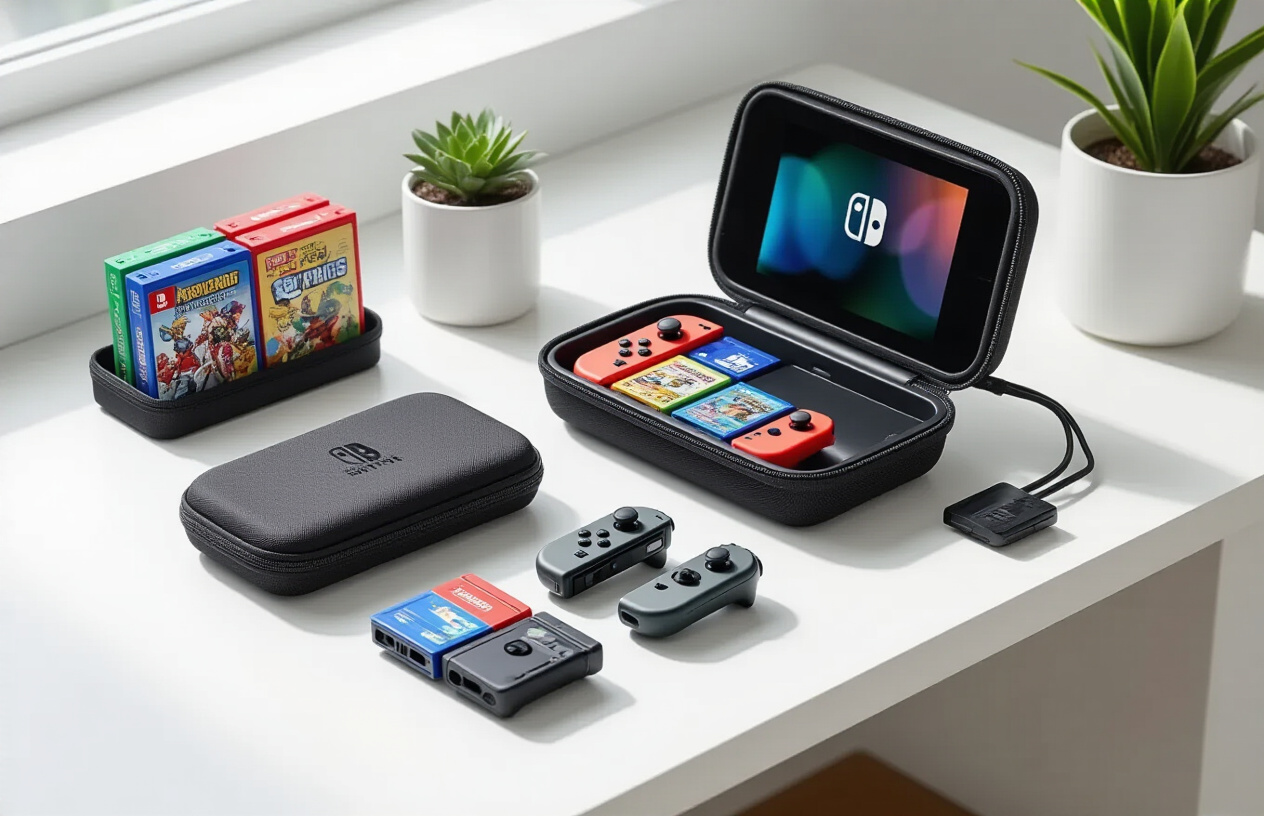
Physical game collectors know the struggle of keeping their Nintendo Switch game cartridges organized and protected. A dedicated Switch storage solutions case transforms chaos into order while safeguarding your investment. These compact organizers typically hold 12-24 game cards in individual slots, preventing scratches and loss.
The best game card cases feature shock-resistant materials and secure latching mechanisms. Look for options with clear windows that let you see game artwork without opening each slot. Some premium cases include foam padding and water-resistant seals, perfect for travelers who carry their entire game library.
| Case Type | Capacity | Key Features | Price Range |
|---|---|---|---|
| Basic Plastic | 12-16 cards | Clear slots, compact | $8-15 |
| Premium Metal | 24+ cards | Shock-resistant, foam lined | $20-35 |
| Travel Cases | 20+ cards | Water-resistant, carrying strap | $15-25 |
Consider cases that accommodate different game sizes, including larger cartridges from special editions. Many collectors prefer cases with labeling areas to quickly identify games in large collections.
Cable Management System for Clean Setup
Tangled cables around your Switch dock create visual clutter and make maintenance difficult. A proper cable management system keeps your gaming area neat while protecting cables from damage and wear.
Cable organizers for Switch setups come in several forms. Adhesive cable clips attach to your entertainment center, routing HDMI and power cables cleanly along edges. Cable sleeves bundle multiple wires together, creating a single, organized line from dock to TV. For ultimate organization, consider cable trays that mount under desks or shelves.
Best Nintendo Switch accessories for cable management include:
-
Spiral cable wrap: Flexible protection that expands and contracts
-
Cable clips with adhesive backing: Perfect for permanent installations
-
Under-desk cable trays: Hide all wires completely from view
-
Velcro cable ties: Reusable and adjustable for changing setups
Smart cable management prevents pets and children from pulling cables while making cleaning easier. Route power cables separately from HDMI and USB cables to prevent interference. Leave some slack in cables to accommodate the Switch's removal from the dock without stress on connections.
Wall Mount for Space-Saving Display
Wall mounting your Switch dock opens up valuable shelf space while creating an attractive display piece. Modern wall mounts support the dock's ventilation needs while providing easy access to all ports and the console itself.
Quality wall mounts feature adjustable arms that accommodate different dock orientations. Some models include integrated cable management, routing all connections through the mount structure. Look for mounts with tool-free installation systems that won't damage your walls.
Popular mounting styles include:
-
Fixed mounts: Simple, low-profile attachment directly to wall
-
Articulating arms: Full rotation and extension for optimal viewing angles
-
Floating shelves: Combines storage with mounting functionality
-
Corner mounts: Maximizes space efficiency in tight areas
Installation considerations include wall type, weight capacity, and proximity to power outlets. Drywall installations require appropriate anchors, while concrete or brick walls need masonry bits and anchors. Always maintain proper ventilation around the dock to prevent overheating during extended gaming sessions.
Premium mounts often include anti-theft features and quick-release mechanisms for easy dock removal. Some Nintendo Switch accessories integrate lighting elements that highlight your gaming setup while providing ambient lighting during play sessions.

The right Nintendo Switch accessories can completely transform your gaming experience. From pro controllers that give you better grip and precision to portable chargers that keep you playing during long trips, these add-ons solve real problems that every Switch owner faces. Comfort upgrades like ergonomic grips make those marathon gaming sessions way more enjoyable, while better audio gear and screen protectors help you get the most out of your games whether you're playing at home or on the road.
Don't forget about staying organized with quality carrying cases and game storage solutions - they'll save you from the frustration of lost cartridges or scratched screens. Start with the basics like a screen protector and carrying case, then build your collection based on how you actually play. Your hands, your games, and your wallet will thank you for investing in accessories that match your gaming style.



0 Comments