Tech for Building the Ultimate Gaming Setup
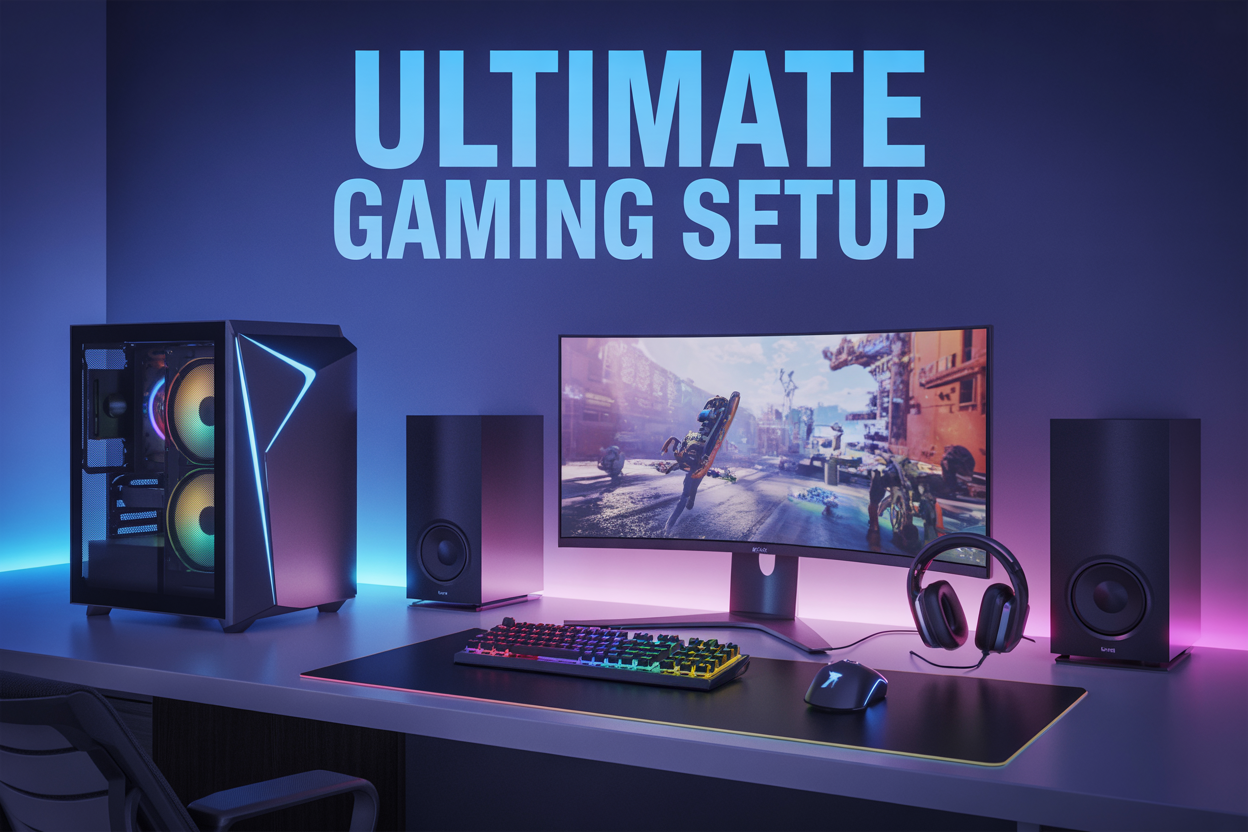
Building the ultimate gaming setup isn't just about buying the most expensive gear—it's about choosing the right tech that works together to give you the best gaming experience possible. This guide is for serious gamers, streamers, and anyone ready to take their setup from basic to legendary.
Your gaming PC components form the backbone of everything, so we'll start by breaking down how to pick a processor, graphics card, and memory that deliver maximum performance without breaking the bank. Next, we'll dive into creating the perfect gaming display setup that pulls you right into the action, from choosing the right monitor specs to positioning everything for comfort during those marathon sessions.
Finally, we'll cover the often-overlooked gaming audio systems that can give you a real competitive edge—because hearing your enemies before they hear you can make all the difference. By the end, you'll know exactly how to build a gaming environment that looks amazing and performs even better.
Choose the Right Gaming PC Components for Maximum Performance
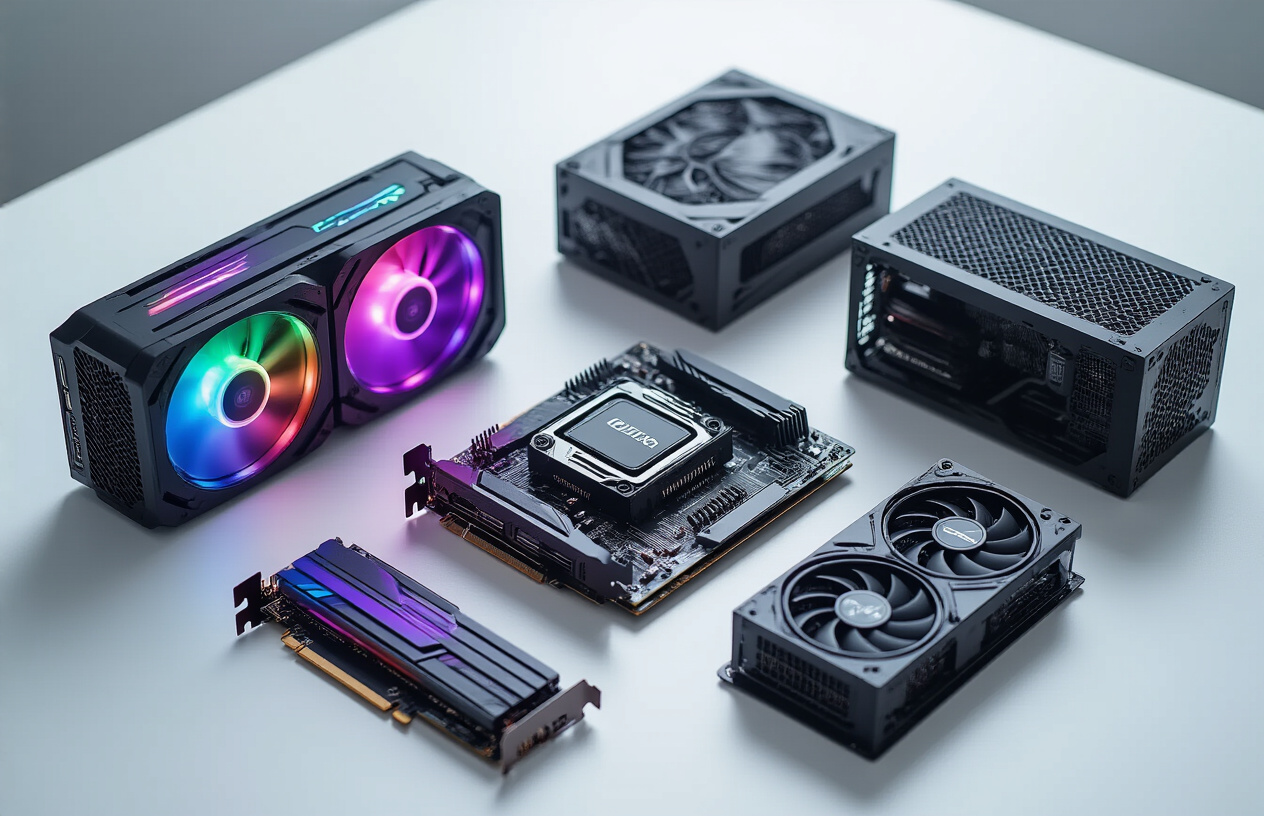
Select a powerful graphics card for smooth gameplay at high settings
Your graphics card is the heart of any gaming PC components setup. Modern AAA games demand serious processing power to deliver stunning visuals at high frame rates. The RTX 4080 and RTX 4090 currently dominate the high-end market, delivering exceptional performance for 4K gaming and ray tracing. For 1440p gaming, the RTX 4070 or AMD's RX 7800 XT offer excellent value while maintaining smooth framerates above 60 FPS in most titles.
VRAM capacity matters more than ever. Games like Cyberpunk 2077 and Microsoft Flight Simulator can consume over 12GB of video memory at maximum settings. Cards with 16GB or more VRAM ensure your gaming setup stays relevant for years to come. Consider your monitor's resolution when choosing - 1080p gaming works well with 8GB cards, while 4K gaming benefits from 16GB or more.
Ray tracing performance varies significantly between models. NVIDIA's DLSS 3 technology provides substantial performance boosts in supported games, while AMD's FSR offers similar benefits across broader hardware compatibility.
Pick a fast processor that handles demanding games without bottlenecks
Gaming processors need strong single-core performance for optimal frame rates. Intel's 13th-gen Core i5 and i7 processors excel in gaming workloads, with the i5-13600K offering incredible value for most gamers. AMD's Ryzen 7000 series, particularly the 7800X3D, delivers exceptional gaming performance thanks to its massive L3 cache.
Core count becomes crucial when streaming or content creation joins your gaming routine. Six cores handle pure gaming admirably, while eight cores provide headroom for background applications and multitasking. The sweet spot for most ultimate gaming setup builds falls between 6-8 cores with high clock speeds.
| Processor | Cores/Threads | Base Clock | Gaming Performance | Price Range |
|---|---|---|---|---|
| i5-13600K | 14/20 | 3.5 GHz | Excellent | $280-320 |
| Ryzen 7 7800X3D | 8/16 | 4.2 GHz | Outstanding | $400-450 |
| i7-13700K | 16/24 | 3.4 GHz | Excellent | $380-420 |
Install sufficient RAM for seamless multitasking while gaming
32GB of DDR4 or DDR5 memory represents the current sweet spot for serious gaming setups. While 16GB handles most games adequately, modern titles like Star Citizen and heavily modded games benefit from additional memory. Background applications, streaming software, and browser tabs quickly consume available RAM.
DDR5 memory offers superior bandwidth and lower latency compared to DDR4, though the performance gains in gaming remain modest. DDR4-3200 or DDR5-5600 speeds provide excellent performance without premium pricing. Higher speeds show diminishing returns unless you're running memory-intensive applications alongside gaming.
Dual-channel configuration doubles memory bandwidth compared to single-stick setups. Always install RAM in matched pairs for optimal performance. RGB lighting adds visual flair but doesn't impact performance - choose based on your aesthetic preferences and budget.
Invest in SSD storage for lightning-fast game loading times
NVMe SSDs transform gaming experiences by virtually eliminating loading screens. PCIe 4.0 drives like the Samsung 980 Pro or Western Digital SN850X deliver sequential read speeds exceeding 7,000 MB/s. Games installed on these drives load in seconds rather than minutes.
Storage capacity planning requires careful consideration. Modern games occupy 50-150GB each, with Call of Duty titles approaching 200GB. A 2TB primary SSD accommodates 10-15 large games comfortably. Pair this with a larger secondary drive for additional storage and older titles.
DirectStorage technology in newer games leverages NVMe speed directly, bypassing traditional CPU decompression bottlenecks. This creates noticeable improvements in asset streaming and world loading. Games supporting this technology show dramatic improvements on high-speed SSDs versus traditional hard drives.
Consider a tiered storage approach: place frequently played games on the fastest NVMe drive, while using a larger SATA SSD or traditional hard drive for less demanding titles and media storage.
Optimize Your Display Setup for Immersive Gaming Experience
Choose the ideal monitor size and resolution for your gaming style
Your monitor choice dramatically shapes your entire gaming setup experience. For competitive FPS games like Counter-Strike or Valorant, 24-inch 1080p displays remain the gold standard. The smaller screen size keeps everything within your peripheral vision, while 1080p maintains crystal-clear image quality without demanding excessive GPU power.
For immersive single-player adventures and RPGs, 27-inch 1440p monitors hit the sweet spot. This resolution delivers stunning visual detail that makes games like Cyberpunk 2077 or The Witcher 3 absolutely breathtaking. The extra screen real estate provides better immersion without being overwhelming.
| Monitor Size | Best Resolution | Gaming Style | Key Benefits |
|---|---|---|---|
| 24" | 1080p | Competitive FPS | Full screen visibility, high FPS |
| 27" | 1440p | All-around gaming | Perfect balance of detail and performance |
| 32"+ | 4K | Cinematic/RPG | Maximum visual fidelity |
Avoid going below 24 inches for serious gaming - you'll miss crucial visual information. Similarly, pushing beyond 32 inches can strain your neck and eyes during extended sessions.
Prioritize high refresh rates for competitive gaming advantage
Refresh rate makes or breaks your competitive gaming setup. Standard 60Hz displays feel sluggish once you experience 144Hz or higher. Every frame matters in competitive titles where split-second reactions determine victory.
For casual gaming, 144Hz provides noticeable smoothness improvements. Competitive players should target 240Hz or even 360Hz displays if their gaming PC components can deliver matching frame rates. The difference between 144Hz and 240Hz might seem subtle, but competitive players swear by the reduced input lag and smoother tracking.
Don't forget about adaptive sync technology. NVIDIA G-Sync or AMD FreeSync eliminates screen tearing and stuttering, creating a seamless immersive gaming experience even when frame rates fluctuate.
Your graphics card must match your monitor's capabilities. A 240Hz monitor paired with a mid-range GPU that only pushes 80 FPS wastes potential and money.
Consider ultrawide or multi-monitor configurations for enhanced immersion
Ultrawide monitors transform racing games, flight simulators, and open-world adventures into cinematic experiences. The 21:9 aspect ratio provides natural peripheral vision that standard 16:9 displays can't match. Games like Forza Horizon or Microsoft Flight Simulator become absolutely stunning on ultrawide displays.
Multi-monitor setups offer incredible versatility. Three 24-inch monitors create an expansive gaming display setup perfect for sim racing or strategy games. You can dedicate side monitors to streaming software, Discord, or system monitoring while gaming on the center display.
Gaming environment considerations include desk space and mounting solutions. Ultrawide monitors require substantial desk depth, while triple-monitor setups need sturdy mounting arms to prevent wobbling.
Budget-conscious gamers should consider curved ultrawide displays. The curve enhances immersion without requiring multiple displays, reducing complexity while maximizing visual impact. Popular choices include 34-inch 3440x1440 curved monitors that balance performance demands with spectacular visuals.
Some games don't support ultrawide resolutions properly, showing black bars or stretched images. Research your favorite titles' ultrawide compatibility before committing to this gaming setup approach.
Enhance Audio Quality with Professional Gaming Sound Systems
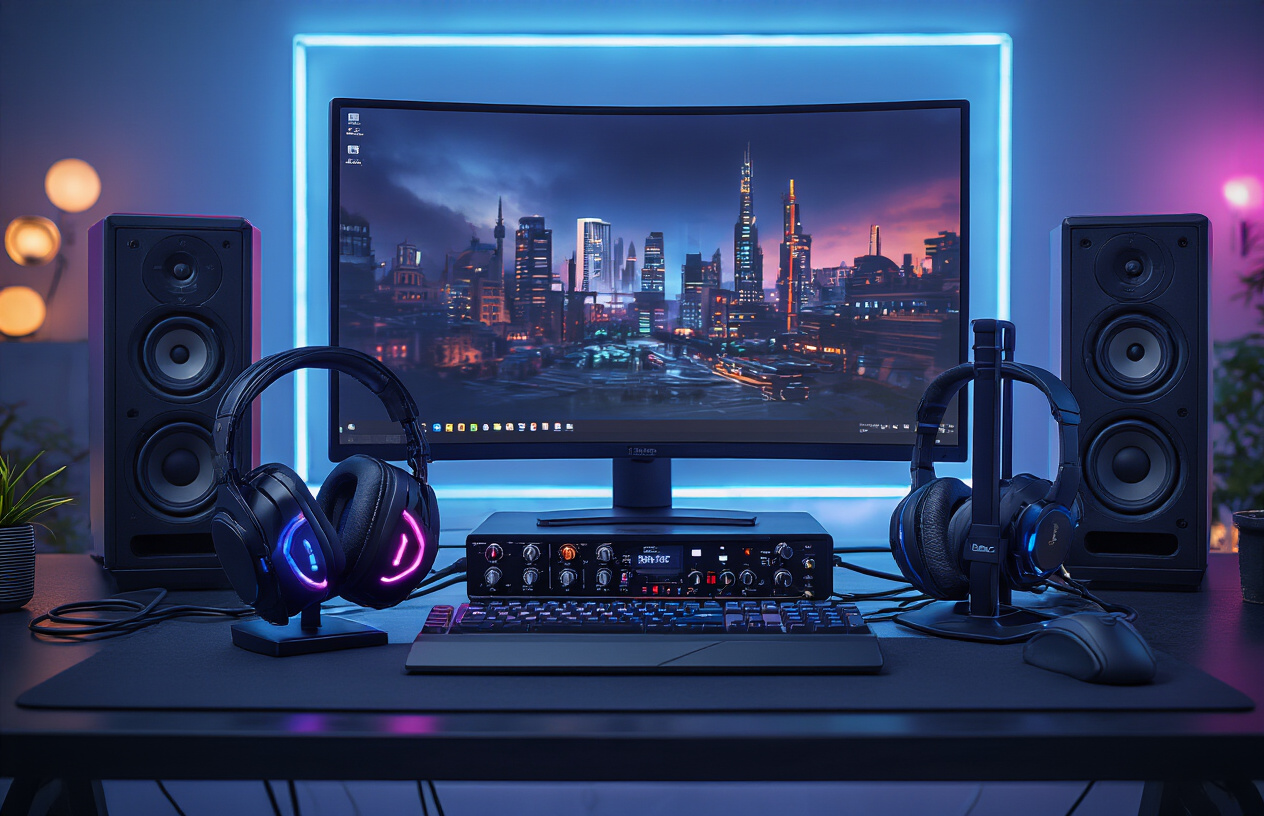
Select High-Quality Gaming Headsets for Precise Directional Audio
Gaming headsets serve as the cornerstone of any professional gaming audio systems. The ability to pinpoint enemy footsteps, distinguish weapon reloads, and locate environmental cues can make the difference between victory and defeat in competitive gaming setups. Look for headsets featuring large 40mm to 50mm drivers that deliver crisp highs and deep bass response across the entire frequency spectrum.
Open-back headsets excel for single-player experiences, providing natural soundstage and spatial awareness that creates an immersive gaming experience. However, closed-back designs work better for team-based games where external noise isolation becomes critical. Features like detachable cables, replaceable ear pads, and adjustable headbands ensure long-term durability during extended gaming sessions.
Consider headsets with built-in amplification or those that pair well with external amplifiers. Brands like SteelSeries, HyperX, and Audio-Technica offer models specifically tuned for gaming frequencies, delivering the precision your ultimate gaming setup demands.
Install Surround Sound Speakers for Room-Filling Game Audio
Speaker systems transform your gaming environment into a cinematic experience that headsets simply cannot match. A proper 5.1 or 7.1 surround sound configuration places you directly inside the game world, with audio cues coming from their actual directions rather than simulated through stereo processing.
Position front left and right speakers at ear level, angled slightly toward your gaming chair. The center channel handles dialogue and important audio cues, while rear speakers create atmospheric immersion. Subwoofer placement requires experimentation - corner positioning typically amplifies bass response, while center-room placement offers more balanced low-frequency distribution.
Gaming-specific speaker sets from Logitech, Creative, and Klipsch include optimized crossover points and frequency responses tailored for game audio. These systems often feature dedicated gaming modes that enhance critical audio elements like footsteps and gunfire while maintaining overall balance.
Add a Dedicated Sound Card or DAC for Superior Audio Processing
Motherboard audio has improved significantly, but dedicated audio processing unlocks the full potential of professional gaming gear. Sound cards like the Creative Sound Blaster series provide hardware-accelerated audio processing, reducing CPU load while delivering cleaner, more detailed sound reproduction.
External DACs (Digital-to-Analog Converters) offer even greater flexibility and superior noise isolation from computer interference. Units from FiiO, Schiit, or AudioQuest connect via USB and drive high-impedance headphones that motherboard outputs cannot properly power.
Look for devices supporting high sample rates (192kHz/24-bit) and low latency processing. Many include software suites with customizable EQ settings, virtual surround processing, and game-specific audio profiles that enhance your competitive edge.
Incorporate a Quality Microphone for Clear Team Communication
Team coordination requires crystal-clear voice communication that cheap headset mics simply cannot provide. Dedicated microphones deliver broadcast-quality audio that keeps your team informed and coordinated during crucial moments.
USB condenser microphones like the Audio-Technica AT2020USB+ or Blue Yeti offer professional recording quality with plug-and-play convenience. These mics capture voice with exceptional clarity while rejecting background noise and keyboard clicks that distract teammates.
XLR microphones paired with audio interfaces provide ultimate flexibility and upgradability. The Shure SM7B, favored by streamers and professional gamers, delivers warm, clear vocals that cut through game audio without requiring excessive gain levels. Boom arms and shock mounts eliminate handling noise and vibrations that compromise audio quality.
Consider microphones with cardioid pickup patterns that focus on your voice while rejecting room reflections and ambient noise, ensuring your callouts remain clear and intelligible during intense gaming sessions.
Perfect Your Gaming Peripherals for Competitive Edge
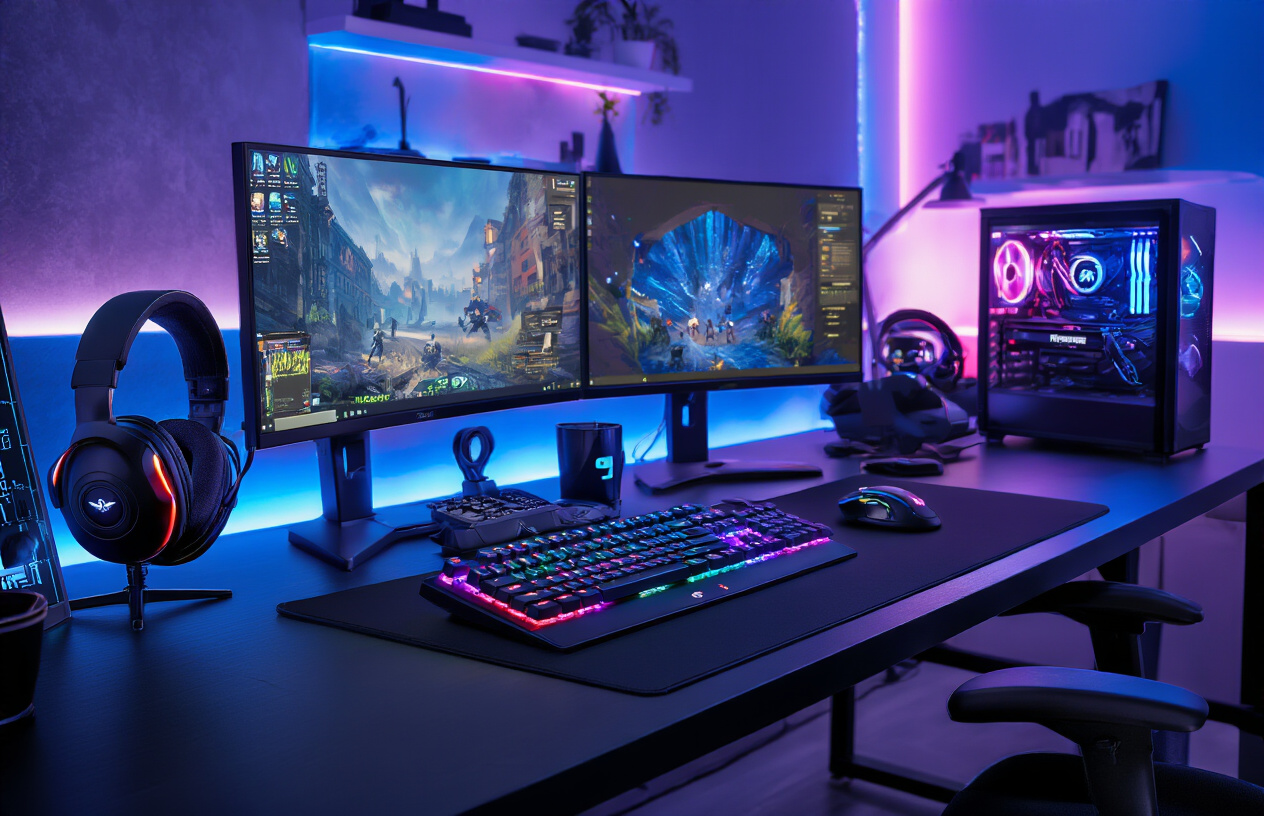
Choose mechanical keyboards with optimal switch types for gaming
The switch type you choose can make or break your competitive gaming setup. Cherry MX Red switches deliver the smooth, linear response most gamers crave, requiring minimal force to actuate without the tactile bump that might slow you down during rapid key presses. These switches excel in FPS games where quick, repeated inputs matter most.
Cherry MX Brown switches offer a middle ground with their tactile feedback, giving you just enough resistance to feel each keypress without the loud click. They work great for gamers who switch between gaming and typing regularly. For those who want maximum speed, Cherry MX Speed Silver switches actuate at just 1.2mm, cutting precious milliseconds off your reaction time.
Don't overlook newer options like Razer's optical switches or SteelSeries' OmniPoint adjustable switches. These gaming peripherals let you customize actuation points between 0.4mm and 3.6mm, adapting to different game genres on the fly.
Select precision gaming mice with customizable DPI settings
Your mouse sensor determines how accurately your crosshair follows your hand movements. Look for mice with flawless sensors like the PixArt PMW 3360 or newer variants that track perfectly across different DPI settings without acceleration or angle snapping.
DPI flexibility matters more than raw numbers. A mouse that switches smoothly between 400 DPI for precise sniping and 1600 DPI for quick turns gives you the edge in competitive gaming setup scenarios. The Logitech G Pro X Superlight and Razer DeathAdder V3 Pro excel here, offering instant DPI switching via dedicated buttons.
Weight distribution affects your aim consistency. Some players prefer lightweight mice under 70 grams for quick flicks, while others want more heft for steady tracking. Adjustable weight systems let you find your sweet spot.
Consider your grip style when choosing shape and size. Palm grip users need larger mice with full hand support, while claw and fingertip grippers perform better with compact designs that don't interfere with quick movements.
Add programmable macro keys for complex game commands
Macro programming transforms complex command sequences into single button presses. MMO players benefit most, turning 8-button spell rotations into one-click combos. Gaming keyboards with dedicated macro keys, like the Corsair K95 RGB Platinum or SteelSeries Apex Pro, position these buttons perfectly for thumb access.
Software quality matters as much as hardware. Look for gaming peripherals with intuitive macro editors that let you adjust timing between commands, add conditional logic, and sync across multiple devices. Logitech G HUB and Razer Synapse lead the pack here.
Record macros during actual gameplay rather than theory-crafting at your desk. Your natural timing between keystrokes often works better than perfectly spaced commands. Most professional gaming gear supports on-the-fly recording, letting you capture the perfect combo mid-game.
Don't limit macros to just game commands. Binding frequently used phrases for team communication or quick settings adjustments can shave seconds off important decisions during matches.
Install ergonomic accessories to prevent gaming fatigue
Long gaming sessions demand proper support to maintain peak performance. Wrist rests for both keyboard and mouse prevent strain during extended competitive play. Memory foam options from HyperX and SteelSeries conform to your natural hand position while providing stable support.
Monitor arm positioning prevents neck strain that builds up during marathon sessions. Your screen should sit at eye level, about arm's length away. Adjustable monitor arms let you dial in the perfect position and switch between gaming and productivity setups quickly.
Chair selection impacts everything from reaction time to endurance. Gaming chairs with proper lumbar support and adjustable armrests keep your spine aligned and shoulders relaxed. The Herman Miller x Logitech G Embody specifically targets gaming posture issues that standard office chairs miss.
Lighting reduces eye strain during late-night sessions. Bias lighting behind your monitor and ambient room lighting prevent the harsh contrast between bright screens and dark surroundings that causes fatigue.
Create the Ideal Gaming Environment and Setup
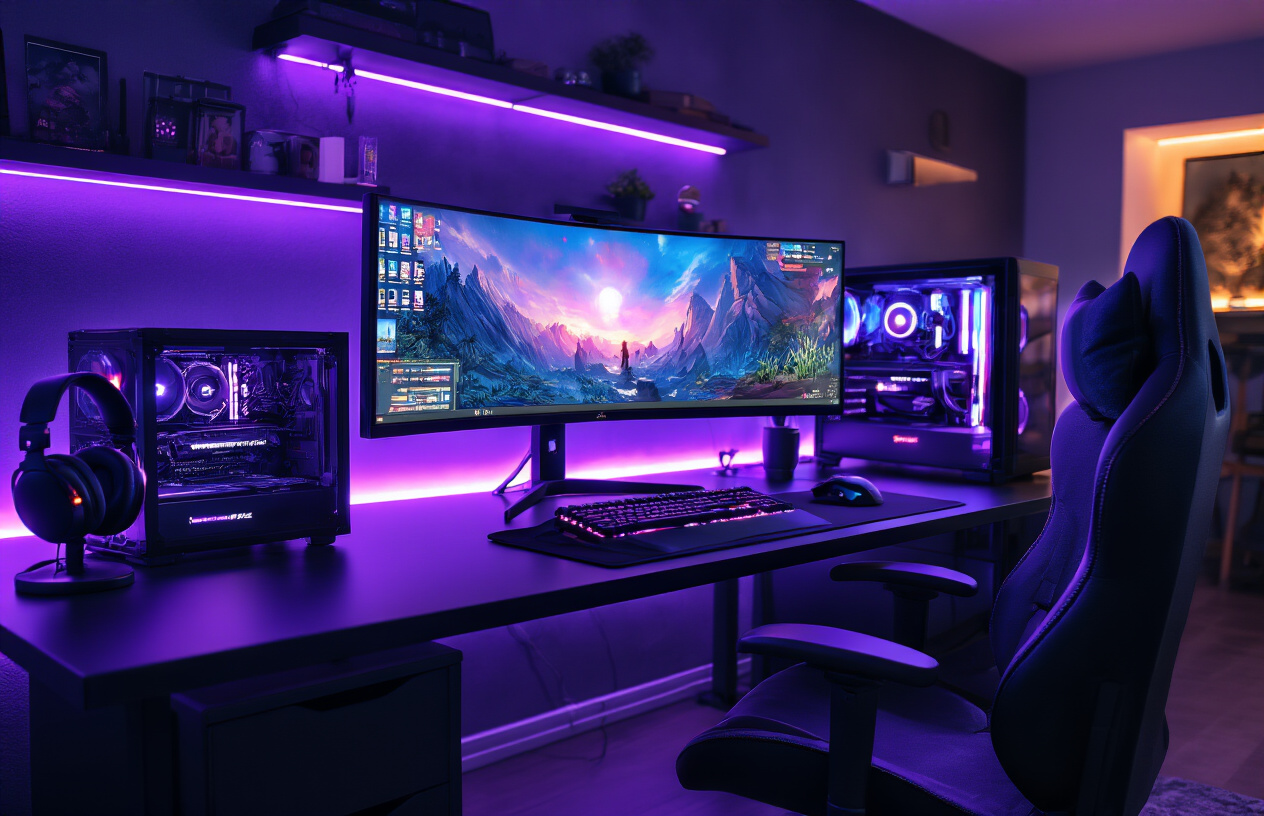
Design proper lighting to reduce eye strain during long sessions
Your gaming environment's lighting setup directly impacts your performance and comfort during extended gaming sessions. Proper ambient lighting prevents harsh contrasts between your bright monitor and dark surroundings, which causes eye fatigue and headaches.
Install bias lighting behind your monitor using LED strips with adjustable color temperature. Set the brightness to roughly 10% of your monitor's brightness level. This creates a gentle glow that reduces the stark difference between your screen and the room. Choose LED strips with 6500K color temperature for daytime gaming and warmer 3000K tones for evening sessions.
Avoid placing light sources directly behind you or reflecting off your screen. Position desk lamps to the side of your monitor at eye level or slightly below. Smart lighting systems like Philips Hue allow you to sync room lighting with in-game environments for an immersive gaming experience.
Consider installing dimmable ceiling lights with multiple zones. This lets you adjust lighting intensity based on the time of day and game type. Darker games benefit from dimmer ambient lighting, while competitive gaming requires consistent, moderate illumination to maintain focus.
Organize cables and workspace for maximum comfort and efficiency
Cable management transforms your gaming setup from chaotic to professional while improving airflow and accessibility. Start with a cable management tray mounted under your desk to route power cables and USB connections away from your legs and gaming area.
Use cable clips and ties to group similar cables together. Keep power cables separate from audio and data cables to prevent electromagnetic interference. Label each cable at both ends using small tags or colored tape for easy identification during troubleshooting or upgrades.
Invest in a desk with built-in cable management features or add cable grommets to existing surfaces. This creates clean entry and exit points for your cables while maintaining the aesthetic appeal of your ultimate gaming setup. Cable sleeves provide additional protection and create a uniform appearance for visible cable runs.
Position your PC tower on a dedicated stand or shelf to improve airflow and reduce dust accumulation. This placement also makes cable connections more accessible when adding new gaming peripherals or upgrading components. Keep frequently used items like headphones, controllers, and cleaning supplies within arm's reach using desk organizers or wall-mounted storage solutions.
Control room temperature and ventilation for optimal performance
Temperature control directly affects both your comfort and your equipment's performance during intense gaming sessions. Your gaming PC components generate significant heat, especially high-end graphics cards and processors running demanding games. Room temperatures above 75°F can cause thermal throttling, reducing your system's performance when you need it most.
Install adequate ventilation to maintain consistent airflow throughout your gaming environment. Position intake fans near your gaming setup to bring cool air toward your equipment, while exhaust fans remove hot air from the room. Ceiling fans help circulate air but avoid directing airflow directly onto your monitor or peripherals, which can cause screen vibrations and interfere with precision movements.
Consider a dedicated air conditioning unit or portable cooler for your gaming room. Mini-split systems provide quiet operation and precise temperature control without the noise of central air systems. During summer months or extended gaming marathons, maintaining temperatures between 68-72°F keeps both you and your professional gaming gear operating at peak efficiency.
Monitor humidity levels using a digital hygrometer. Keep humidity between 40-60% to prevent static electricity buildup that can damage sensitive gaming PC components while avoiding condensation issues. Dehumidifiers or humidifiers help maintain optimal conditions year-round, protecting your investment in high-performance gaming equipment.
Building your dream gaming setup comes down to making smart choices across every component. From selecting a powerful GPU and CPU combo that won't bottleneck your performance, to investing in a high-refresh monitor that brings your games to life, each piece plays a crucial role in your overall experience. Quality audio gear and responsive peripherals like mechanical keyboards and precision mice can give you that competitive advantage, while creating the right environment with proper lighting and ergonomics keeps you comfortable during those marathon gaming sessions.
The best gaming setup isn't about buying the most expensive gear available – it's about finding the sweet spot between performance, budget, and your specific gaming needs. Start with the components that will impact your experience most, like your graphics card and monitor, then build around those core pieces. Remember that a well-balanced setup where everything works together smoothly will always outperform a collection of random high-end parts that don't complement each other.



0 Comments