Best Gadgets for Remote Work
Working remotely has become the new normal, and having the right remote work gadgets can make or break your productivity at home. This guide is designed for remote workers, freelancers, and anyone setting up a home office who wants to create an efficient workspace without breaking the bank.
The best home office equipment goes beyond just a laptop and desk chair. You need work from home accessories that keep you connected, comfortable, and focused throughout your workday. A solid remote work setup requires careful planning to avoid the common pitfalls that derail productivity.
We'll cover the must-have productivity tools for remote workers, including wireless communication devices that keep you seamlessly connected with your team. You'll also discover ergonomic office accessories and workspace enhancement tools that transform any room into a professional environment. Finally, we'll explore home office tech essentials for power management and health-focused work from home must-haves that support your wellbeing during those long work sessions.
Essential Communication Devices for Seamless Collaboration
High-Quality Webcams for Professional Video Calls
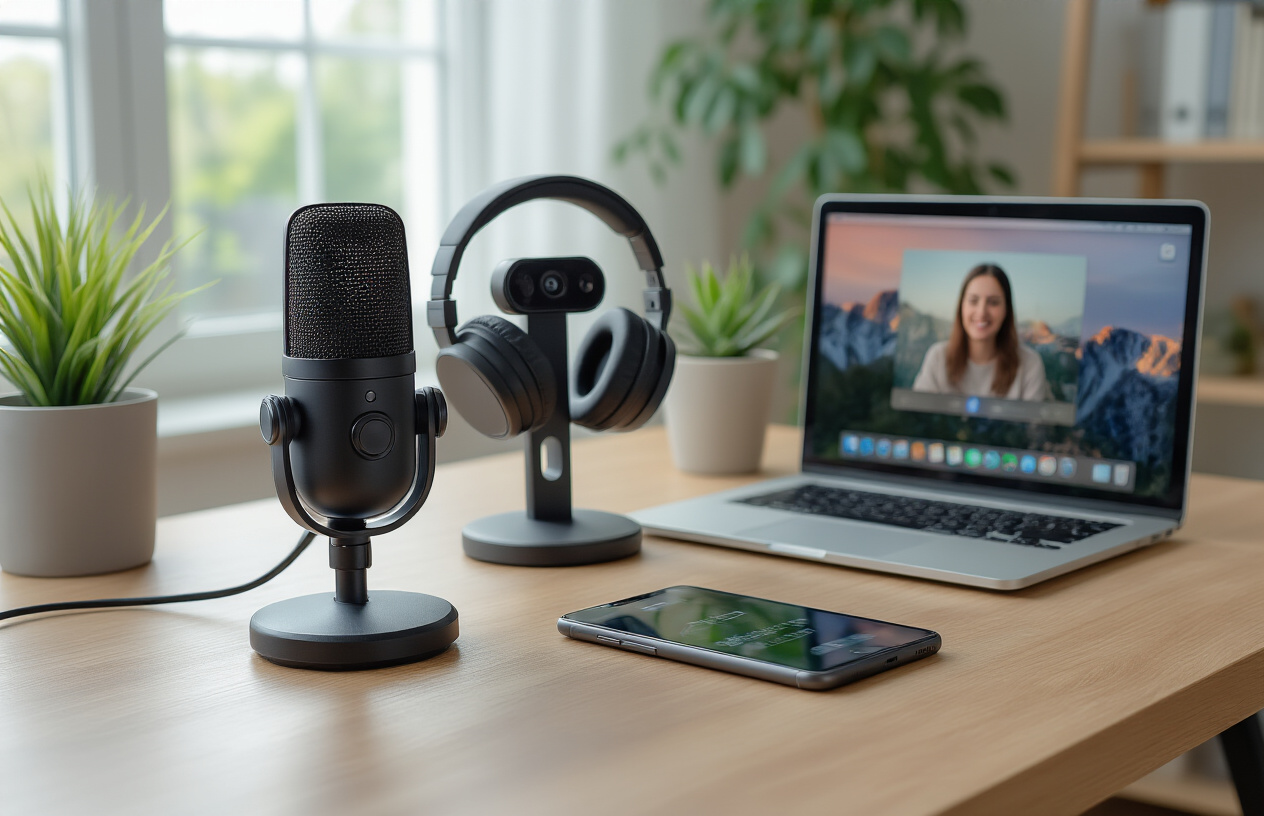
Your laptop's built-in camera won't cut it for professional remote work meetings. Investing in a dedicated webcam transforms your video presence and credibility during client calls and team collaborations. The Logitech C920s Pro HD delivers crisp 1080p video at 30fps with excellent low-light performance, making it perfect for home office setups without professional lighting. For those seeking premium quality, the Logitech Brio 4K Ultra HD offers exceptional detail and HDR support.
Position your webcam at eye level to create natural conversation angles and avoid the unflattering upward view common with laptop cameras. Many remote workers overlook lighting, but a simple ring light paired with a quality webcam creates broadcast-level video quality that impresses clients and colleagues alike.
Noise-Canceling Headsets for Clear Audio
Crystal-clear audio communication forms the backbone of successful remote work collaboration. Active noise-canceling headsets eliminate household distractions like barking dogs, construction noise, or family conversations that can derrupt important calls. The Sony WH-1000XM5 provides industry-leading noise cancellation with exceptional microphone clarity for all-day comfort.
For dedicated work calls, consider the Jabra Evolve2 85, specifically designed for professional communications. Its busylight indicator signals to family members when you're on important calls, while the superior microphone array ensures your voice comes through clearly even in noisy environments. These wireless communication devices offer freedom of movement during long conference calls without sacrificing audio quality.
Wireless Microphones for Presentation Excellence
Remote presentations require professional-grade audio that built-in laptop microphones simply cannot deliver. Wireless lapel microphones like the Rode Wireless Go II provide broadcast-quality sound for webinars, training sessions, and important client presentations. These compact devices clip discreetly to your clothing and transmit crystal-clear audio directly to your recording device or streaming software.
USB microphones such as the Blue Yeti or Audio-Technica AT2020USB+ offer studio-quality sound for remote workers who frequently lead presentations or record training content. The cardioid pickup pattern focuses on your voice while minimizing background noise, creating professional audio that keeps audiences engaged.
Smart Speakers for Hands-Free Communication
Smart speakers revolutionize quick team communications and calendar management in home office environments. Amazon Echo devices with Alexa calling capabilities allow instant voice communication with team members without touching your phone or computer. Simply say "Alexa, call the marketing team" to connect instantly.
Google Nest speakers integrate seamlessly with Google Workspace, enabling voice-activated calendar checks, meeting reminders, and quick note-taking during brainstorming sessions. These home office tech essentials become central communication hubs, allowing you to stay connected while working on other tasks. The hands-free functionality proves invaluable during busy workdays when juggling multiple projects and communications simultaneously.
Productivity-Boosting Computer Accessories
Ergonomic Wireless Keyboards for Comfortable Typing
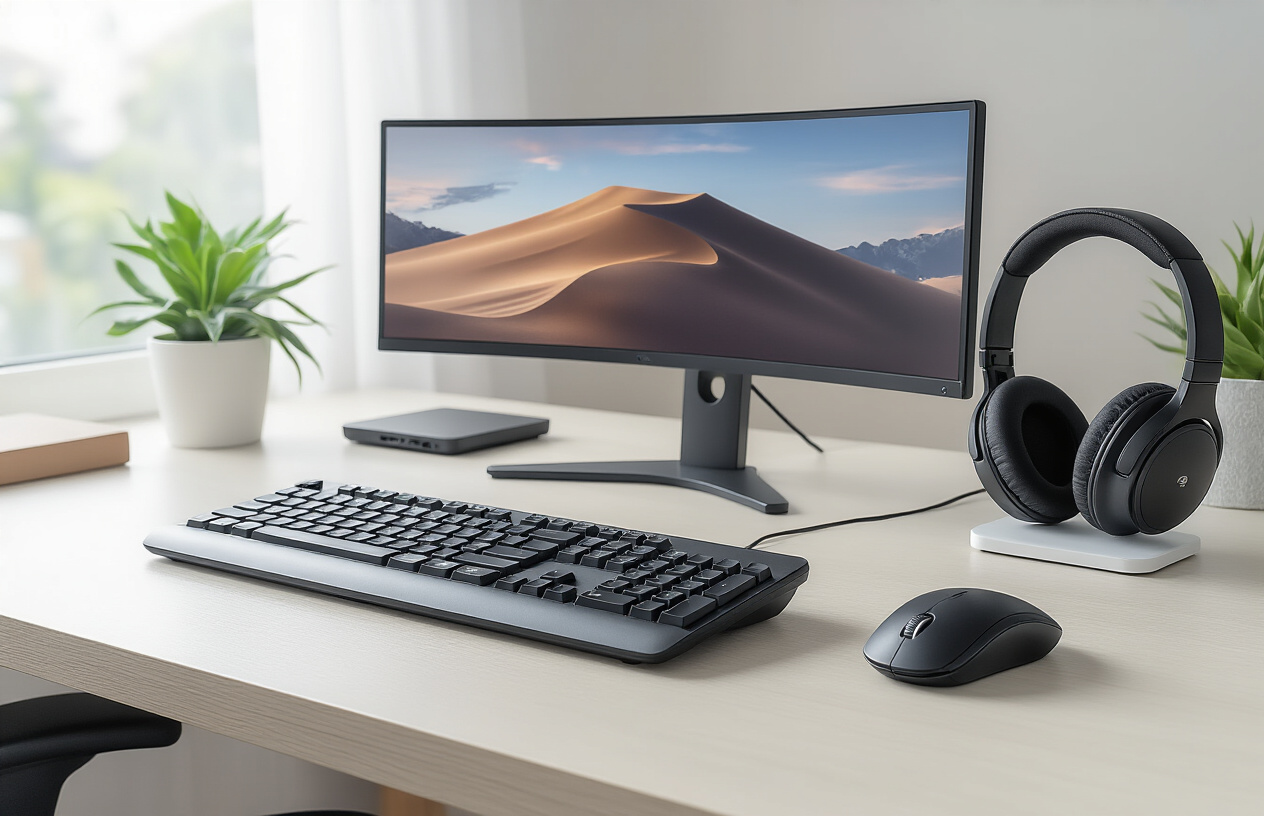
Your keyboard is probably the most frequently used piece of remote work equipment, so investing in the right one can transform your daily work experience. Ergonomic wireless keyboards reduce strain on your wrists and fingers during those marathon typing sessions that come with working from home.
Split keyboards like the Microsoft Ergonomic Keyboard create a natural hand position that prevents the awkward wrist angles that cause discomfort. The curved design follows your hands' natural alignment, making long writing sessions much more comfortable. For those dealing with existing wrist issues, the Kinesis Freestyle Pro offers adjustable separation and tenting options that can be customized to your exact needs.
Mechanical keyboards deserve special attention for remote workers who type extensively. The tactile feedback reduces typing fatigue and actually makes you more accurate over time. The Keychron K8 combines wireless convenience with mechanical switches, giving you that satisfying click without disturbing family members during video calls.
Battery life matters when you're deep in a project. Look for keyboards that offer at least 3-6 months of usage on a single charge. Many modern wireless keyboards also include USB-C charging, which means one less cable type cluttering your home office tech essentials setup.
High-Precision Mice for Enhanced Navigation
A responsive, accurate mouse can dramatically improve your workflow efficiency, especially when working with detailed documents or design applications. Wireless mice have come a long way from their laggy ancestors, now offering performance that rivals wired alternatives.
The Logitech MX Master 3S stands out as a top choice for remote work productivity gadgets because of its customizable buttons and gesture controls. You can program different functions for various applications, creating shortcuts that save countless clicks throughout your day. The horizontal scroll wheel is perfect for navigating wide spreadsheets or timeline-based applications.
Gaming mice aren't just for gamers anymore. Models like the Razer Basilisk V3 Pro offer incredible precision with adjustable DPI settings, making them excellent for detailed work. The high polling rate ensures smooth cursor movement, which reduces hand fatigue during extended use.
Consider mice with multiple device connectivity if you switch between computers or tablets. Many professionals juggle between their main work laptop and a personal device, and being able to seamlessly switch between them with the press of a button streamlines your workflow.
Multiple Monitor Setups for Increased Screen Real Estate
Working on a single laptop screen feels cramped once you experience the freedom of multiple monitors. The productivity boost from additional screen space is immediate and measurable – studies show productivity increases of 20-30% when moving from single to dual monitor setups.
A 27-inch 4K monitor serves as an excellent primary display for work from home accessories, providing crisp text that's easy on the eyes during long work sessions. Position it at arm's length with the top of the screen at or slightly below eye level to maintain proper posture. Many remote workers pair this with a secondary 24-inch monitor rotated vertically for reading documents or monitoring communication channels.
USB-C monitors simplify connectivity while providing power delivery to your laptop. This single-cable solution reduces desk clutter and eliminates the need for separate power adapters. Look for monitors with built-in USB hubs to connect your keyboard, mouse, and other peripherals directly to the display.
Monitor arms transform your setup from functional to professional. They free up valuable desk space and allow perfect positioning adjustments throughout the day. The flexibility to move screens closer for detailed work or further back for video calls makes a noticeable difference in comfort and productivity.
| Monitor Size | Best Use Case | Typical Price Range |
|---|---|---|
| 24" | Secondary display, vertical documents | $150-300 |
| 27" | Primary display, general productivity | $250-500 |
| 32" | Design work, multiple windows | $400-800 |
| Ultrawide 34" | Code development, video editing | $500-1200 |
The investment in quality computer accessories pays dividends in reduced fatigue and increased output. Your remote work setup should work with your body's natural movements rather than against them, creating a sustainable workspace that supports long-term productivity and health.
Workspace Enhancement Tools for Better Focus
Adjustable Laptop Stands for Improved Posture
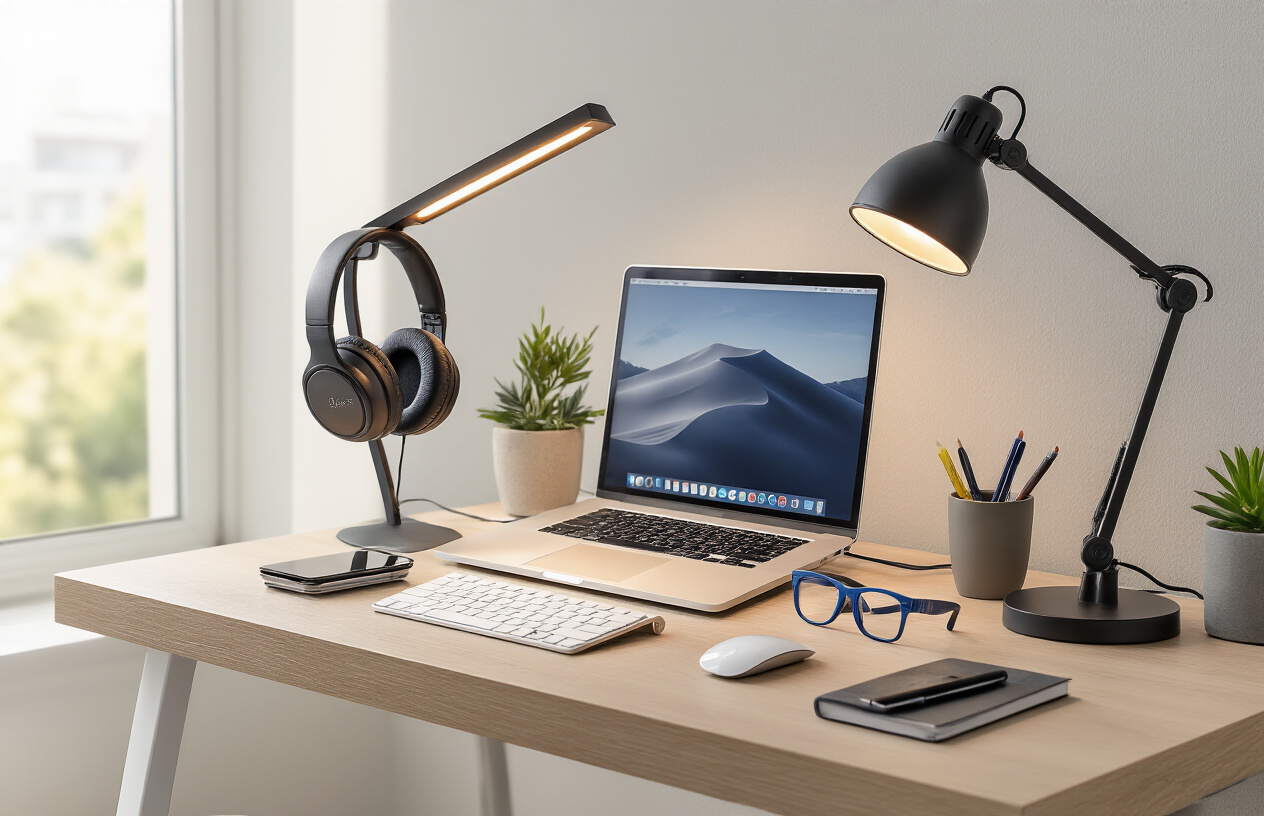
Working hunched over a laptop for hours wreaks havoc on your neck and back. Adjustable laptop stands transform your remote work setup by bringing your screen to eye level, creating a more natural viewing angle that reduces strain. These ergonomic office accessories come in various styles, from portable aluminum stands to full desktop risers with built-in cooling fans.
The Rain Design mStand remains a popular choice for MacBook users, crafted from solid aluminum that matches Apple's design aesthetic while providing excellent heat dissipation. For Windows users seeking versatility, the Roost Laptop Stand folds flat for travel yet extends to multiple height positions. Some stands include adjustable angles, letting you fine-tune the screen position throughout the day.
When paired with an external keyboard and mouse, laptop stands create a proper desktop setup that rivals traditional office configurations. Your shoulders relax, your head sits in neutral position, and productivity naturally increases when you're not fighting constant discomfort.
Blue Light Blocking Glasses for Eye Protection
Digital eye strain affects nearly every remote worker, causing headaches, dry eyes, and disrupted sleep patterns. Blue light blocking glasses filter harmful high-energy visible light emitted by screens, reducing these symptoms significantly. Modern designs look stylish enough for video calls while providing genuine health benefits.
Felix Gray and Warby Parker lead the premium market with prescription and non-prescription options that don't compromise on style. Budget-friendly alternatives from Cyxus or PROSPEK offer similar protection at lower price points. The key lies in finding glasses with proven blue light filtering technology rather than just yellow-tinted lenses.
Many remote workers report better sleep quality when wearing blue light glasses during evening work sessions. The reduced eye strain also means fewer headaches and less frequent breaks, directly boosting productivity during long work sessions.
Desktop Organizers for Clutter-Free Workspaces
A cluttered desk creates mental clutter that hampers focus and productivity. Home office tech essentials include smart storage solutions that keep cables, documents, and small items organized within arm's reach. The right organizer system transforms chaotic workspaces into efficient command centers.
Multi-compartment desk organizers with dedicated slots for pens, cables, and sticky notes create designated homes for every item. Bamboo organizers add natural warmth while providing sustainable storage, while acrylic options maintain a modern, minimalist aesthetic. Some organizers include wireless charging pads or USB hubs, combining organization with functionality.
Cable management deserves special attention in remote work setups. Under-desk cable trays, adhesive cable clips, and spiral cable wrap keep power cords and USB cables tidy. When everything has its place, you spend less time searching for items and more time focused on actual work.
Portable Whiteboards for Visual Planning
Visual thinking accelerates problem-solving and project planning. Portable whiteboards bring brainstorming capabilities to any work from home setup, whether you're sketching wireframes, mapping workflows, or simply jotting quick notes during calls. These tools work especially well for visual learners and creative professionals.
Desktop whiteboards range from simple magnetic boards to sophisticated glass surfaces with grid patterns. The Quartet Glass Desktop Computer Pad doubles as a mouse pad and writing surface, maximizing desk space efficiency. Larger wall-mounted options create dedicated brainstorming zones without permanent installation.
Digital alternatives like reMarkable tablets offer similar benefits with added convenience. You can save, share, and organize your visual notes while maintaining the natural feel of writing by hand. Some remote workers prefer traditional whiteboards for their immediate visual impact and the ability to step back and view the big picture.
Smart Lighting Solutions for Optimal Illumination
Poor lighting causes eye strain, reduces alertness, and impacts video call quality. Smart lighting solutions adapt throughout the day, providing bright, energizing light for morning productivity and warmer tones for evening focus. These productivity tools for remote workers automatically adjust to support your natural circadian rhythms.
Philips Hue and LIFX offer comprehensive smart lighting ecosystems with color temperature adjustment, scheduling, and integration with other smart home devices. Desk lamps with built-in USB charging ports combine task lighting with device power, reducing cable clutter while providing focused illumination for detailed work.
Ring lights aren't just for content creators – they provide even, flattering lighting for video conferences while reducing harsh shadows on your face. Position them behind your monitor for natural-looking illumination that makes you appear more professional and engaged during virtual meetings.
The investment in proper lighting pays dividends in reduced eye strain, better video presence, and improved mood throughout long work days.
Power and Connectivity Solutions for Uninterrupted Work

High-Capacity Power Banks for Device Longevity
Dead batteries can completely derail your productivity when you're working remotely. A reliable power bank becomes your lifeline when outlets are scarce or when you need to work away from your desk. Look for power banks with at least 20,000mAh capacity to keep your laptop, phone, and tablet charged throughout long work sessions.
The Anker PowerCore series offers excellent options for remote work gadgets, with models featuring multiple USB-C ports and fast charging capabilities. These power banks can charge a laptop 1-2 times and smartphones 4-6 times on a single charge. Some premium models even include wireless charging pads, eliminating the need for cables when charging compatible devices.
Power banks with pass-through charging allow you to charge the bank while it's powering your devices, creating an uninterrupted power supply. This feature proves invaluable during video conferences or important presentations when you can't afford power interruptions.
Multi-Port USB Hubs for Expanded Connectivity
Modern laptops often sacrifice ports for sleek designs, leaving remote workers scrambling for connectivity options. A quality USB hub transforms your limited ports into a comprehensive connection center for all your work from home accessories.
Look for hubs with a mix of USB-A and USB-C ports, along with HDMI outputs for external monitors. The best home office equipment includes hubs that support 4K video output and fast data transfer speeds. Some premium models offer Ethernet ports for stable internet connections and SD card slots for easy file transfers.
Consider hubs with individual power switches for each port, allowing you to control which devices draw power. This prevents your laptop battery from draining unnecessarily and reduces heat generation during extended use.
Reliable Wi-Fi Extenders for Stronger Internet Signals
Weak internet signals can turn productive work days into frustrating experiences filled with dropped calls and slow file uploads. Wi-Fi extenders boost your connection strength, ensuring reliable internet throughout your workspace.
Mesh network systems like Eero or Google Nest Wifi create seamless coverage across larger homes, eliminating dead zones that plague traditional routers. These systems work together to provide consistent speeds, automatically connecting your devices to the strongest signal source.
For smaller spaces, plug-in extenders offer affordable solutions that significantly improve signal strength. Look for models with gigabit Ethernet ports for wired connections when wireless performance isn't sufficient for bandwidth-intensive tasks like video editing or large file transfers.
Smart extenders with app controls let you monitor network performance, prioritize devices, and troubleshoot connection issues remotely, making them essential productivity tools for remote workers who depend on stable internet connectivity.
Comfort and Health Gadgets for Long Work Sessions

Ergonomic Office Chairs for Spine Support
Working from home means spending countless hours in your chair, making spine health absolutely crucial for long-term productivity and wellbeing. The right ergonomic office accessories can transform your home office tech essentials setup from a pain-inducing nightmare into a comfortable workspace that supports your body throughout the day.
Quality ergonomic chairs feature adjustable lumbar support that follows your spine's natural curve, reducing pressure on your lower back. Look for chairs with adjustable seat height, armrests, and backrest tilt to customize your sitting position. Memory foam cushioning distributes weight evenly, while breathable mesh backs prevent overheating during extended work sessions.
Popular options include the Herman Miller Aeron, which offers excellent ventilation and adjustable PostureFit support, or budget-friendly alternatives like the Steelcase Series 1, providing professional-grade ergonomics at a fraction of the cost. Many remote work gadgets enthusiasts recommend investing 10-15% of your annual income in a quality chair since you'll use it 40+ hours weekly.
Key features to prioritize include 360-degree swivel capability, smooth-rolling casters for different floor types, and weight capacity matching your needs. Chairs with headrests benefit taller users, while adjustable armrests prevent shoulder strain and wrist issues that commonly plague remote workers.
Standing Desk Converters for Active Working
Sitting all day wreaks havoc on your metabolism, posture, and energy levels. Standing desk converters offer an affordable solution for transforming any regular desk into a height-adjustable workspace without completely renovating your work from home setup.
These converters sit on top of your existing desk and provide separate platforms for your monitor and keyboard. Electric models offer smooth, quiet height adjustment at the touch of a button, while manual options use gas springs or counterbalance systems for easy lifting. The VARIDESK Pro Plus 36 and Flexispot Standing Desk Converter lead the market with sturdy construction and ample workspace.
Start with 15-30 minute standing intervals and gradually increase duration as your body adapts. Many remote workers find alternating every hour prevents fatigue while boosting energy and focus. Anti-fatigue mats complement standing converters by reducing pressure on feet and legs.
Consider your monitor setup when choosing converters. Dual-monitor users need wider platforms, while laptop users might prefer compact designs with built-in laptop stands. Some models include removable keyboard trays that slide under the main surface when not needed, maximizing desk space efficiency.
Foot Rests for Lower Body Comfort
Often overlooked in remote work productivity gadgets discussions, foot rests significantly impact circulation, posture, and overall comfort during long work sessions. Proper foot positioning reduces pressure on your thighs, improves blood flow, and helps maintain the ideal 90-degree angle at your knees.
Adjustable footrests accommodate different leg lengths and sitting preferences. Tilt-adjustable models let you rock your feet gently, promoting circulation and reducing stiffness. Cushioned surfaces provide comfort during barefoot work sessions, while textured tops offer gentle massage benefits that many remote workers find energizing.
Under-desk hammock-style footrests have gained popularity among work from home accessories enthusiasts for their unique swinging motion that engages leg muscles and prevents stiffness. Traditional platform-style rests work better for users who prefer stable foot positioning and formal posture.
Height-adjustable options range from 4-8 inches, accommodating various desk heights and user preferences. Some models include heating elements for cold home offices, while others feature built-in massage rollers for active foot stimulation during video calls or focused work periods.

The right gadgets can make all the difference between a frustrating remote work experience and a productive, comfortable one. From reliable communication tools that keep you connected with your team to ergonomic accessories that support your health during long work sessions, investing in quality equipment pays off in improved efficiency and job satisfaction. Power solutions and connectivity tools ensure you never miss an important call or lose work due to technical issues, while workspace enhancement gadgets help you maintain focus in any environment.
Your remote work setup doesn't need to break the bank, but it's worth prioritizing the gadgets that directly impact your daily workflow. Start with the essentials like a good headset and reliable internet backup, then gradually add productivity boosters and comfort items as your needs evolve. The goal is creating a workspace that supports both your professional performance and personal well-being, no matter where you choose to work.



0 Comments