Top 5 Mechanical Keyboards for Gaming & Productivity
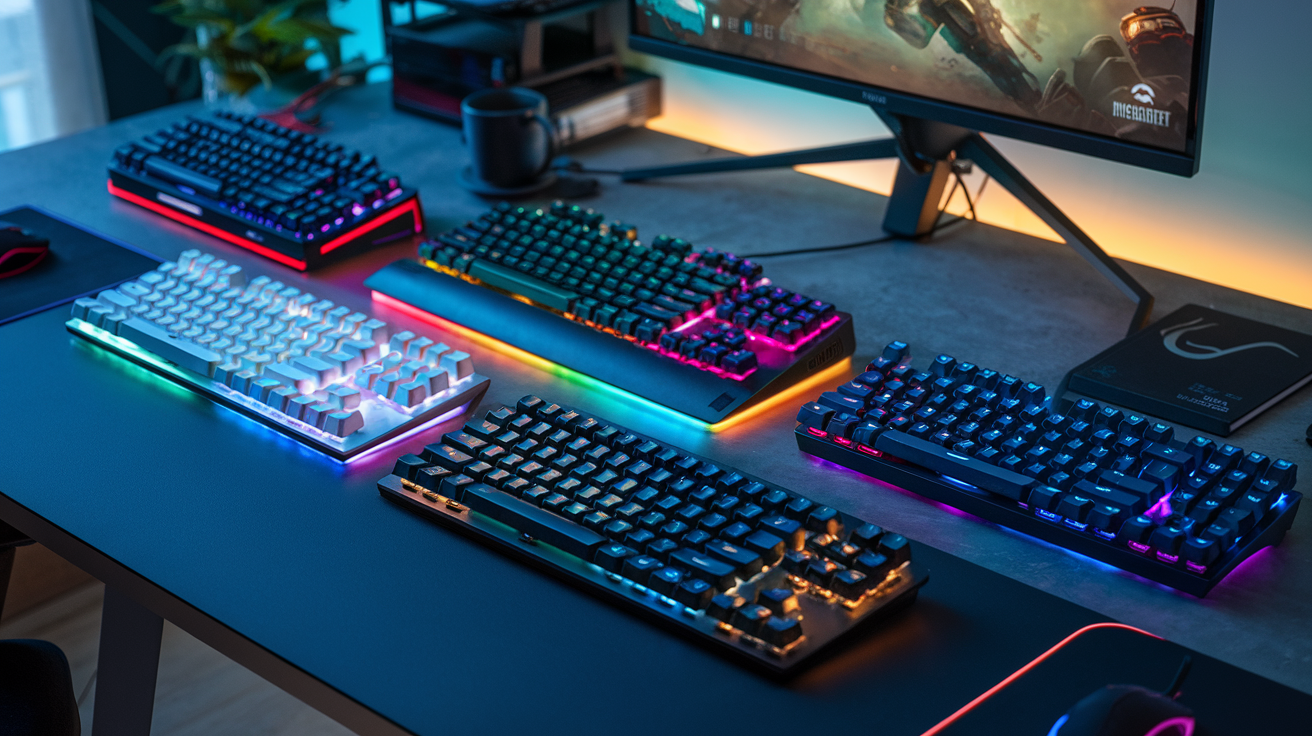
Ever found yourself rage-quitting a game because your mushy keyboard couldn't keep up? Or maybe your fingers are quietly hating you after a marathon coding session on those flat laptop keys?
The right mechanical keyboard can be the difference between "meh" and "wow" in both your gaming victories and workday productivity. And unlike what most tech bros will tell you, you don't need to spend half your paycheck to get one that performs.
In this no-fluff guide, we're cutting through the marketing noise to bring you the top 5 mechanical keyboards that actually deliver on their promises. These boards nail the perfect balance of tactile satisfaction, performance, and value.
But before we reveal our top pick (which surprisingly outperformed keyboards twice its price), let's talk about what actually matters in a mechanical keyboard...
What Makes a Great Mechanical Keyboard
Key Switches: Understanding Different Types
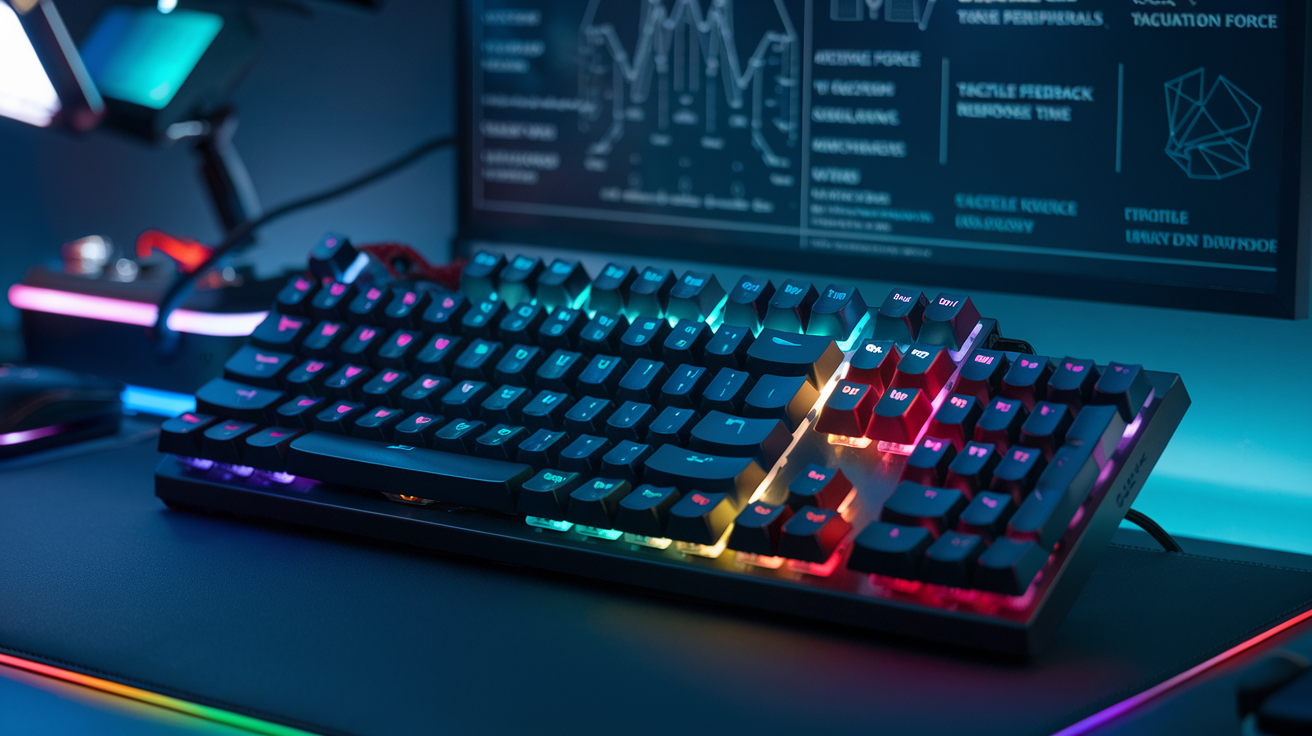
Mechanical keyboards aren't all created equal, and it all starts with the switches. These tiny mechanisms under each keycap fundamentally define how your keyboard feels and sounds.
Cherry MX switches dominate the market, but they're just the beginning. Red switches offer a smooth, linear feel with minimal resistance – perfect for gaming where speed matters. Blues deliver that classic "clicky" feedback that typing enthusiasts crave, though your coworkers might not appreciate the noise. Browns hit the sweet spot between typing and gaming with a tactile bump but no loud click.
Beyond Cherry, you've got options like:
-
Gateron: Smoother than Cherry, often at a lower price
-
Kailh: Wide variety including speed switches with shorter actuation points
-
Zealios: Premium tactile switches with a pronounced bump
-
Holy Pandas: The typing enthusiast's dream with unique tactile feel
The right switch comes down to what you want. Gamers often prefer linear switches for their speed, while writers might opt for tactile or clicky switches for feedback. Testing different switches before buying is always smart – what feels perfect to someone else might drive you crazy.
Build Quality and Durability Factors
The difference between a keyboard that lasts three months versus three years? Build quality.
Premium mechanical keyboards typically feature a metal plate (aluminum or steel) that houses the switches, preventing flex while typing. This solid foundation means stability during intense gaming sessions or marathon writing days.
The case materials matter too. Cheap plastic cases feel... well, cheap. Higher-end keyboards use:
-
Aircraft-grade aluminum for lightweight durability
-
Steel for ultimate stability (though heavier)
-
PBT plastic for keycaps that resist shine and wear
PCB quality isn't something you can see, but it's crucial. Double-layered PCBs with gold-plated connections resist corrosion and ensure reliable performance for years.
Water and dust resistance might not seem important until you've spilled coffee on your $200 keyboard. IP ratings (like IP44) tell you exactly how protected your investment is.
Hot-swappable sockets are becoming standard in quality boards, letting you change switches without soldering – extending your keyboard's useful life dramatically.
Customization Options for Personal Preference
Mechanical keyboards shine when it comes to making them truly yours.
Keycaps are the most visible customization. From simple colorways to artisan caps hand-crafted like miniature sculptures, they transform both aesthetics and typing feel. PBT keycaps offer superior durability over ABS, with less shine developing over time.
Software customization varies wildly between brands:
-
QMK firmware lets you program every key to do exactly what you want
-
Macro recording allows complex commands with a single keystroke
-
RGB lighting can be purely decorative or functional (highlighting specific keys)
Some keyboards offer swappable top plates, letting you change the entire color scheme without buying a new board.
The rabbit hole goes deeper with custom cables, sound dampening foam, and even different springs for your switches. What starts as a simple keyboard purchase often evolves into a deeply personal setup that perfectly matches your workflow and aesthetic preferences.
The best part? A properly customized keyboard feels like an extension of your hands rather than just another peripheral.
Ergonomics and Comfort for Extended Sessions
Your wrists and fingers will thank you for paying attention to ergonomics. When you're spending 8+ hours daily on a keyboard, comfort isn't luxury – it's necessity.
Keyboard angle matters more than most realize. A slight positive tilt (rear higher than front) was standard for years, but ergonomics research suggests a negative tilt or flat position reduces strain. Many quality keyboards include adjustable feet to dial in your perfect angle.
Wrist rests aren't just accessories – they help maintain proper wrist alignment. Memory foam offers cushioning while firmer options provide better support. Some keyboards include detachable wrists rests, while others require separate purchases.
Key layout significantly impacts comfort:
-
Standard 100% layouts include everything but take up desk space
-
TKL (tenkeyless) removes the numpad for better mouse positioning
-
75% and 65% layouts further reduce size while retaining function keys
-
Split keyboards separate hands to reduce shoulder tension
Programmable layers let you bring rarely-used keys within easy reach, reducing awkward hand movements. The best ergonomic setup minimizes stretching and contorting your hands while keeping necessary functions accessible.
Remember: the most beautiful, feature-packed keyboard becomes worthless if it causes pain during use. Comfort should never be compromised.
Top Gaming Mechanical Keyboards
Best for Fast-Paced FPS Games
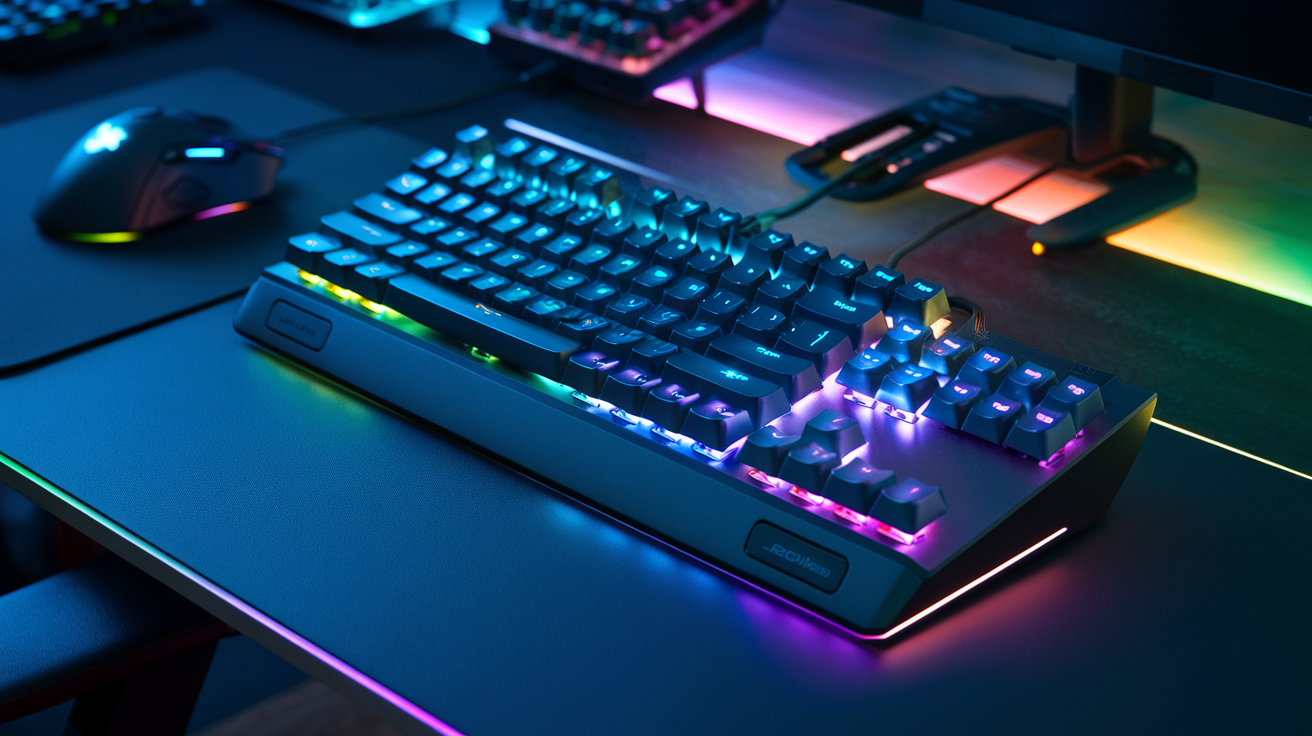
Gaming at breakneck speeds demands keyboards that can keep up. The Razer Huntsman V2 is currently crushing the competition for FPS gamers. Its optical switches register keypresses at ridiculous speeds - we're talking 0.2ms response times. When you're in the middle of a Valorant clutch, that split-second difference actually matters.
The SteelSeries Apex Pro takes a different approach with adjustable actuation points. Feel like dominating in CS2 today? Crank those keys to register at the slightest touch. Need more precision for another game? Adjust accordingly. No other keyboard gives you this level of control.
For budget-conscious gamers, the HyperX Alloy Origins Core packs optical switches at half the price of premium options. I've tested it through hundreds of Apex Legends matches and the performance difference compared to $200+ keyboards is surprisingly minimal.
RGB Lighting Features That Enhance Gaming Experience
RGB isn't just about looks anymore. The Corsair K100's dynamic lighting system syncs with over 170 games to provide real-time feedback. Your keyboard literally turns red when you're low on health in Fortnite or pulses with your ultimate cooldown in Overwatch 2.
Logitech's G915 takes this further with zone-based lighting that highlights only the keys you need for specific games. Playing an MMO? Your ability hotkeys light up in one color while movement keys shine in another.
The Asus ROG Strix Scope RX offers "Aura Sync" technology that coordinates lighting across all your compatible peripherals. Your entire setup can pulse with the same patterns, creating an immersive environment that actually improves spatial awareness during intense gaming sessions.
Programmable Macro Keys for Competitive Edge
Macros aren't cheating - they're smart gaming. The Corsair K95 RGB Platinum XT features six dedicated macro keys that can be programmed to execute complex command sequences with a single press. Imagine instantly building a Fortnite structure or perfectly timing ability combos in League of Legends.
For MMO enthusiasts, nothing beats the Logitech G600. With 12 programmable buttons under your thumb, you can map entire rotations without taking your left hand off movement keys. I've seen DPS numbers jump by 15-20% just from this optimization alone.
The Razer Blackwidow V3 Pro takes a different approach with "Hypershift" technology, effectively doubling every key's function. Activate Hypershift and suddenly your entire keyboard becomes a macro playground. This versatility is perfect for gamers who bounce between different titles.
Low Latency Options for Professional Gamers
When money's on the line, every millisecond counts. The SteelSeries Apex Pro Mini Wireless achieves an unprecedented 0.7ms response time despite being wireless. This demolishes the myth that pro gamers must use wired keyboards.
The Mountain Everest Max combines a blazing 1000Hz polling rate with hot-swappable switches, letting pros customize not just software but hardware latency. Several esports teams now maintain different switch configurations for different game genres.
For the absolute lowest latency possible, the Wooting 60HE employs analog hall effect switches with adjustable actuation points down to 0.1mm. This technology eliminates the debounce delay entirely, creating the most responsive gaming experience money can buy in 2025.
Wireless vs. Wired Gaming Keyboards
The wireless vs. wired debate is basically dead in 2025. Logitech's LIGHTSPEED technology in their G915 TKL delivers 1ms response times indistinguishable from wired connections, with 40+ hours of battery life on a single charge.
Razer's BlackWidow V3 Mini HyperSpeed connects three ways - Bluetooth for casual use, HyperSpeed for gaming, and USB-C when charging. This versatility means you're never compromised regardless of the situation.
The only remaining advantage for wired keyboards is their set-it-and-forget-it nature. But with new keyboards like the Keychron Q1 Pro featuring passthrough charging, you can game wirelessly while simultaneously charging. The difference now comes down to desk aesthetics and personal preference rather than performance.
Best Mechanical Keyboards for Productivity
Noise Levels for Office Environments
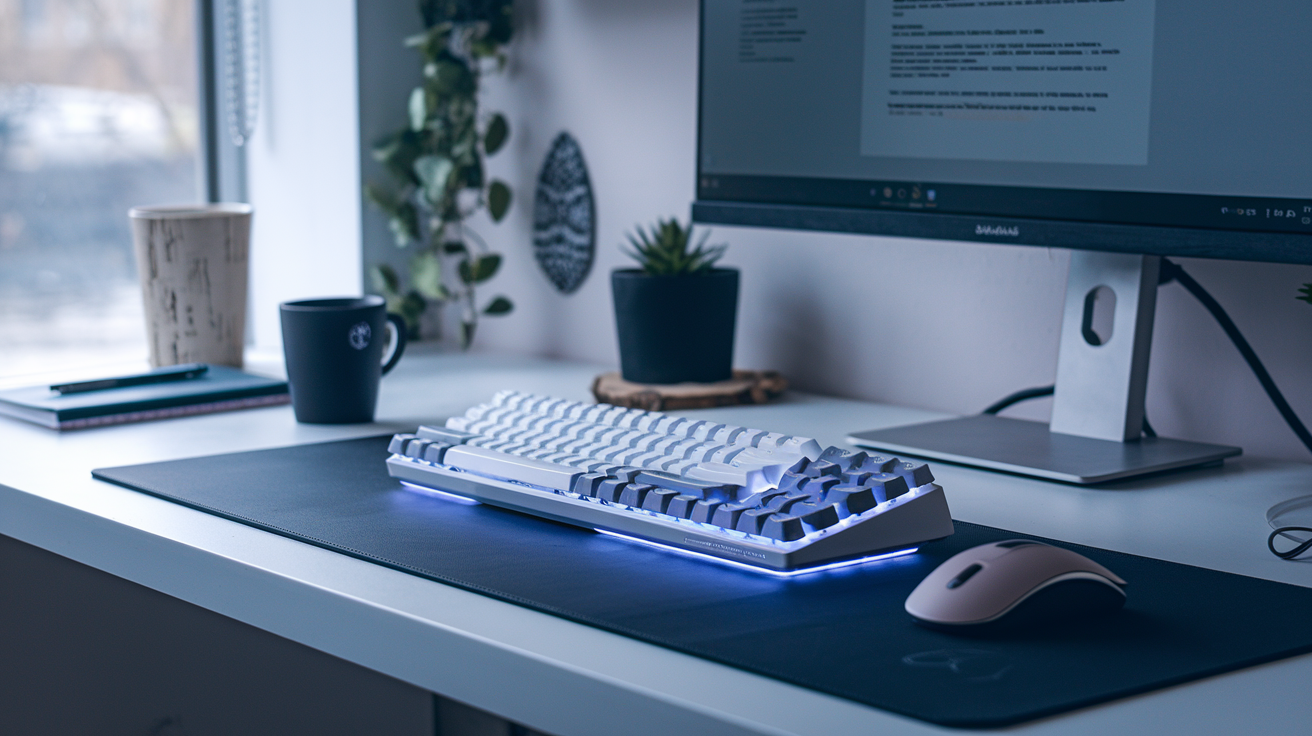
Working in an open office? Your keyboard choices matter more than you think. That clicky mechanical keyboard might feel amazing under your fingers, but your coworkers might be plotting your demise after hearing "click-clack" for eight hours straight.
Silent mechanical keyboards are game-changers for office environments. Look for switches like Cherry MX Silent Reds or Gateron Silent Browns that deliver that satisfying mechanical feel without the noise pollution. The Logitech MX Keys and Keychron K1 SE both offer excellent typing experiences with noise levels that won't get you dirty looks from across the room.
Some manufacturers even add sound dampening foam inside their keyboards to reduce noise further. Trust me, your coworkers will thank you.
Layout Options for Efficiency
Productivity ninjas know that keyboard layout can make or break your workflow. Full-sized keyboards give you everything including the numpad, but they take up precious desk real estate.
TKL (tenkeyless) designs strike a nice balance, removing just the numpad while keeping everything else. If you're ready to go even smaller, 75% and 65% layouts trim away unused keys while maintaining function keys and arrows for maximum efficiency.
Programmable keys are productivity gold mines. The Drop CTRL and Das Keyboard 5QS let you assign macros, shortcuts, and entire text snippets to single keypresses. Imagine sending an entire email template with one button!
Some productivity powerhouses even offer split ergonomic designs like the Kinesis Freestyle Edge, reducing wrist strain during those marathon typing sessions.
Multi-Device Connectivity Features
Jumping between devices is the new normal. The best productivity keyboards let you seamlessly switch from your work laptop to your personal tablet with the press of a button.
Logitech's MX Keys series shines here, connecting to up to three devices simultaneously through Bluetooth or their Unifying receiver. Just hit Fn+1/2/3 to instantly switch between your computer, tablet, and phone.
Keychron's wireless models also offer excellent multi-device support, typically allowing three simultaneous Bluetooth connections plus a wired option when you need reliability over convenience.
The real power move? Keyboards like the Logitech K780 include device cradles to prop up your phone or tablet while you type. Perfect for referencing information or responding to messages without constant device-switching.
Battery Life Considerations for Wireless Models
Nothing kills productivity faster than a dead keyboard mid-workday. For wireless productivity champions, battery life isn't just a spec—it's peace of mind.
The battery champ is undoubtedly the Logitech MX Keys, boasting up to 10 days with backlighting on, or an impressive 5 months with lights off. Keychron's K series typically offers 70+ hours of continuous use with RGB lighting disabled.
Remember that backlight settings dramatically impact battery life. Many keyboards offer smart lighting that activates only when your hands approach the keys, saving precious battery when you're not actively typing.
Charging options matter too. USB-C quick charging can give you a full day's use from just 15 minutes plugged in. Some models like the Razer Pro Type Ultra even support wireless charging pads, eliminating cable clutter entirely.
Price-to-Performance Analysis
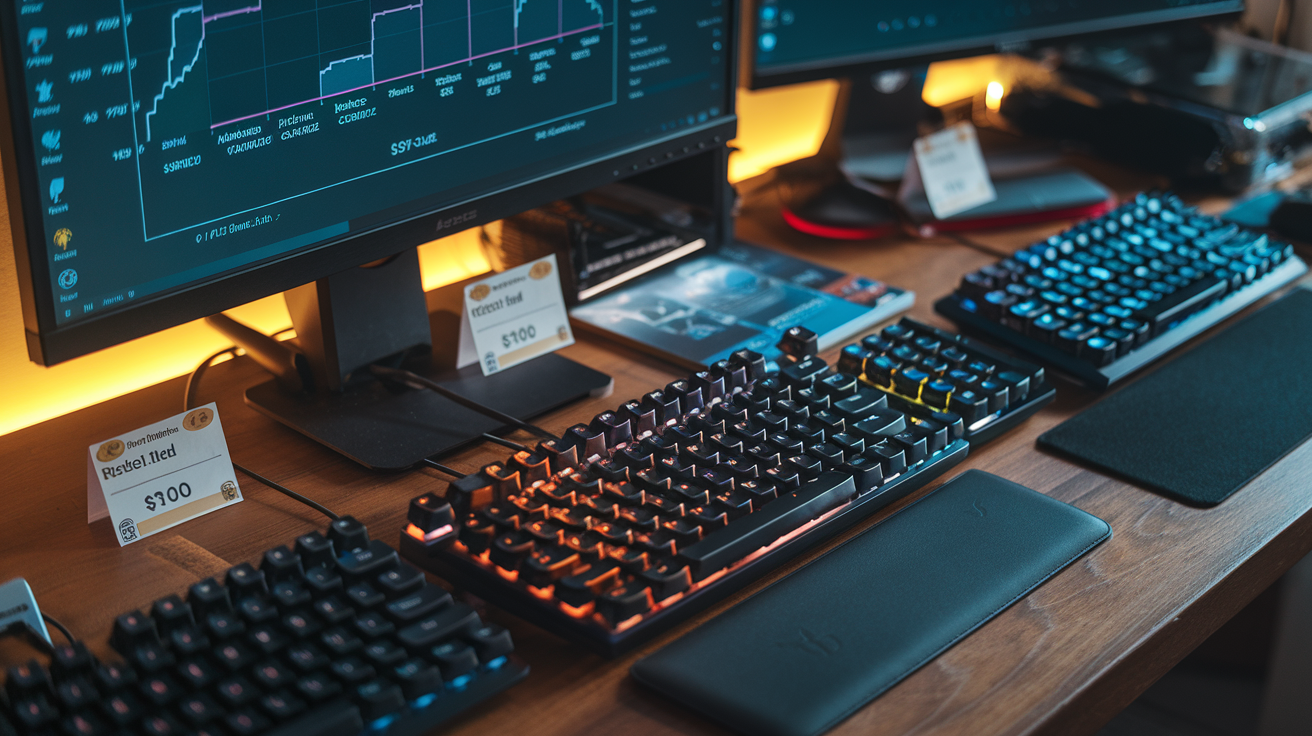
Budget-Friendly Options Under $100
The keyboard market has exploded with affordable options that pack serious punch without emptying your wallet. The Redragon K552 KUMARA ($45) tops our budget list with its clicky blue switches and surprising build quality. It's not the quietest option, but you get that satisfying tactile feedback gamers love.
For something quieter, the Royal Kludge RK61 ($60) offers a compact 60% layout with brown switches that won't drive your roommates crazy. Its wireless capability is a bonus most budget keyboards skip.
Don't sleep on the Keychron C2 ($59). This full-sized beast gives you premium PBT keycaps and hot-swappable switches – features usually reserved for keyboards twice the price. Perfect for typists who occasionally game.
| Keyboard | Price | Key Features |
|---|---|---|
| Redragon K552 | $45 | Mechanical blue switches, RGB, TKL layout |
| Royal Kludge RK61 | $60 | 60% layout, wireless/wired, brown switches |
| Keychron C2 | $59 | Full-sized, hot-swappable, PBT keycaps |
Mid-Range Keyboards with Premium Features
The sweet spot in mechanical keyboards sits right around $150, where you start getting serious upgrades without premium price tags.
The Ducky One 3 ($119) delivers exceptional typing feel with its premium stabilizers and thick PBT keycaps. The build quality feels like it should cost way more.
Gamers should check out the Glorious GMMK Pro ($169). It's technically over our mid-range ceiling, but this hot-swappable, gasket-mounted keyboard with a rotary knob delivers a premium typing experience that rivals $300+ customs.
For productivity warriors, the Leopold FC900R ($129) skips the RGB light show but offers unmatched typing quality with Cherry MX switches and thick doubleshot PBT keycaps that will last forever.
High-End Models and What They Offer
When you venture above $200, you're paying for refinement, customization, and premium materials that transform typing into a true pleasure.
The Drop CTRL ($249) uses a solid aluminum frame, hot-swappable switch sockets, and incredibly customizable RGB lighting. Each keystroke feels deliberate and satisfying.
True keyboard enthusiasts swear by the custom-built RAMA WORKS KARA ($260). Its polycarbonate case creates a unique "thocky" sound profile that keyboard ASMR dreams are made of.
The ultimate splurge? The Topre Realforce R2 ($299). Its electrostatic capacitive switches offer a typing experience that's almost supernatural – cloud-like yet precise, with variable actuation points that adapt to your typing style.
What makes these worth the premium? The typing experience is simply on another level – from the sound signature to the tactile feedback to the durability that means they'll outlast multiple computers.
How to Choose the Right Mechanical Keyboard for Your Needs

Assessing Your Primary Use Case
The keyboard jungle is wild, folks. Gaming keyboards pack RGB light shows and rapid-fire switches, while productivity boards focus on comfort for those marathon typing sessions.
So what's your jam? If you're crushing opponents in FPS games, you'll want switches with short actuation points and rapid response times. Linear switches like Cherry MX Reds or Speed Silvers let you double-tap keys faster than you can blink.
Coding or writing all day? Tactile switches like Cherry MX Browns or Clears give your fingers that satisfying bump without annoying your office neighbors. The physical feedback reduces typos and finger fatigue.
For spreadsheet ninjas, a numpad is non-negotiable. And if you're constantly switching between devices, look for multi-device connectivity.
Key Features Worth Paying Extra For
Not all keyboard upgrades are worth the cash, but these absolutely are:
Hot-swappable switches – Because changing your mind shouldn't require a soldering iron.
PBT keycaps – They don't get that gross shine after months of use, and they feel way better than cheap ABS plastic.
Gasket mounting – Creates that bouncy, cushioned typing feel that makes even Monday morning emails less painful.
Programmable layers – Custom shortcuts and macros that'll make you feel like a keyboard wizard.
Sound dampening – Foam, silicone, and tape mods come pre-installed in premium boards, creating that deep, satisfying "thock" sound rather than an annoying clack.
Compatibility with Your Setup
The coolest keyboard is useless if it doesn't play nice with your setup.
First, connection type matters. Wired keyboards offer zero latency (crucial for competitive gaming), while wireless gives you freedom. Bluetooth multi-device switching is a game-changer if you bounce between laptop, tablet, and desktop.
Check the OS compatibility too. Some keyboards are Mac-focused, others Windows-centric, and the best ones handle both with dedicated keycaps and software support.
Form factor affects your desk space. Full-size boards include numpads but eat up mouse real estate. 75% and 65% layouts strike that sweet spot between functionality and space-saving.
Warranty and Customer Support Considerations
The mechanical keyboard rabbit hole gets expensive fast. Protect your investment by checking:
Warranty length – Quality boards offer 2+ years of coverage. Gaming brands like Razer and Corsair typically offer better warranties than budget options.
Replaceable parts – Can you order individual keycaps or switches if something breaks?
Community support – Strong communities around brands like Keychron, Ducky, and Glorious mean troubleshooting help and customization ideas.
Software updates – Good companies maintain their keyboard software for years, not months.
Remember, the company that answers your frantic email about a broken spacebar at 11 PM deserves your business more than one with slightly fancier RGB.

Finding the perfect mechanical keyboard can significantly enhance both your gaming performance and work productivity. The right keyboard combines responsive switches, durable construction, customization options, and ergonomic design to meet your specific needs. Whether you're seeking the competitive edge with a gaming-focused model or prioritizing comfort during long work sessions, today's market offers exceptional options across various price points.
Remember to consider your primary use case when making your selection. Evaluate the switch type that feels best under your fingers, assess build quality, determine which features matter most to you, and establish your budget boundaries. By balancing these factors, you'll discover a mechanical keyboard that not only performs admirably but also provides a satisfying typing or gaming experience for years to come.



0 Comments